Workflow State
A Workflow State is a state in the workflow you create.
Before or after implementing various Workflow Actions on them, distinct Workflow States may be reached. You can choose the states for a workflow from the Workflow States menu if you wish to construct one that requires multiple manager, senior management, general manager, etc. approvals.
The following Workflow States are produced by default in Geer ERP:
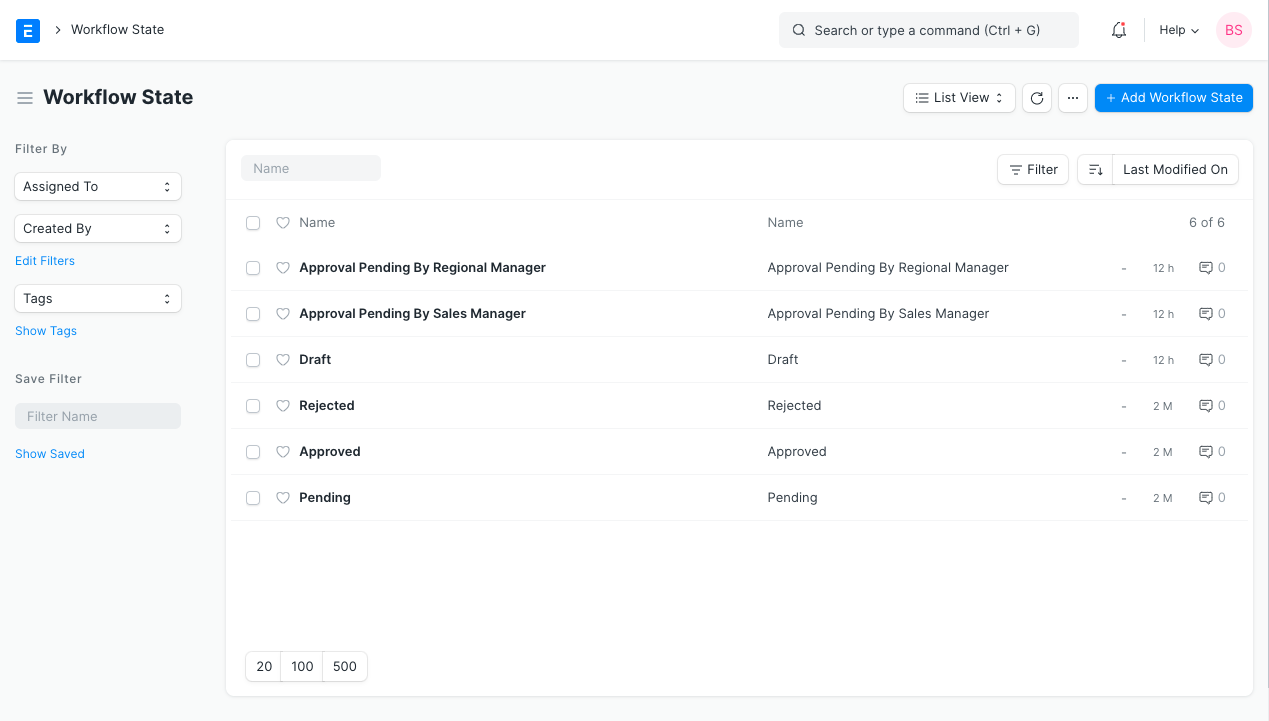
The Workflow States can have different colors according to the state.
- Success - Green
- Danger - Red
- Inverse - Black
- Primary - Dark Blue
- Info - Light Blue
- Warning - Orange
Document statuses:
- Saved = 0
- Submitted = 1
- Canceled = 2