Mode of Payment
The Mode of Payment stores the medium through which payments are made or received.
To access the Mode of Payment list, go to:
Home > Accounting > Settings > Mode of Payment
1. How to create a Mode of Payment
- Click on New from the Mode of Payment list.
- Give the mode of payment a name.
- You can choose a kind from Cash, Bank, or General. Knowing the payment method utilized at the point of sale is helpful (PoS).
- Establish a default payment account for each business.
- Save.
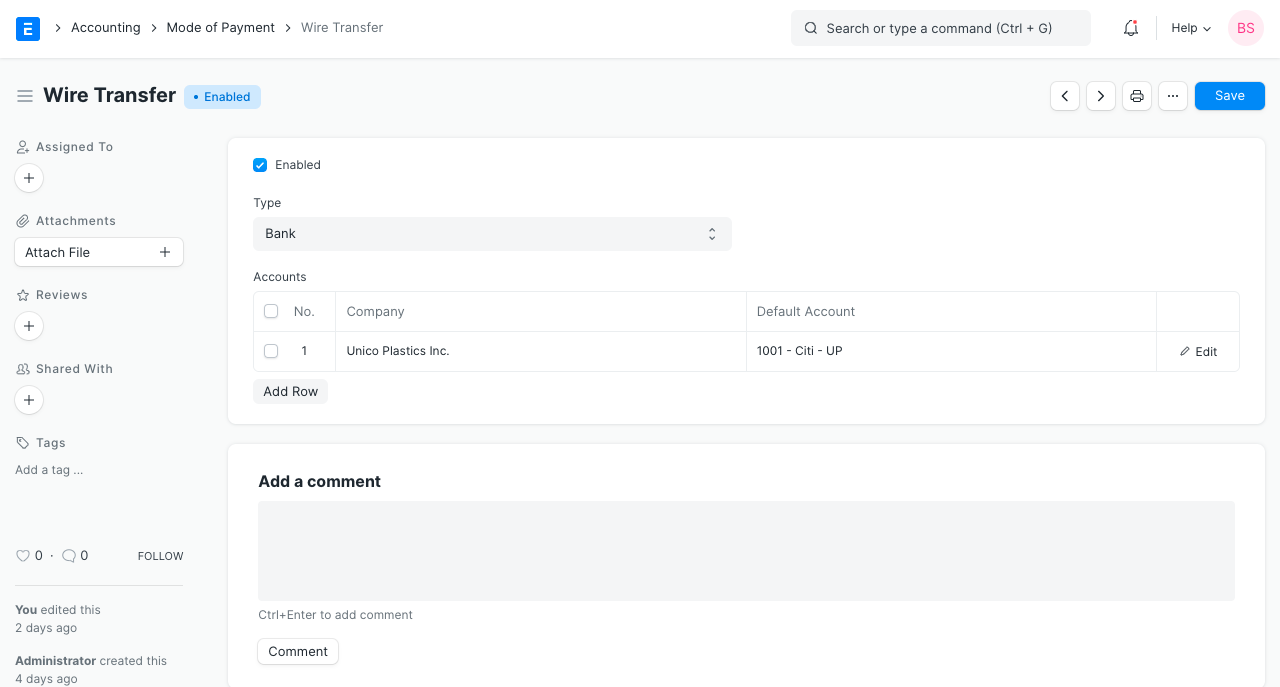
Tip: Setting the default Account will this account fetched into Payment Entries.
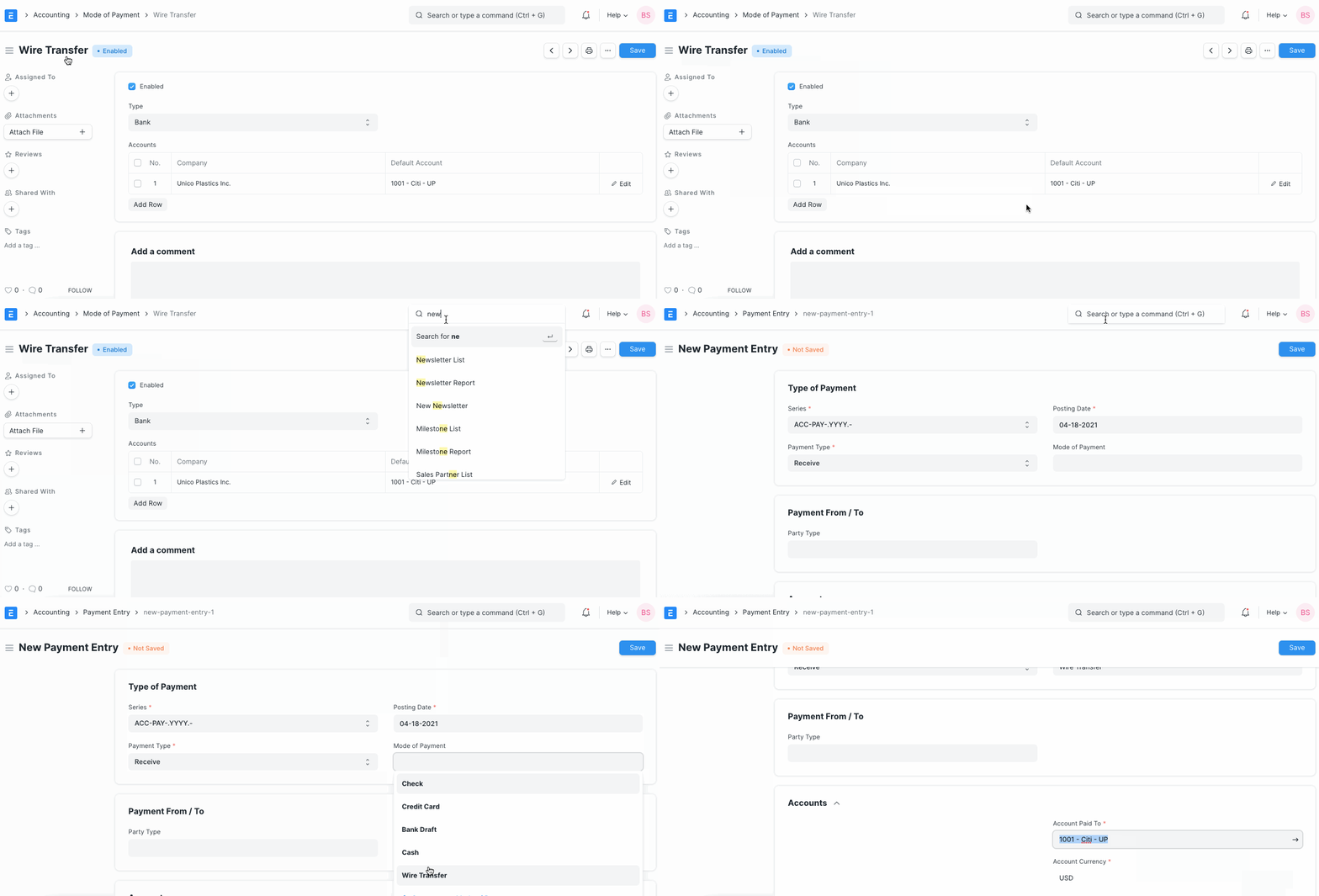
Note: When making Payment Entries, the default bank account will be fetched in the following order if set:
- Company form
- Mode of Payment default account
- Customer/Supplier default bank account
- Select manually in Payment Entry