CRM Reports
CRM Reports
The reports function of the CRM module aids users in learning more about prospects. The following reports will enable users of ERPNext to assess information on a prospect's previous interactions with a business and will support users in forging strong bonds with prospects. These reports can be found under CRM > Reports.
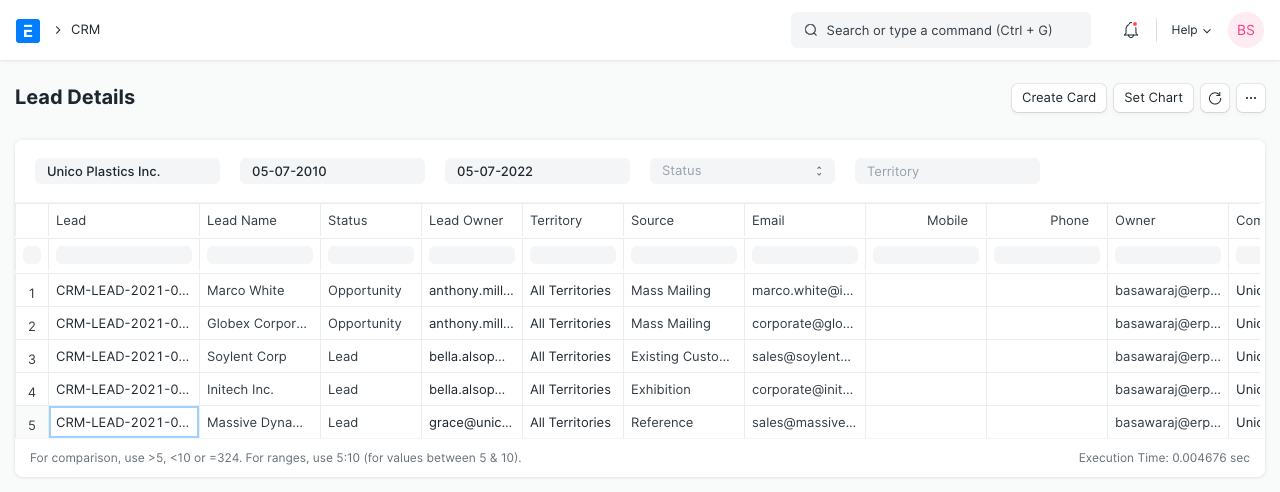
1. Lead Details
Name, address, phone number, email, source, and other information about the lead are all included in this report
2. Sales Funnel
You may get an overview of your potential clients by using the sales funnel report and quantifying the number of prospects at each stage of the process.
For further information, see Sales Funnel.
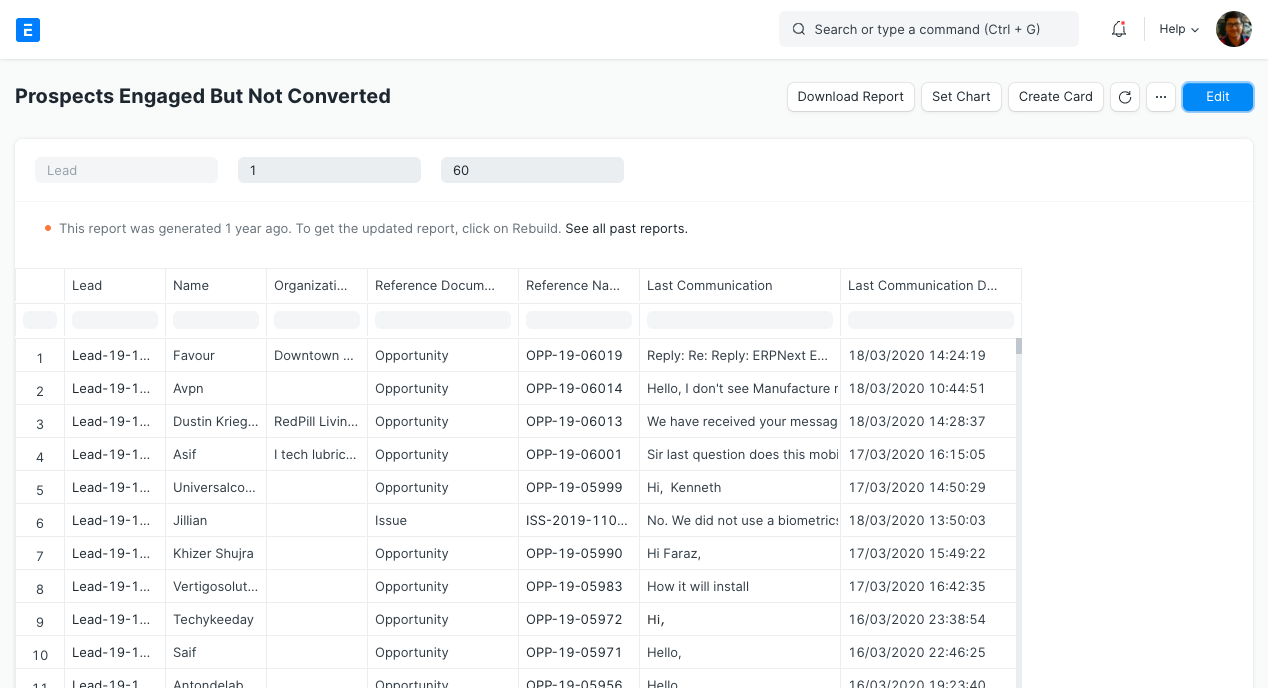
3. Prospects Engaged But Not Converted
By using this report, the user can learn more about the leads who shown interest in doing business with you but were ultimately unsuccessful in becoming clients.
4. Minutes to First Response for Opportunity
We all need quicker responses to our inquiries in this online era. This report provides information on the length of time sales representatives took to respond to an opportunity. The faster the average first response time, the better.
The date range for which you want to analyze the minutes to first answer is inputtable. On top, a line graph is displayed, and at the bottom, date-specific information.
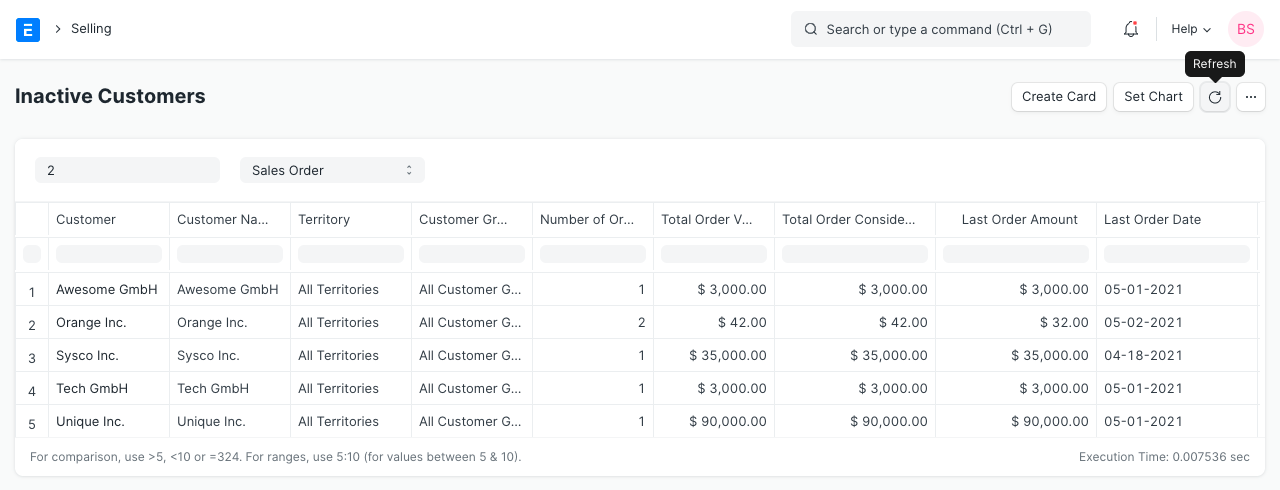
5. Inactive Customers
The list of consumers who haven't made a purchase in a certain number of days is displayed in this report. The "Days Since Last Order" filter allows you to specify the amount of days. Moreover, you may specify whether the DocType filter should take into account Sales Orders or Sales Invoices.
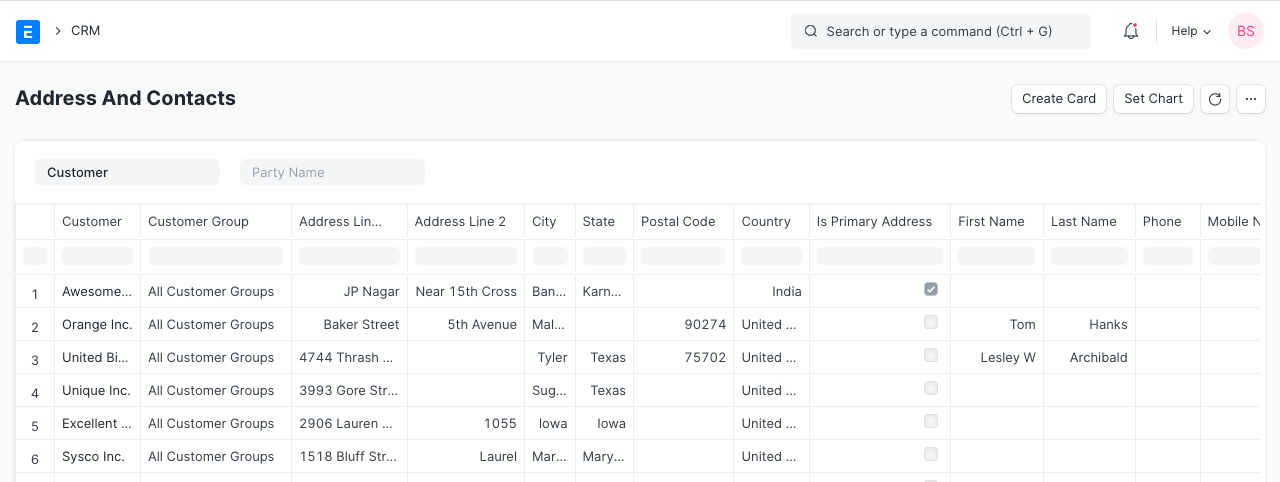
6. Address And Contacts
When you choose Customer under "Party Type," the report will include all customers' addresses and contact information.
Also, you may choose a specific consumer under "Party Name" and the report will display their address and contact information.
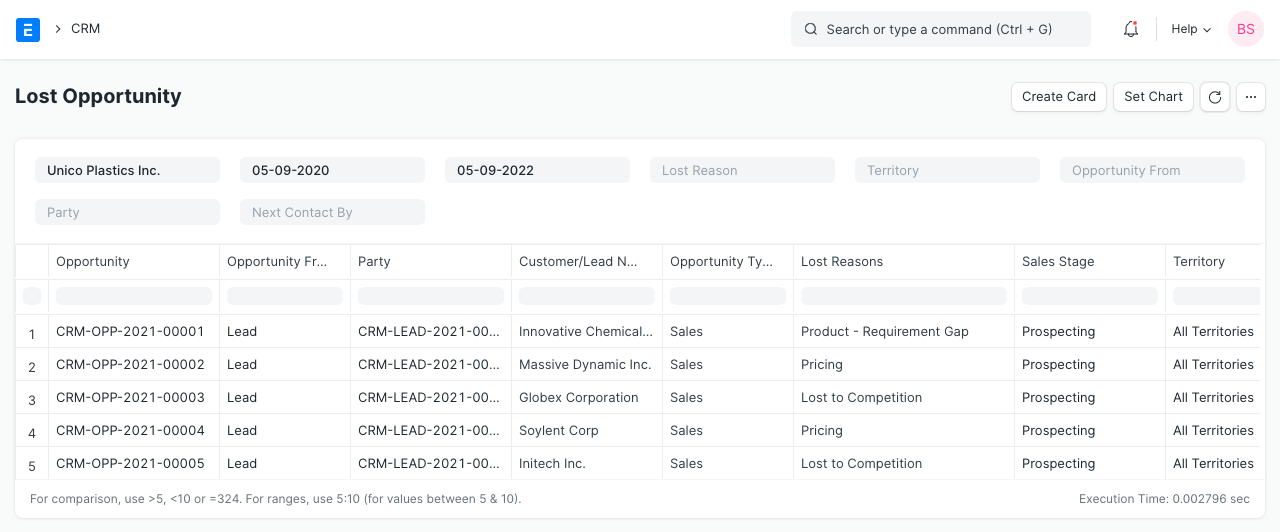
7. Lost Opportunity
This report includes information on Lost Opportunities, such as the opportunity's origin, party, customer name, loss causes, sales stage, territory, and other specifics.