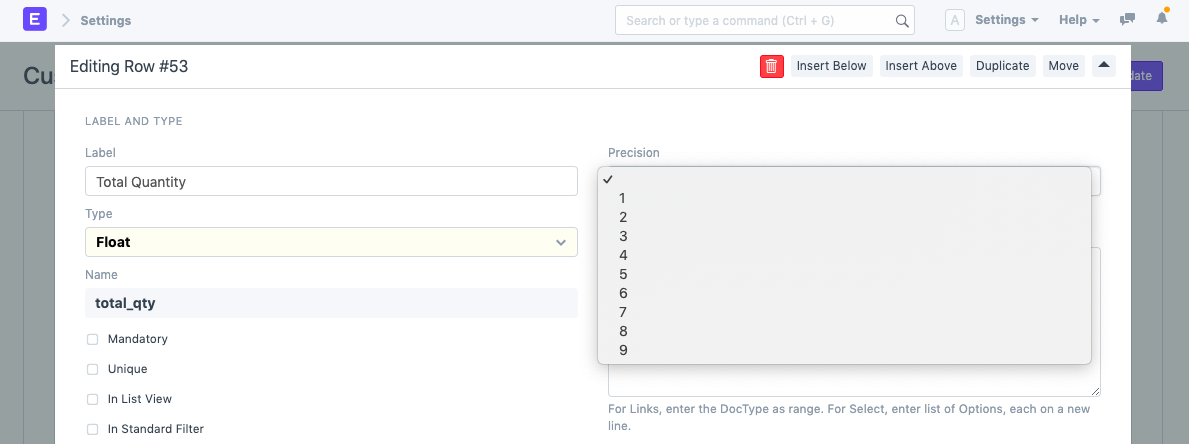
Set Precision
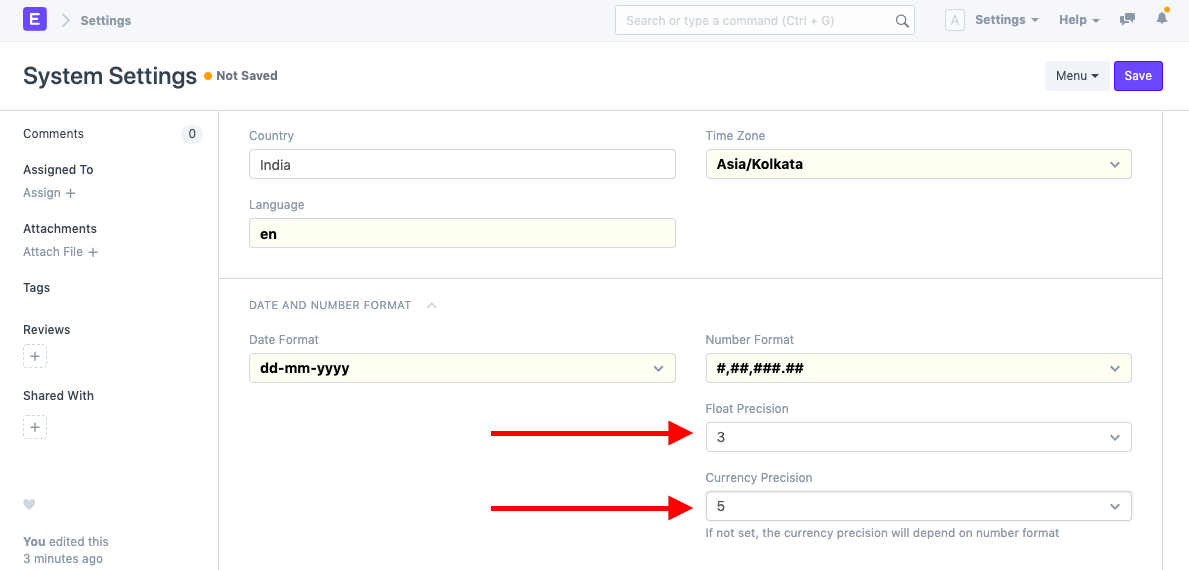
The default precision for the Float, Currency, and Percent fields in Geer ERP is three. You can enter values with up to three decimal places.
Additionally, the precision parameters can be altered or customized worldwide or only for a particular field.
Visit: to alter the precision globally.
Home > Settings > System Settings
You can also specify field-specific precision as an alternative. Go to Customize Form and choose the DocType there to accomplish it. Next, modify precision in the relevant field row. Only when one of the field types of Float, Currency, or Percent is selected is the precision field visible.