Newsletter
Newsletter
A newsletter is a type of email that is distributed to a particular subscriber list on a regular basis.
An educational and product-focused email is delivered to both current and future customers in the context of CRM with the aim of gently pressuring the subscriber to do the necessary steps.
A newsletter can be used to provide information to investors, employees, etc.
Email Groups must be created before sending newsletters.
Go to: to see the Newsletter list.
Home > Settings > Email > Newsletter
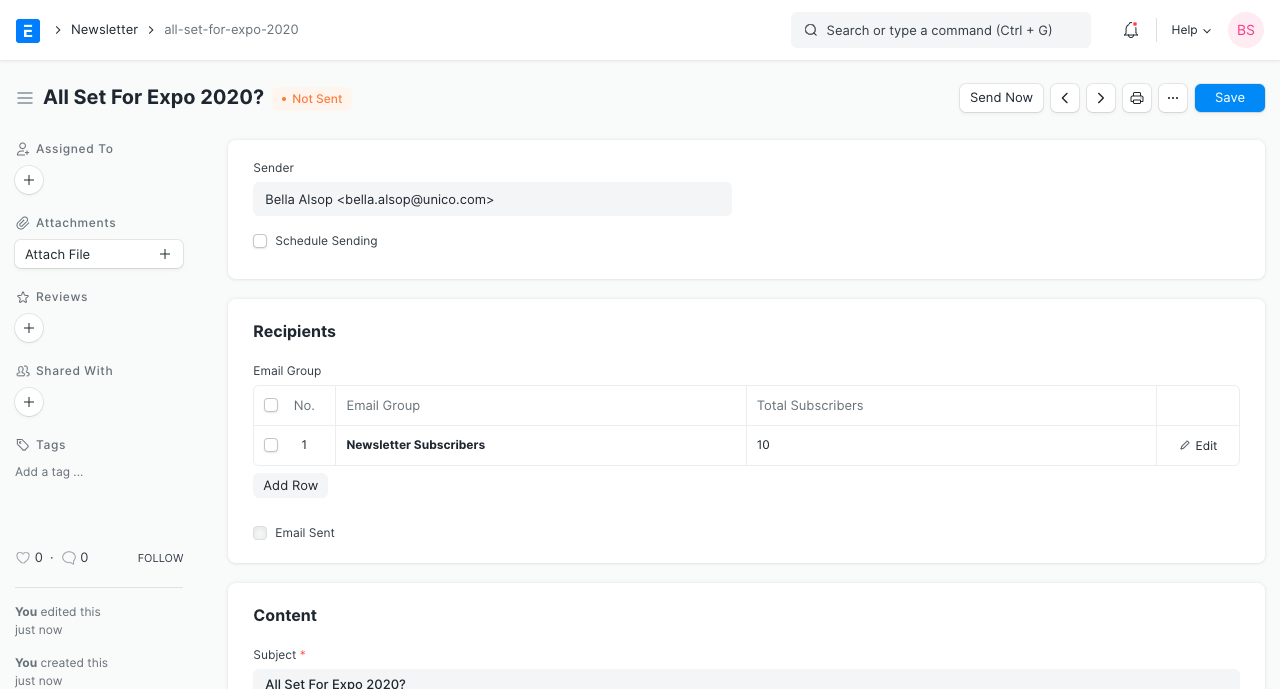
1. How to Create a Newsletter
Click on New under the Newsletter list.
Within the RECIPIENT table, choose the Email Group.
3.key in "Topic."
4.key in "Message."
5.To make the newsletter accessible online, "publish" it.
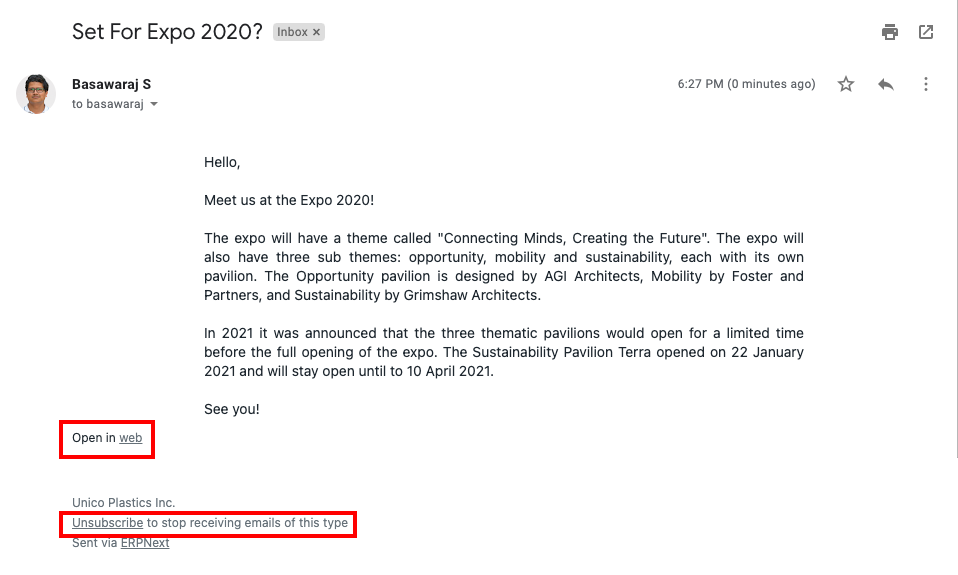
6.If you want to include an unsubscribe link in the email, check the box that says "Send Unsubscribe Link."
7.When you click "Send Web View Link," a link to the newsletter's web page will be included in the email. When the newsletter is published is the only time this option is available.
The snapshot of the email with the link to unsubscribe and the link to see the email online is provided below.
2. Features
2.1 Create Subscriber Groups
By placing subscribers in various Email Groups, you may manage your subscriber list.
Under the newsletter's "RECIPIENT" tables, you can choose from a number of email groups.
2.2 Plan to Send
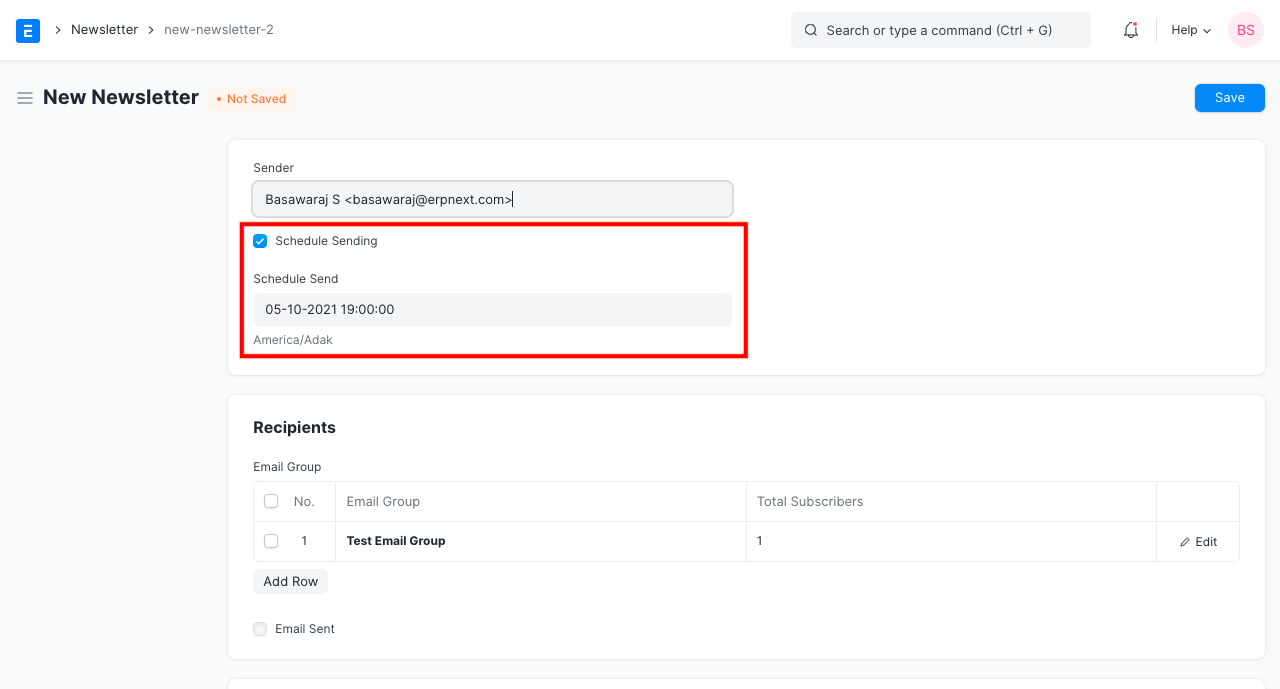
By setting time in hourly stages, you can opt to distribute your newsletter at any point in the future.
.3 Test Newsletter Before Sending to Subscribers
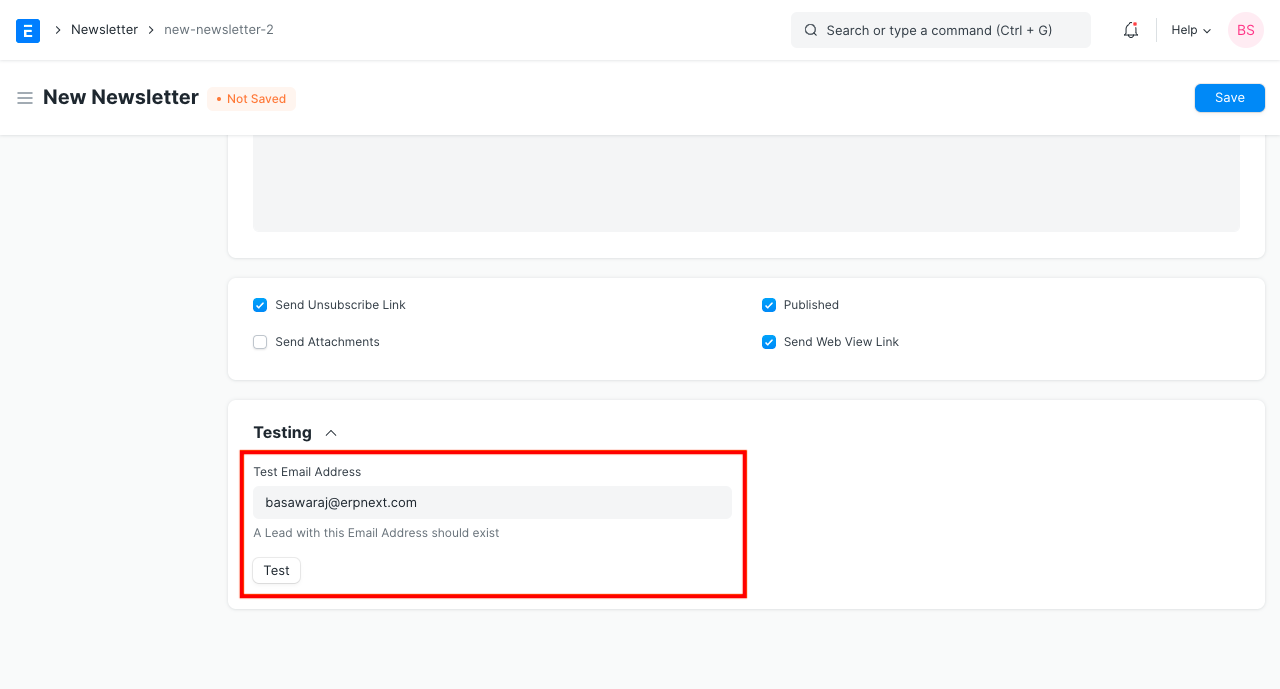
When the newsletter is prepared, enter a "Test Email Address" and select "Test."
By choosing "Send," you can review the newsletter you received in the test email, check it, and then send it to all of your subscribers.