Student Log
Student Log
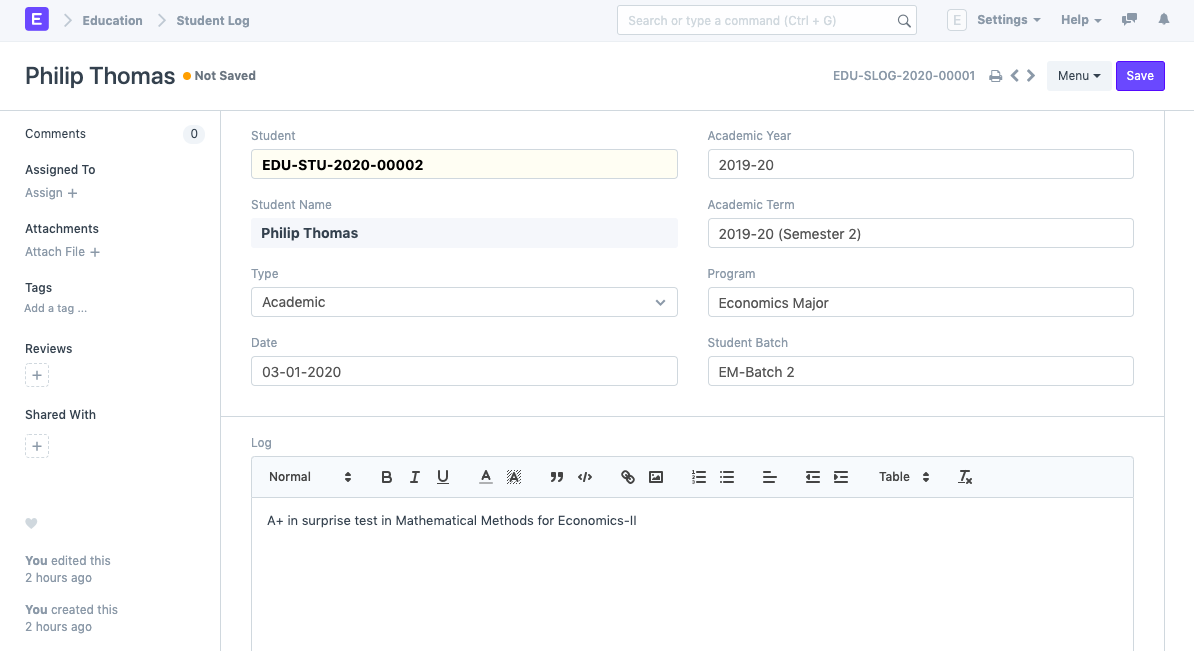
All of their logs and other notes can be kept in the student log, which serves as a student diary.
A student's performance in terms of general, academic, medical, or achievement parameters might be documented in a student log.
Visit Student Log to access it.
Home > Education > Student > Student Log
1. Prerequisites
Student
Academic Year
Academic Term
Program
Student Batch
2. How to create a Student Log
Click New under Student Log List from the menu.
Type in the student ID. When you do this, the student's name will be automatically obtained.
Save.
3.1. Additional Options while creating a Student Log
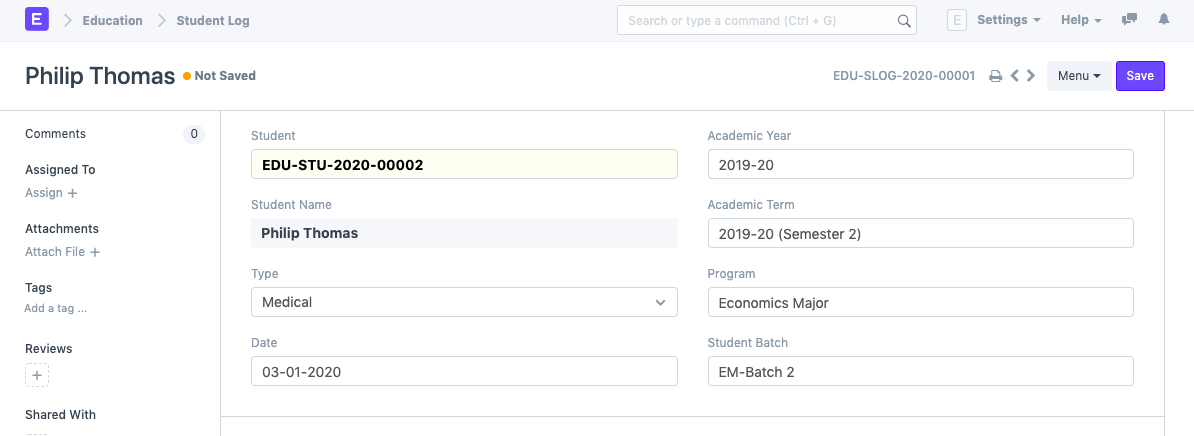
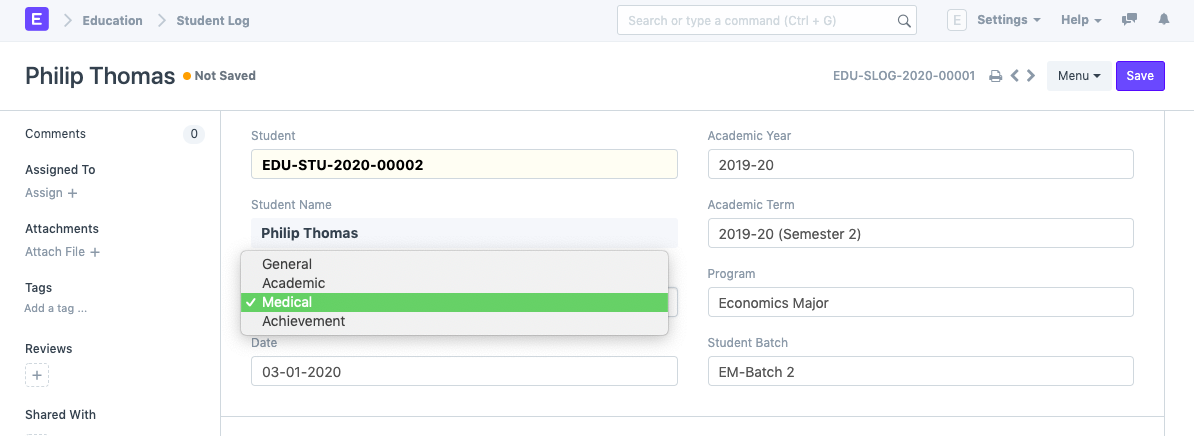
You can specify the type of Log that is being created for the student in the Type field. General, academic, medical, or achievement logs are all examples of student logs. These are some instances where you could create a log for the student:
General: If the student exhibited exceptional good manners throughout the entire day or if they slept off in class.
Academic: If a student receives a perfect score on a surprise exam or a very poor score.
Medical: If the student was discovered to have skipped lunch or if they reported experiencing another medical problem.
Achievement: If the student scored a goal during a football game for the squad.
Date: You can choose the day the log was created.
You can choose the academic year for which this log is being created.
Academic Term: The academic term in which this log is being kept can be chosen.
Program: Decide which program the student is enrolled in.
Choose the student batch that this student is a part of.
Log: Your entry for the student's log will be in this field.