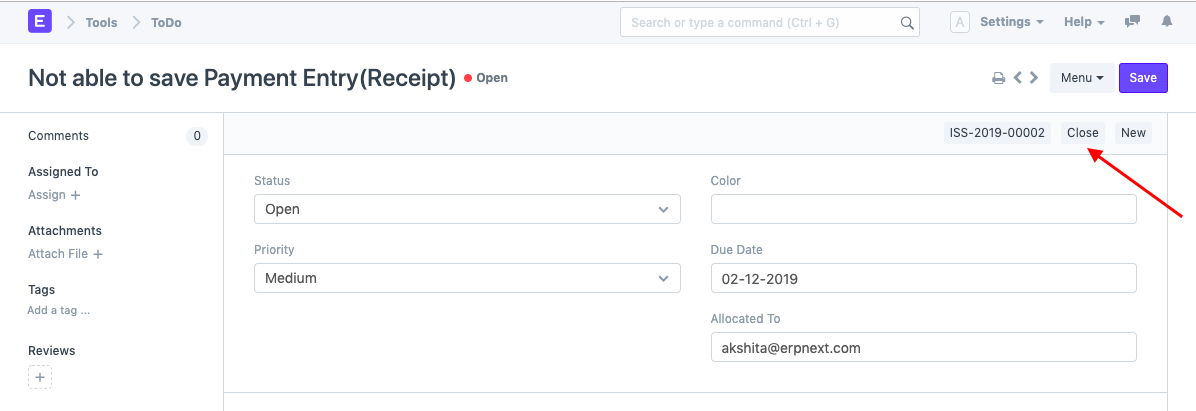
To-Do Creation
In the sidebar of each document in Geer ERP, there is a button labeled "Assign To." Any Document may be assigned to the user using this option. The User would be given a simultaneous task to do.
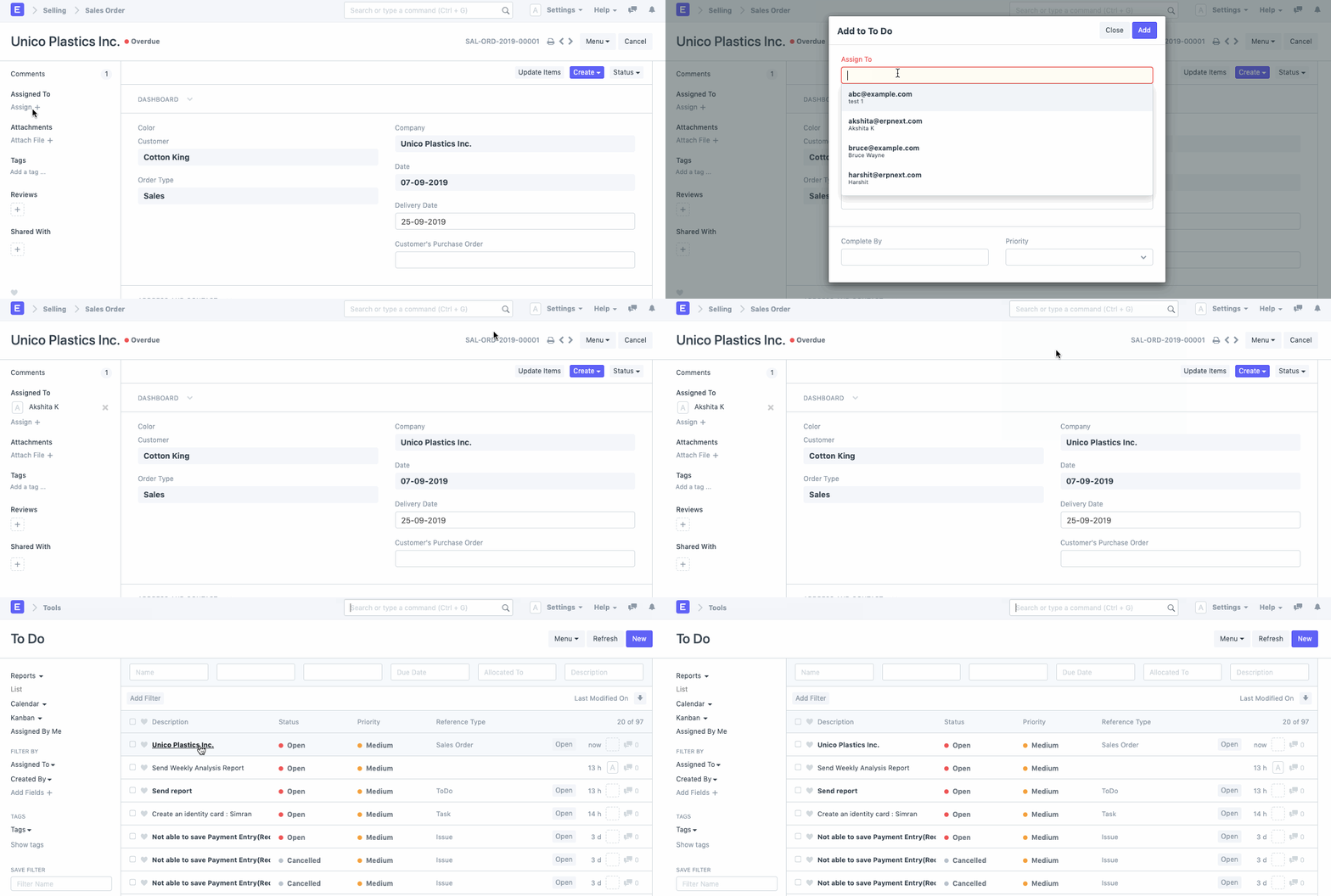
Under these circumstances, the three to-do statuses are established in accordance with the latest assignment changes.
Consider the case of a task being delegated via an issue. Let's assume that an organization has two levels of support, L1 and L2, and that each new support ticket is treated as an L1 support issue and assigned to the appropriate team members. The different to-do statuses in this situation would be as follows:
- Open: When a problem is created and an L1 support team member is assigned to it.
- Closed: An L1 support staff member locates and fixes the problem.
- Cancelled: A member of the L1 support team determines that the problem is of the L2 support level and assigns it to the appropriate team member.
Reopening of Closed Assignments
Let's assume that a member of the L1 support team closed the support issue in the aforementioned circumstance. However, if the ticket is opened once more or if there is action in this problem, the issue is reopened.
The related task for the Support Ticket will also be reopened concurrently.