Asset Movement
Asset Movement refers to moving an Asset from one Location to another.
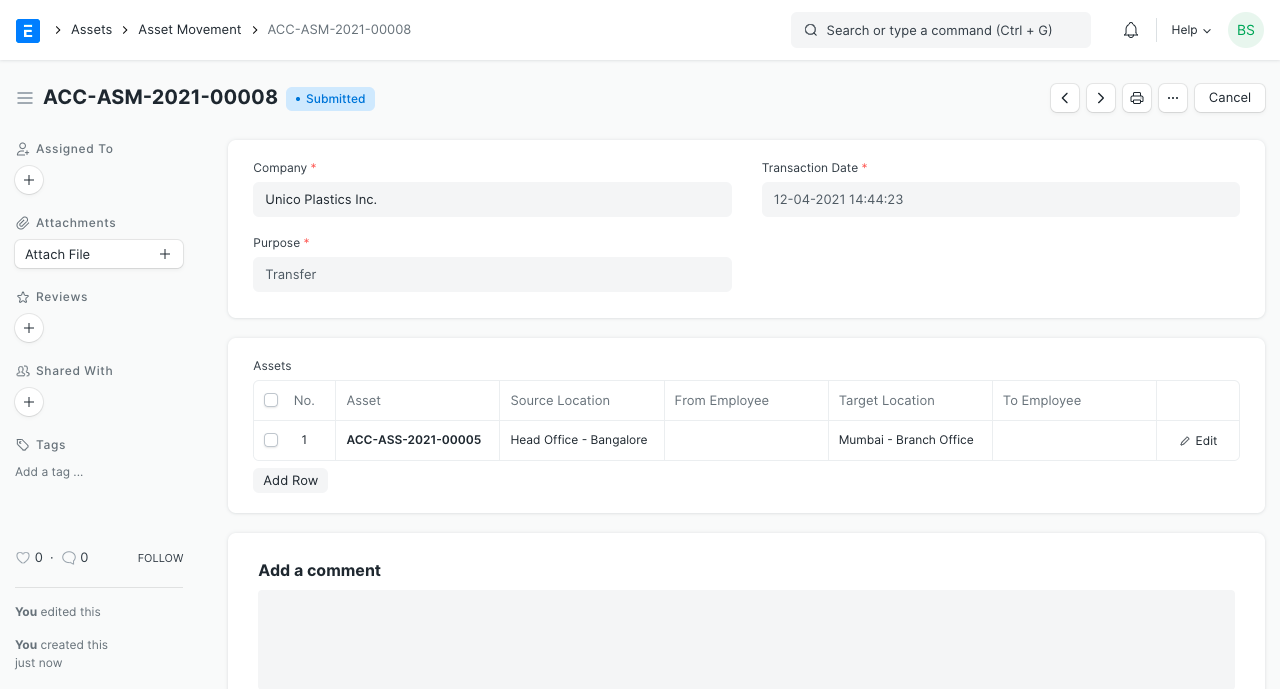
You can keep track of an asset's location or the recipient by using Geer ERP. Every time an asset is moved from one location to another, you must establish an Asset Movement transaction for tracking purposes. You can also keep track of the distribution of assets to certain employees.
Go to: to access the Asset Movement list.
Home > Assets > Assets > Asset Movement
1. Prerequisites
It is recommended that you first create the following before developing and utilizing Asset Movement:
- Asset
- Asset Location
2. How to create an Asset Movement
- Click on New in the Asset Movement list.
- Choose 'Issue,' 'Receipt,' or 'Transfer' as the purpose. Depending on the purpose, mandatory fields will be altered.
- Choose a date.
- Choose the assets you wish to relocate. Custodian and current location will be automatically retrieved.
- Choose the type of reference document (Optional).
- Name of Reference Document to Choose (Optional).
- Save.
- Submit.
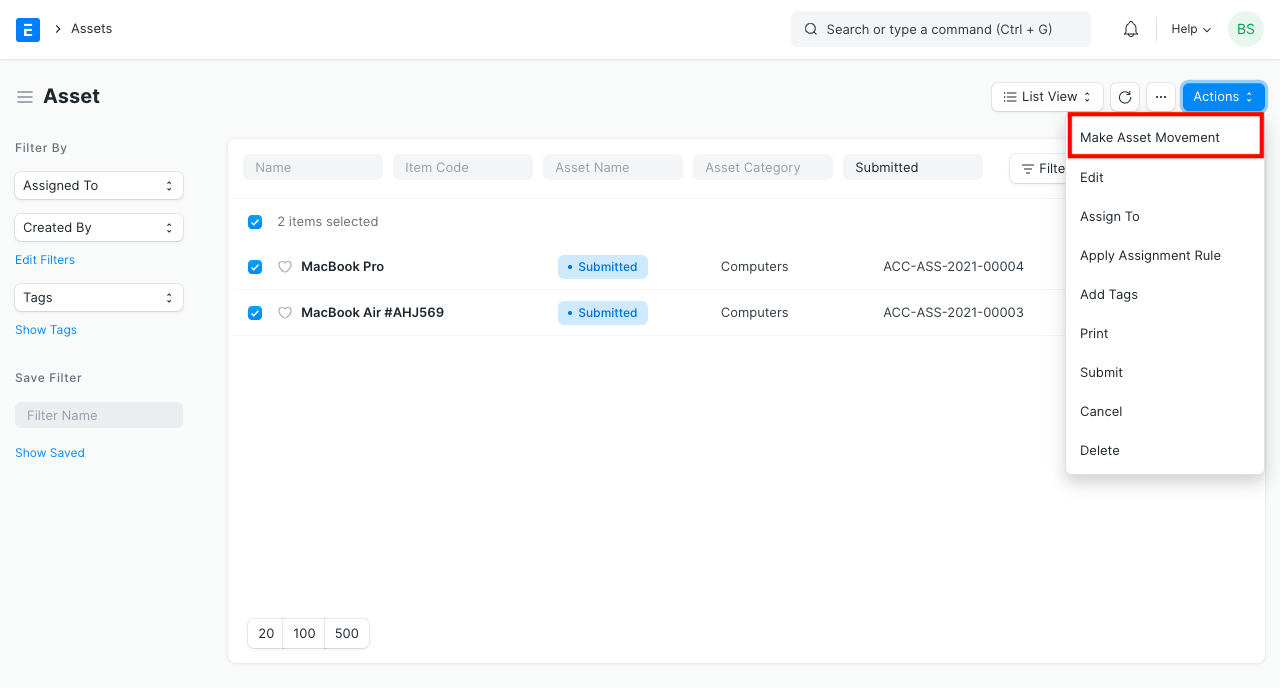
It is advisable to go to Asset List, pick the assets to be moved, and then click Make Asset Movement from the Actions menu on the top left to create an asset movement for a number of assets.
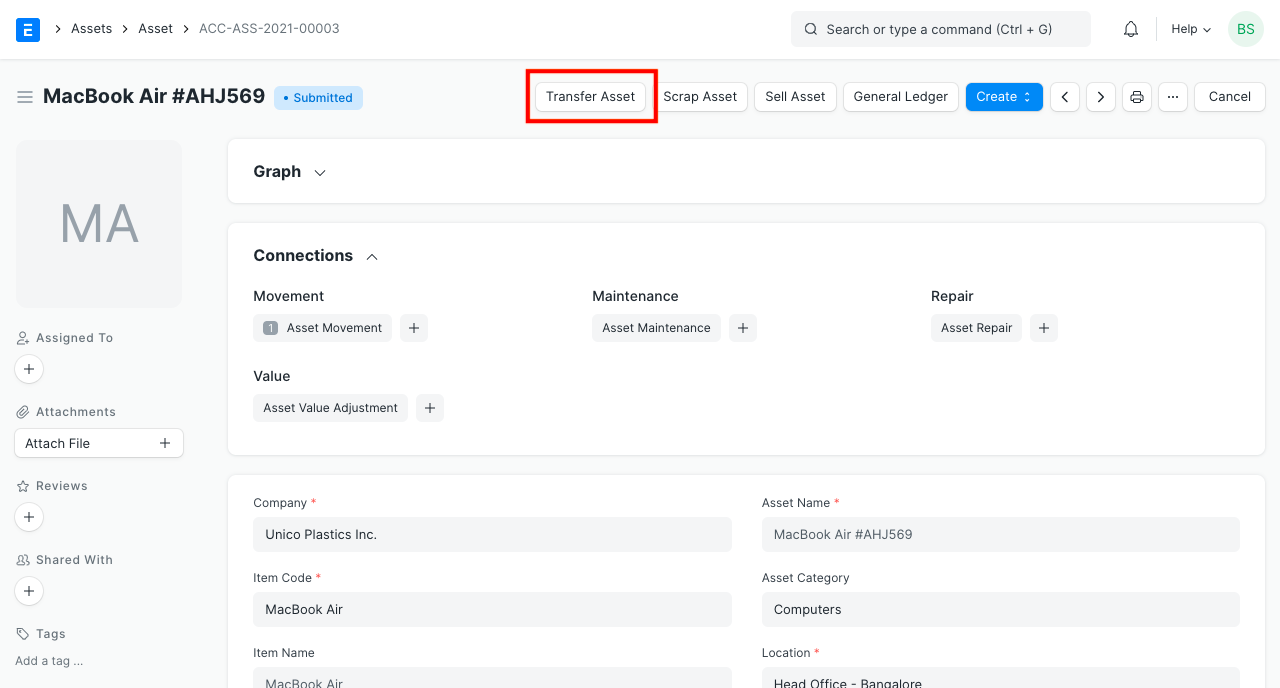
To start Asset Movement, click the Transfer Asset button in the Asset form's upper right corner. It automatically fills out the fields on the Asset Form.