Process Loan Interest Accrual
Process Loan Interest Accrual
Introduced in Version 13
Every loan interest accrual cycle results in the creation of a record called Process Loan Interest, which is also used to manually handle loan interest accrual.
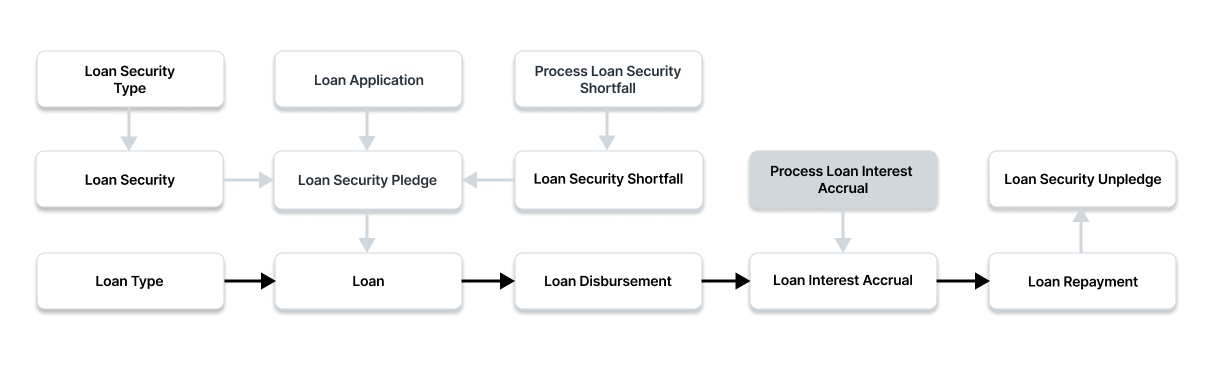
To access the Process Loan Interest Accrual list, go to:
Home > Loan Management > Loan Processes > Process Loan Interest Accrual
For demand loans, loan interest will start accruing each month on the first of the month, and for term loans, it will start accruing one day before the due date. Process Loan Interest Accrual can be used to manually accumulate interest against a loan.
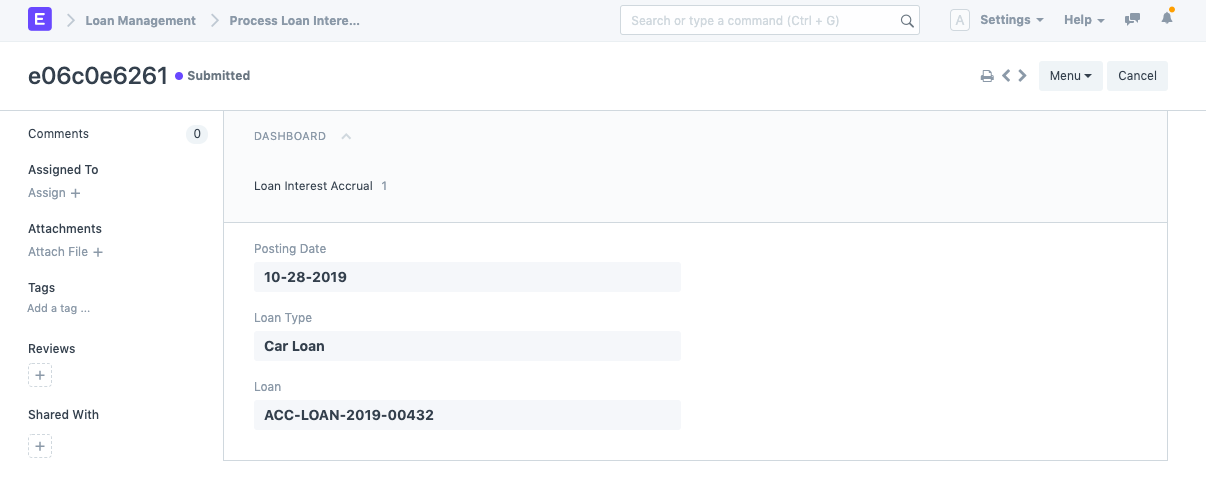
1. Prerequisites
You must first build the following items before you can create a Process Loan Interest Accrual:
- Loan
2. How to create Process Loan Security Shortfall
Click on New under Process Loan Interest Accrual List.
Posting Date, please. The posting date is the day after the final interest accrual date on which interest will be accumulated.
If you wish to calculate interest for a specific Loan Type, enter the Loan Type. Interest will be accrued for all Loan Types if no Loan Type is entered.
If you wish to accumulate interest for a specific loan, enter Loan. Loans will accrue for all of them if no loan is entered.
To save the draft of the loan disbursement, click "Save."
To submit the Loan Security Pledge, click "Submit."