Tree Master Renaming
There are various documents in Geer ERP which are maintained in a tree structure.
To understand more, read about maintaining tree structures.
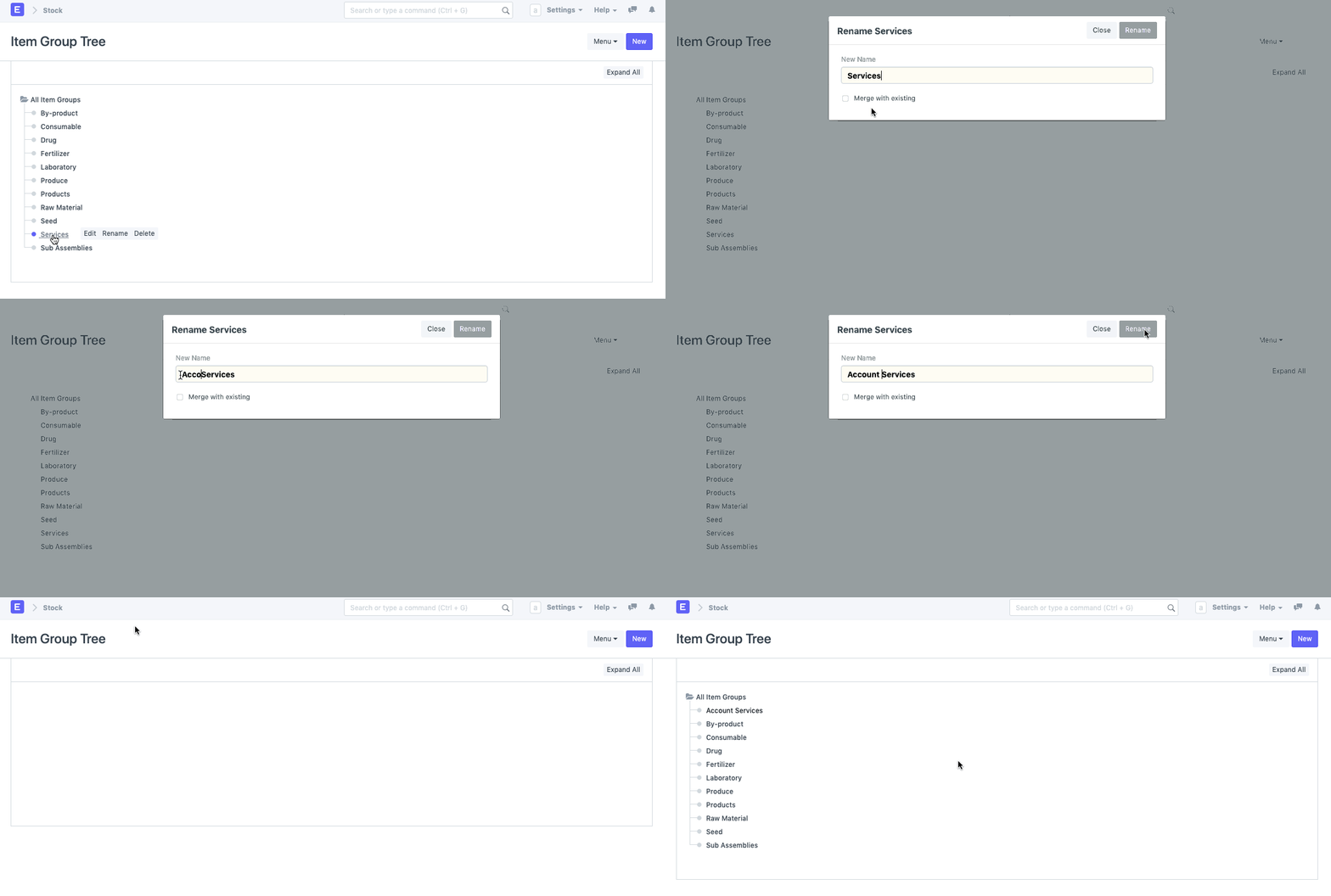
The procedures to be followed for renaming a master's ID that is kept in a tree structure are listed below. Let's give an Account a new name for the instance.
Step 1: Open the document's Tree View.
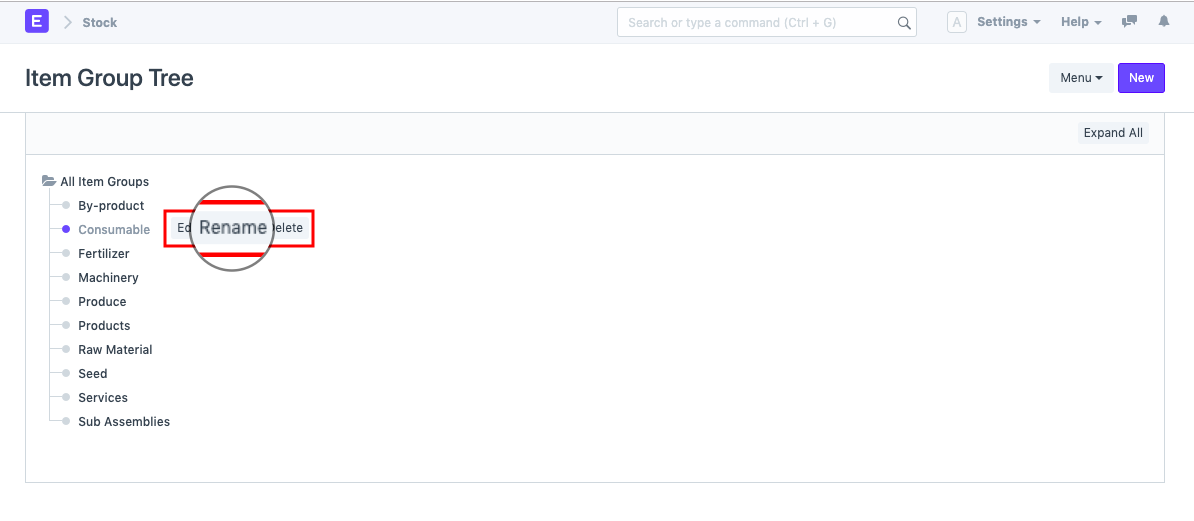
Step 2: Navigate to the Document's node where you want to rename it.
The option to "Rename" the document will appear when you click on that node.
Step 3: Rename Account
A popup will appear when you click "Rename," allowing you to change the document's name.