Maintenance Schedule
Maintenance Schedule
All upcoming maintenance visits are included in the maintenance schedule.
All machines need routine maintenance, especially ones with lots of moving parts, so if you work in the maintenance industry or have a few of them on your property, this is a great tool to create a schedule of tasks for their upkeep.
Go to: to start a new maintenance schedule.
Home > Support > Maintenance > Maintenance Schedule
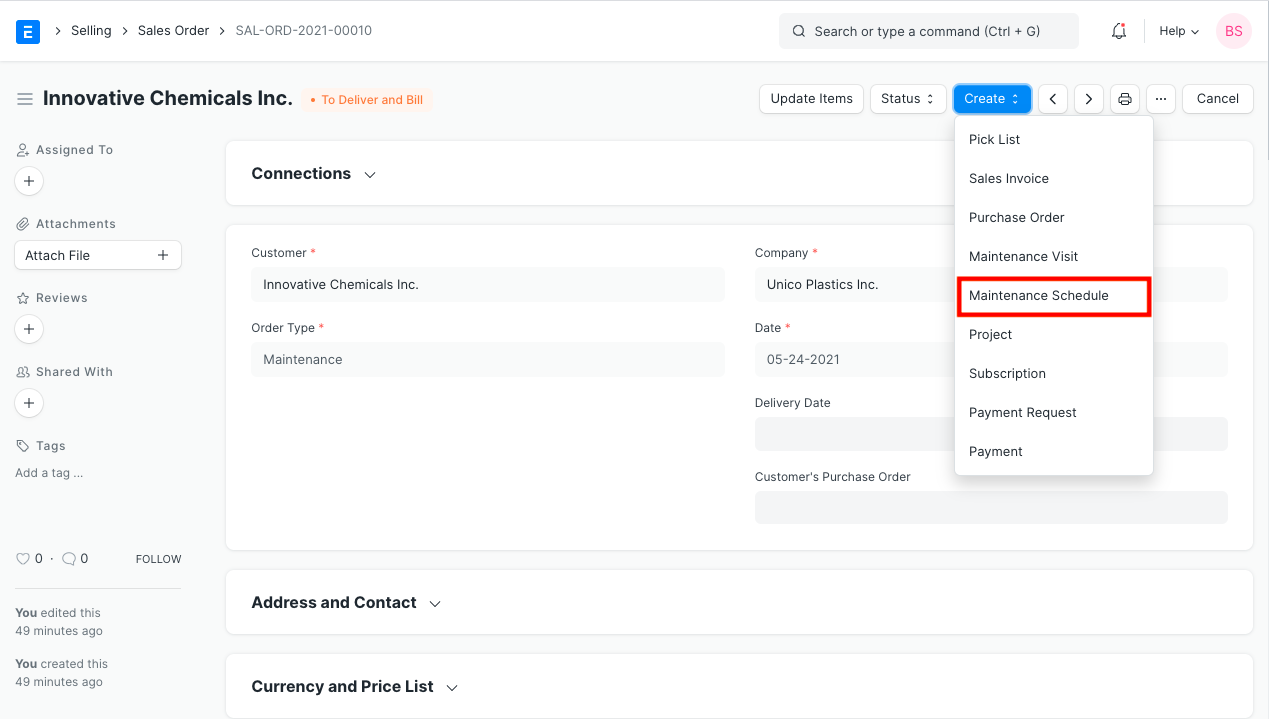
A Sales Order of the 'Maintenance' type is typically used to construct a maintenance schedule.
1. Prerequisites
- Customer
- Item
2. How to Create a Maintenance Schedule
Click New under Maintenance Schedule.
Choose the Client and the Items that require maintenance.
Set the beginning and ending dates.
To determine how regularly the visits will occur, choose a Periodicity. "Weekly," "Monthly," "Quarterly," "Half Yearly," "Yearly," and "Random" are the available possibilities. In accordance with the Periodicity setting, a maintenance schedule will be prepared. When Random is chosen, random dates will be produced.
The number of visits will be determined by the chosen periodicity. For instance, four visits are recommended if you chose Weekly and entered the entire month between the start and dates.
Choose the salesperson who will be making the visits.
Save.
To create a maintenance schedule after saving, click the Create Schedule option.
Submit.
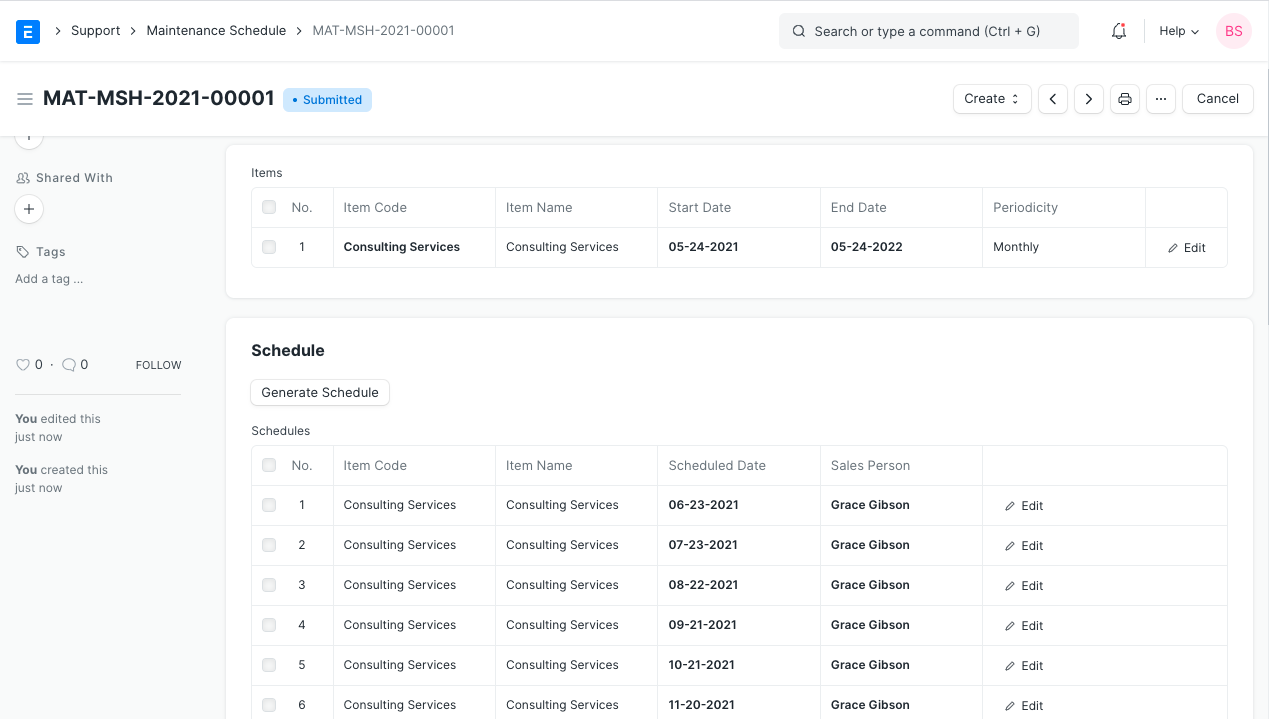
Each maintenance operation will have its own row created when you click the Create Schedule button. A Sales Person is given responsibility for each item on a maintenance schedule.
Calendar events are created for the Sales Person User for each maintenance when the document is submitted.