Asset Repair
Asset Repair refers to any activity carried to repair a broken Asset to restore full functionality.
Additionally, you can keep track of repairs or failures for assets not covered by asset maintenance.
Go to: to see the Asset Repair list.
Home > Assets > Maintenance > Asset Repair
1. Prerequisites
It is recommended to first create the following before developing and utilizing Asset Repair:
- Asset
2. How to create an Asset Repair
- Go to the Asset Repair list, click on New.
- Select the Asset.
- Select the Failure Date.
- Enter the Repair Cost.
- Save.
- Change the Repair Status from 'Pending' to 'Completed', or 'Canceled'.
- Select a Purchase Invoice if Repair Cost is greater than zero.
- Save and Submit.
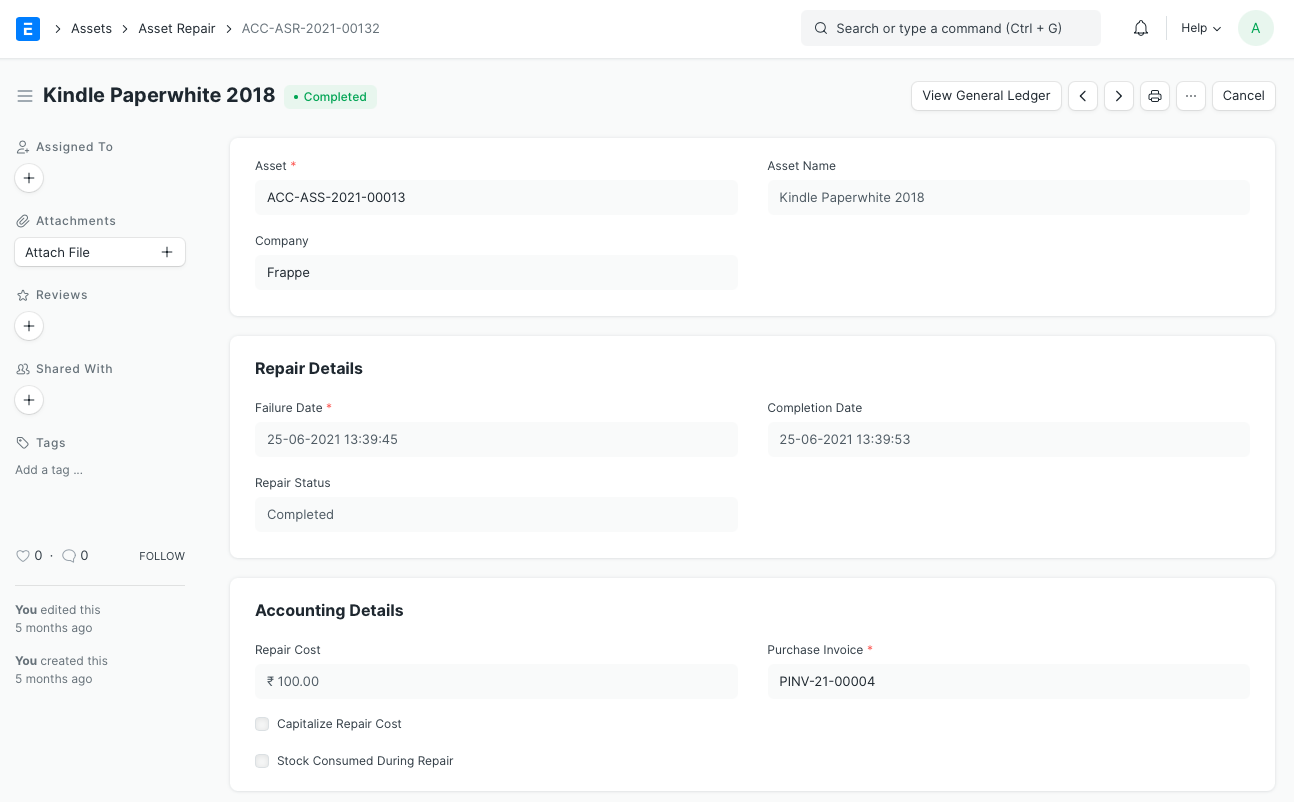
Note: Alternatively, you could open the record for the Asset in question and click on the Repair Asset button under Manage, and then follow steps 3-8.
2.1 Additional options when creating an Asset Repair
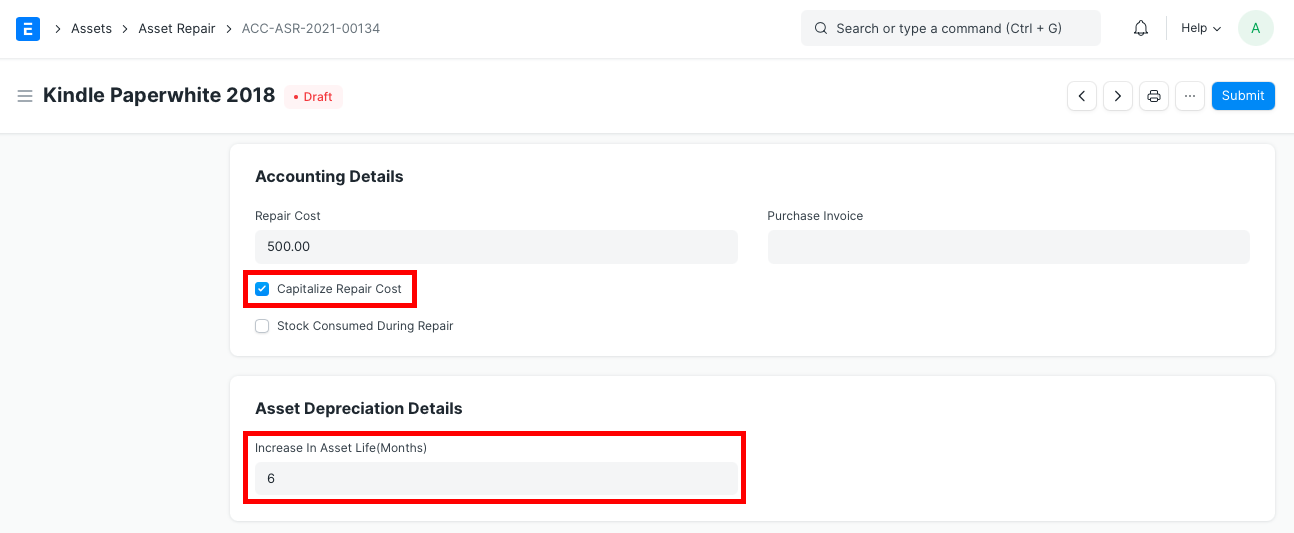
- Capitalize Repair Cost: If checked, the value of the asset will be increased by the Repair Cost. You might be able to extend the Asset's lifespan by doing this.
- Increase In Asset Life(Months): The number of extra months that the repair could potentially give the asset can be added here. The Asset's Depreciation Schedule will change as a result. Only when the box next to Capitalize Repair Cost is checked will this field be shown.
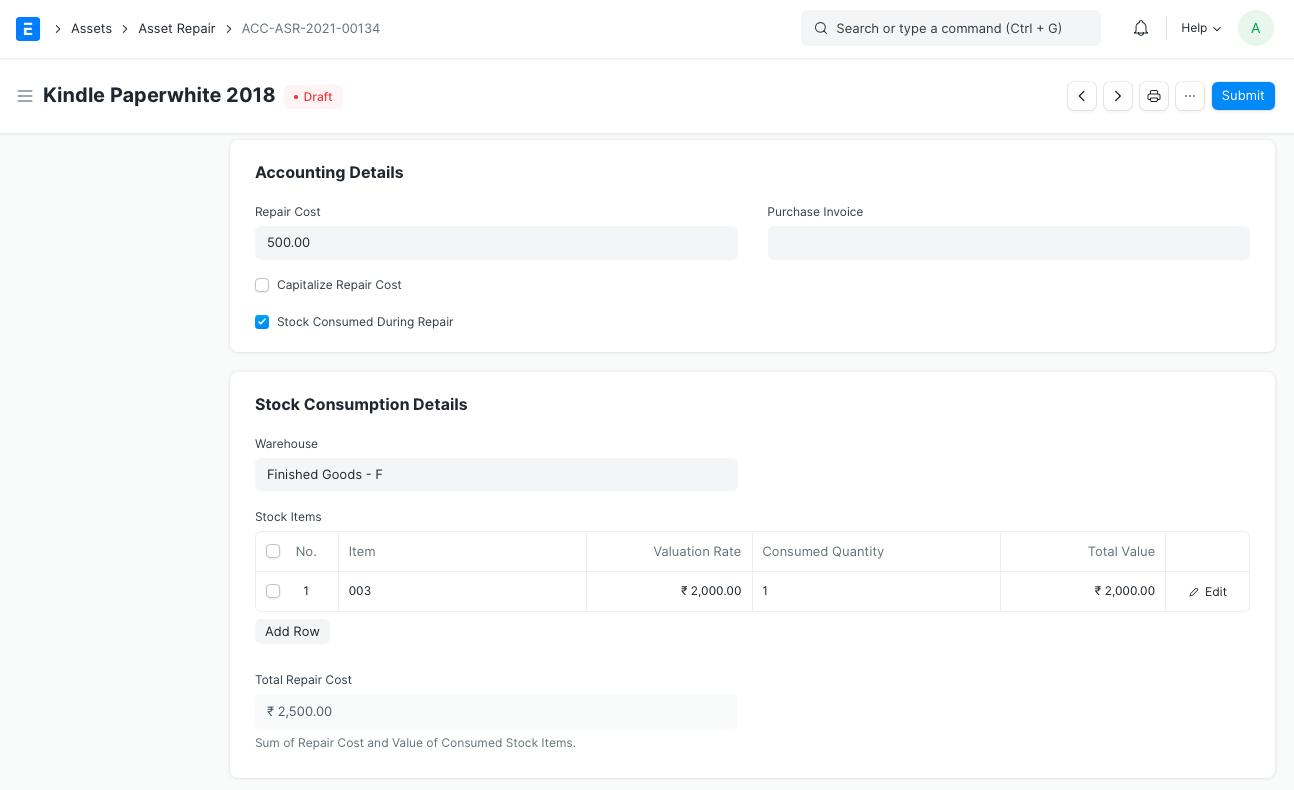
- Stock Consumed During Repair: You can record all the Stock Items used for the repair by checking this box.
- Warehouse: If Stock Consumed During Repair is checked, the warehouse from which the stock items used for the repair were taken should be entered here.
- Stock Items: Stock Entry records of type Material Issue will be created for any stock items consumed during the repair, reducing their amount. Each item in the table will also have GL Entries created for it. Only if Stock Consumed During Repair is selected will this table be shown. If the item is serialized, you can expand the item row to see the Add Serial No button.
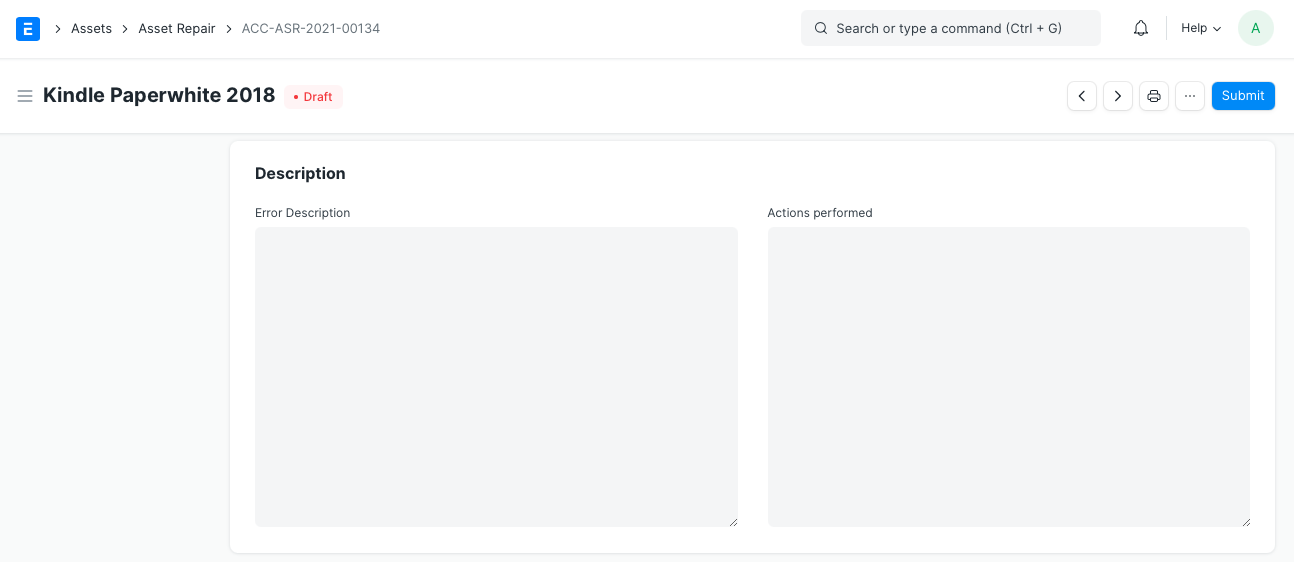
- Error Description: You can enter a thorough description of the issue here.
- Actions Performed: Here is a list of the steps taken in order to complete the repair.
3. Features
3.1 Accounting Dimensions
You can tag transactions using Accounting Dimensions depending on a particular Territory, Branch, Customer, etc. This makes it possible to view accounting statements in various views according to the chosen dimension. Check the Accounting Dimensions feature's help for further information.
Note: Project and Cost Center are treated as dimensions by default.
3.2 Purchase Invoice
To account for any items that must be purchased to complete the repair or the repair service provided, a Purchase Invoice can be associated with the Asset Repair
3.3 Total Repair Cost
If Stock Consumed During Repair is selected, the value of the consumed stock items and the repair cost entered will be used to calculate the total repair cost.