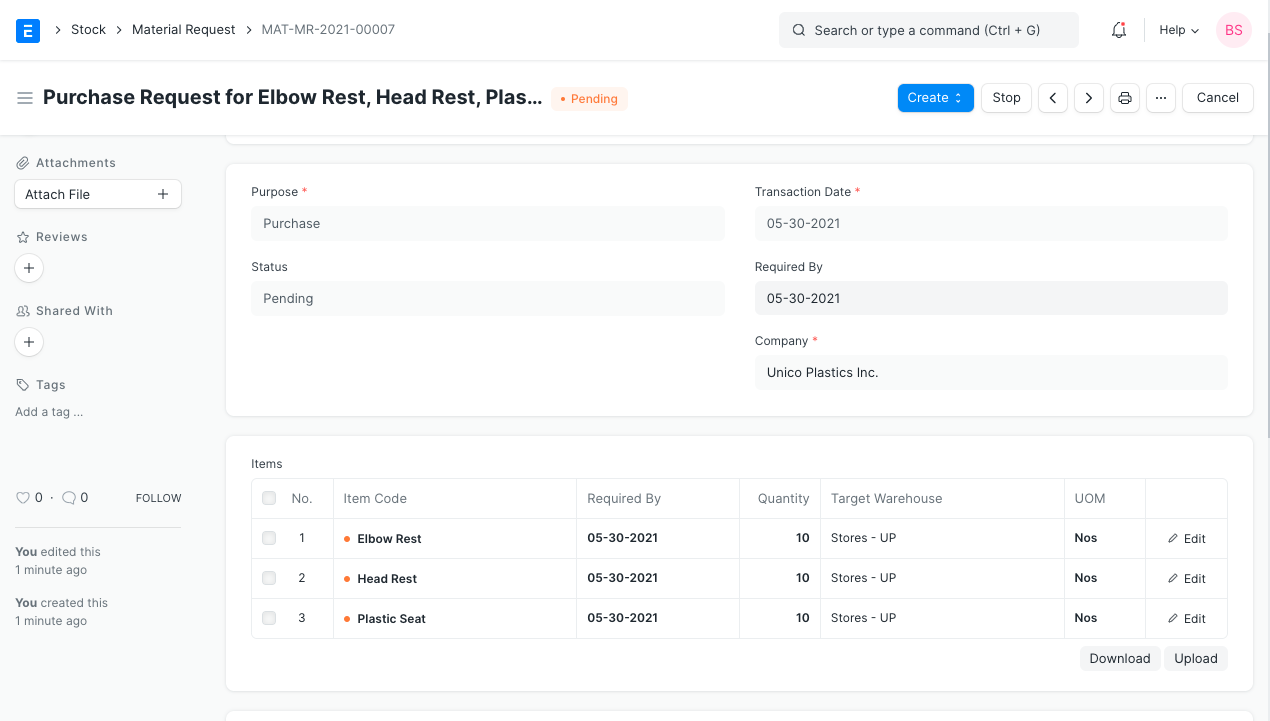
Request for Raw Materials from Sales Order
Request for Raw Materials from Sales Order
Production planning is made easier with the use of a production plan, which also aids in material procurement planning for the purchase of raw materials based on the volume of finished goods that will be produced.
But, it might get tedious when you only need to arrange for the raw material components of a single Sales Order. Thus, you can use the sales order itself to establish a material request for the raw materials of the final goods that are included there.
You can achieve this by following the steps below.
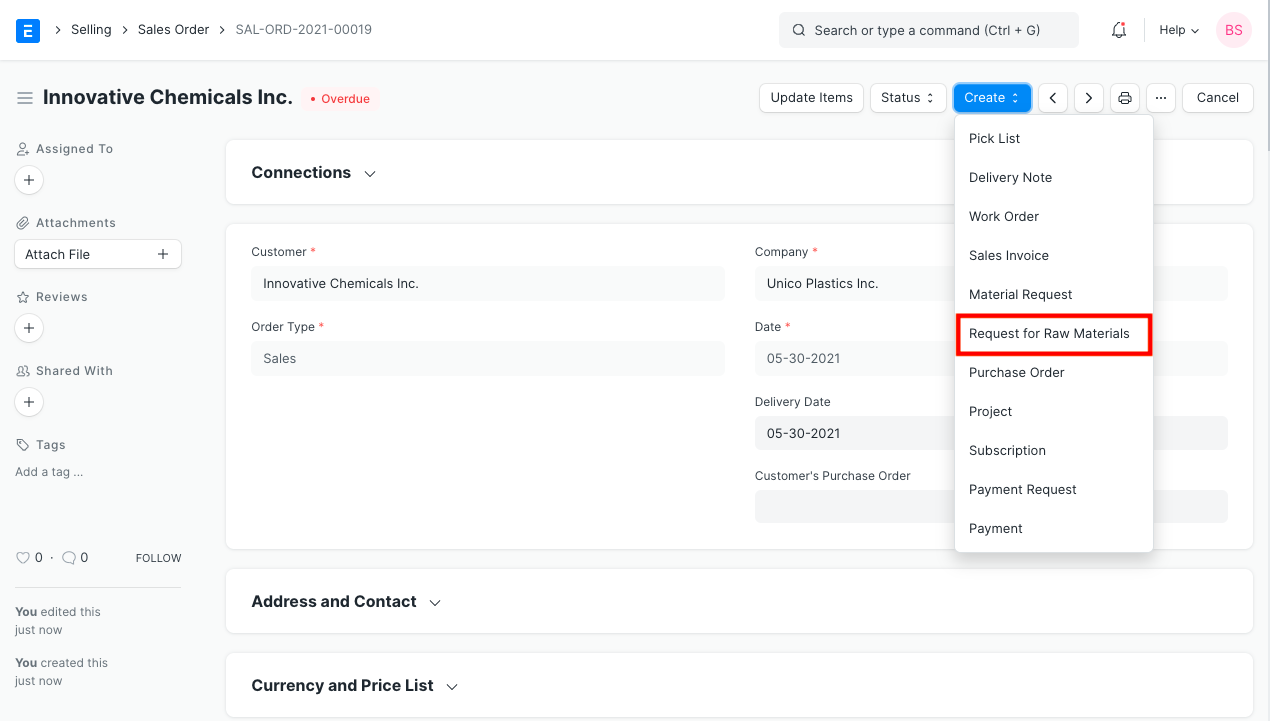
- After submitting your sales order, click Make and choose Request for Raw Materials.
- The dialog box will open and show all the finished items with BOMs. *
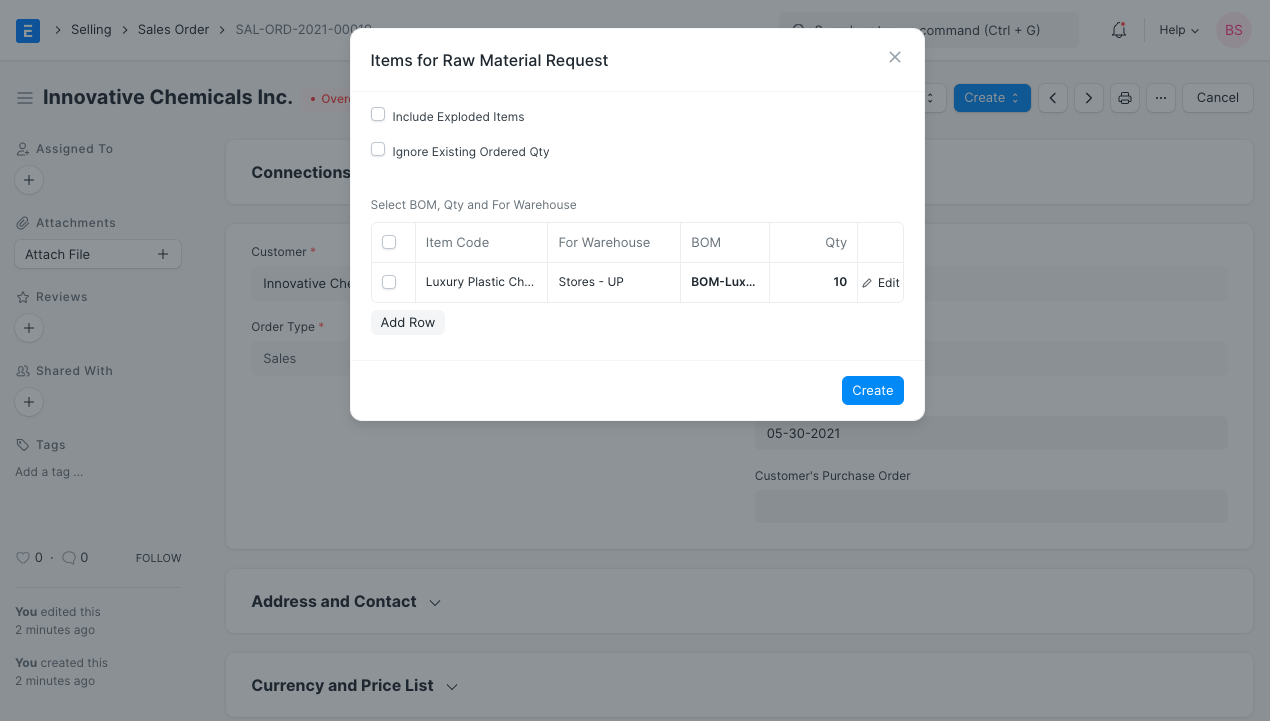
Dialog For Raw Materials Request
Here, you can modify the BOM whatever you like and select the required options. If the Include Exploded Items option is enabled, for example, the BOM's Exploded Items will retrieve the raw materials, and the Ignore Existing Ordered Qty option will force a Request even if the necessary amounts are already there.
Your material request will be sent when you click Make.
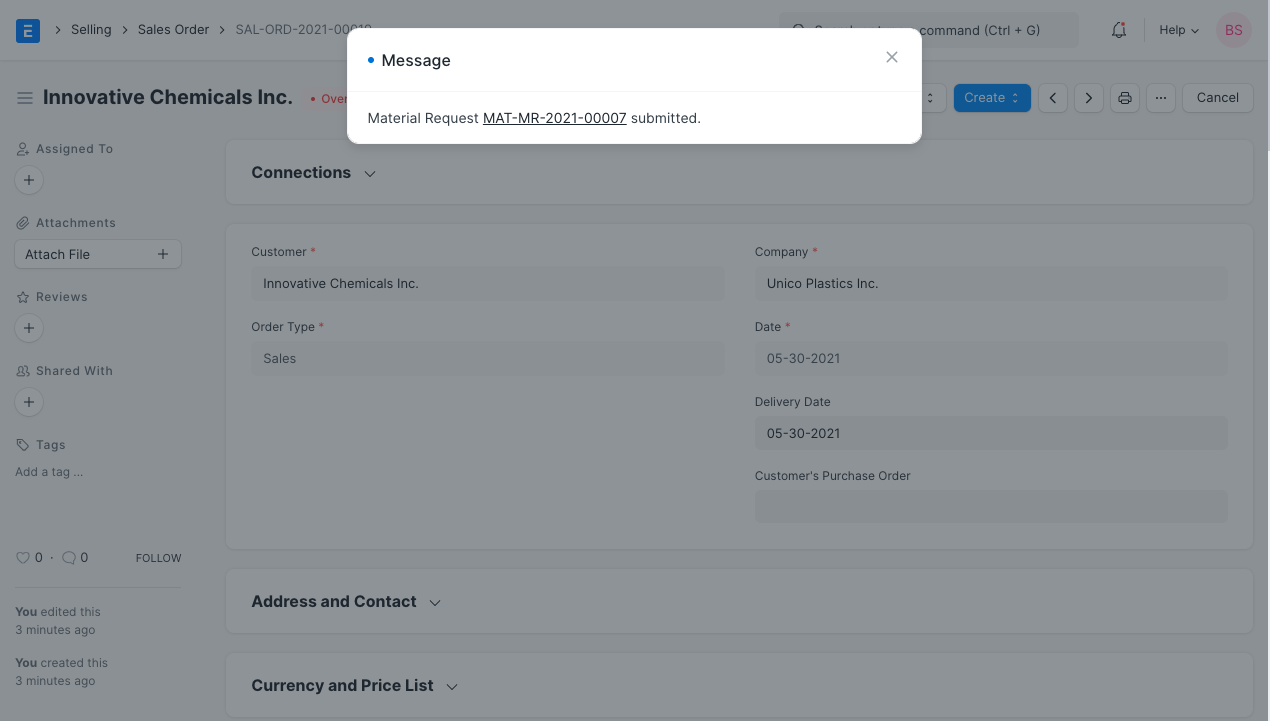
Material Request is created for the final item's raw materials that are listed in the sales order.