Cheque Print Template
Cheque Print Template allows defining templates for bank cheques
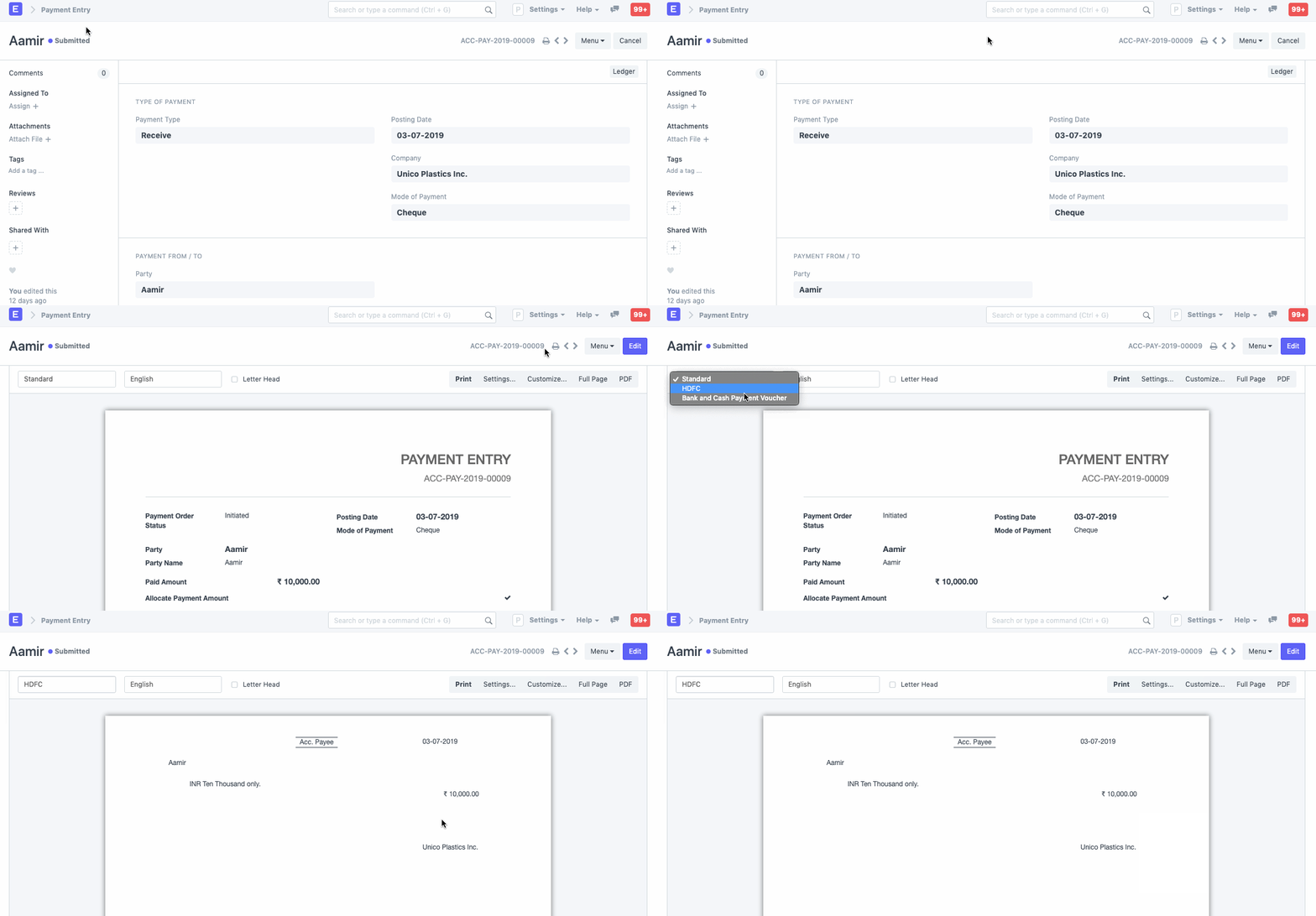
Businesses must pay a variety of parties, including suppliers and employees. Cash, NEFT, or checks are just a few of the payment methods available. You can also build a Print Format for printing Cheques from Geer ERP depending on the Payment Entry if you are paying with a check.
Go here: to view the Cheque Print Template.
Home > Accounting > Cheque Print Template
You can create a new print format for checks using the Cheque Print Template. It will be produced using the check format that your bank has provided.
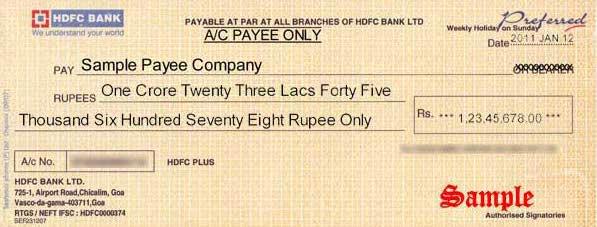
a model check
1. How to create a Cheque Print Template
- Go to the Cheque Print Template list, click on New.
- You can set the position of various items in the cheque.
- Save.
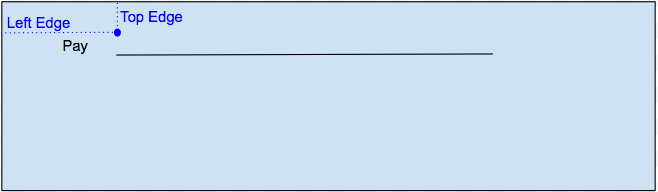
The Cheque Print Template gives precise coordinates based on where each value should be printed on a check for each value (such as Payee and Date). Centimeters are used to measure the coordinates. An illustration of the construction is shown below:
1.1 New Format by Scanning
You can contribute a scanned image of the check to hasten the development of a new format for printing checks. The system automatically updates coordinates for each value, such as party name, amount, date, the amount in words, etc. based on the scanned image of the check.
1.2 New Print Format manually
If the preview looks good, click on the Create Print Format button to create a new Print Format for printing the cheque. Based on the values provided in the Cheque Print Template, the system will auto-generate an HTML script for the cheque’s Print Format.
You can manually provide the co-ordinate for each value based on where you want it to be printed on the cheque and customize with HTML/CSS
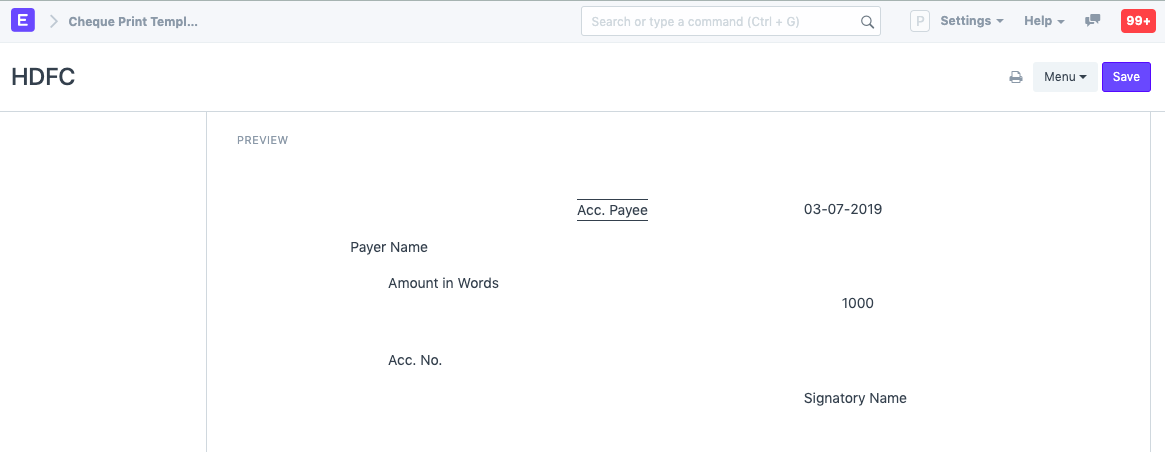
Preview
A preview of how the values will appear on the check will be displayed based on the coordinates provided for each value.
1.3 Printing Cheques
The Payment Entry form's new print format for the check will be visible. You can print transaction information on the check after establishing the payment entry.