Delete entries linked with GL entries
Delete entries linked with GL entries
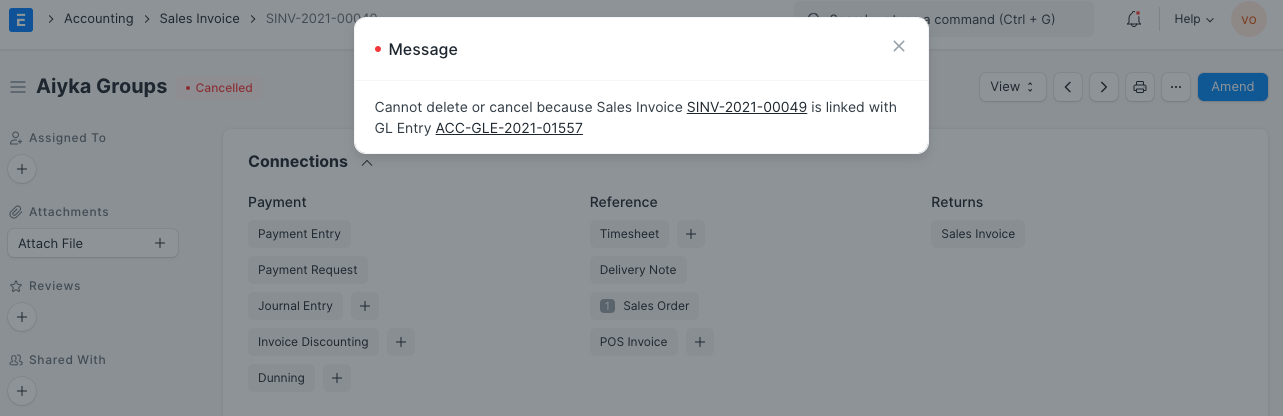
The following message appears when attempting to delete transactional records such as stock ledger entries and purchase receipts, invoices, and delivery notes:
Follow the instructions below to delete every transactional entry:
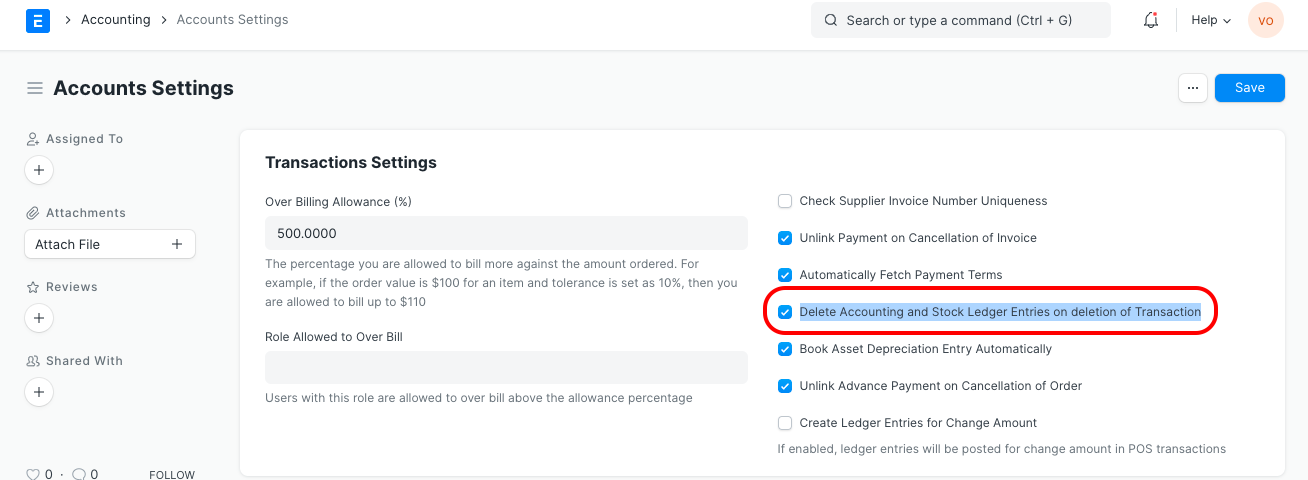
1.Go to Accounts Settings
2.Enable a checkbox Delete Accounting and Stock Ledger Entries on the deletion of Transaction
3.Save and Refresh