Delivery Trip
Delivery Trip
In a single vehicle, a delivery trip records customer deliveries.
Moreover, many stops may be added, and each customer's submitted delivery note may be marked.
1. How to create a Delivery Trip
By selecting "Create > Delivery Trip," a Delivery Note can be converted into a Delivery Trip.
Go to Stock > Stock Transactions > Delivery Trip > New.
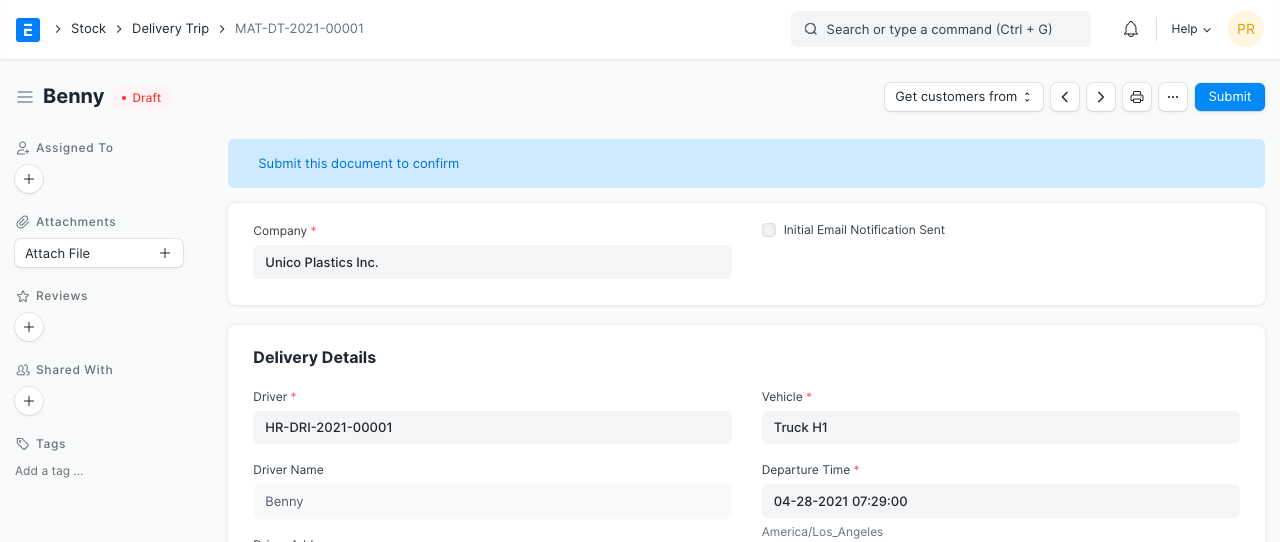
Choose the Driver and the Car, and if necessary, construct them both.
Decide on the departure date, time, and date.
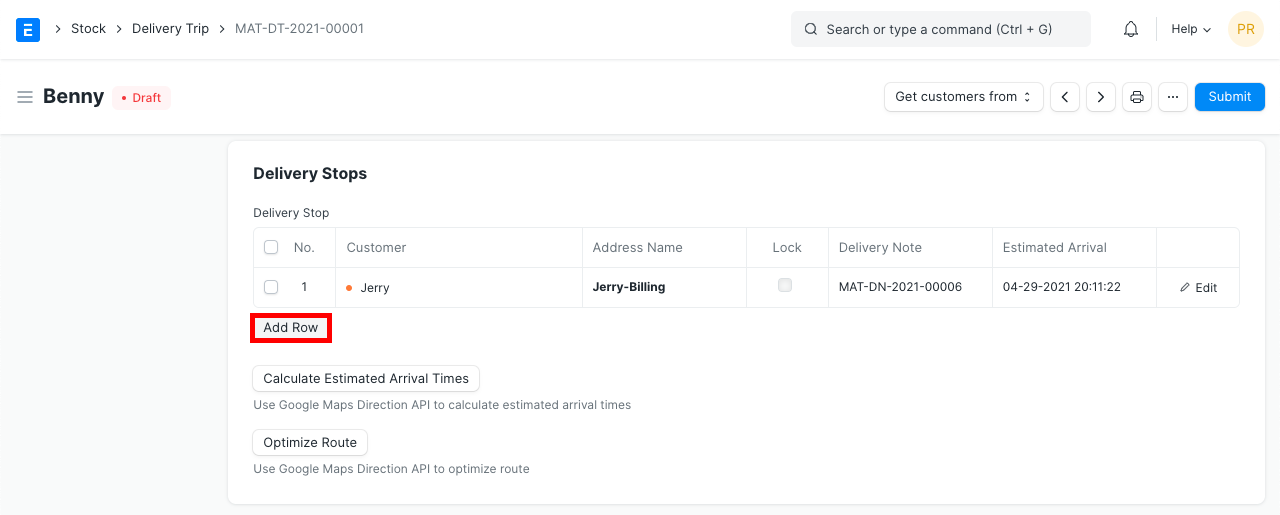
Customers can be added for delivery stops; if the address is already defined, it will be retrieved. By selecting "Get customers from > Delivery Note," customers can also be retrieved. Before submitting, add more delivery stops by using the Add Row button:
- Publish and save.
2. Features
2.1 Calculate Estimated Arrival Times
You can determine the anticipated arrival time for the deliveries if the Customer address and the Driver address are specified. This information was taken from Google Maps.
2.2 Optimize Route
The most efficient delivery route will be determined using Google Maps.