Edit Submitted Documents
You must first cancel a submitted document before editing it. The processes to update a submitted document are listed below. These actions presuppose that you have the necessary authorizations to delete and alter a document.
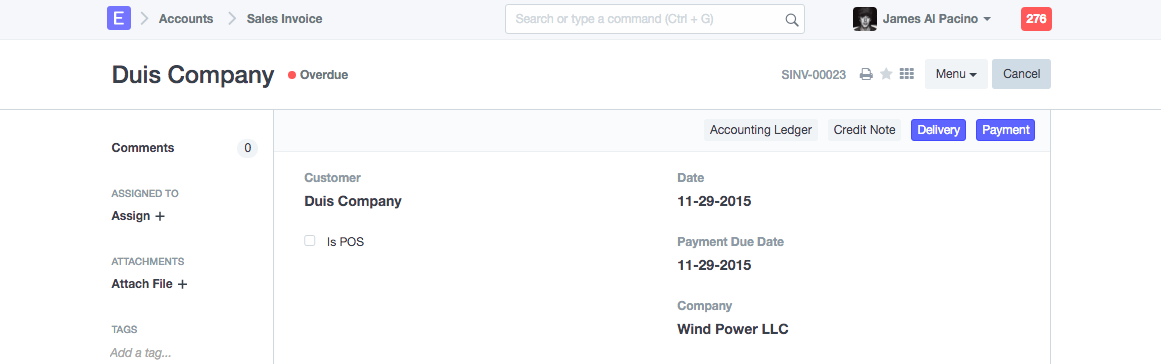
Step 1: Cancel Submitted Document
On the submitted document's upper right corner, there is a Cancel button.
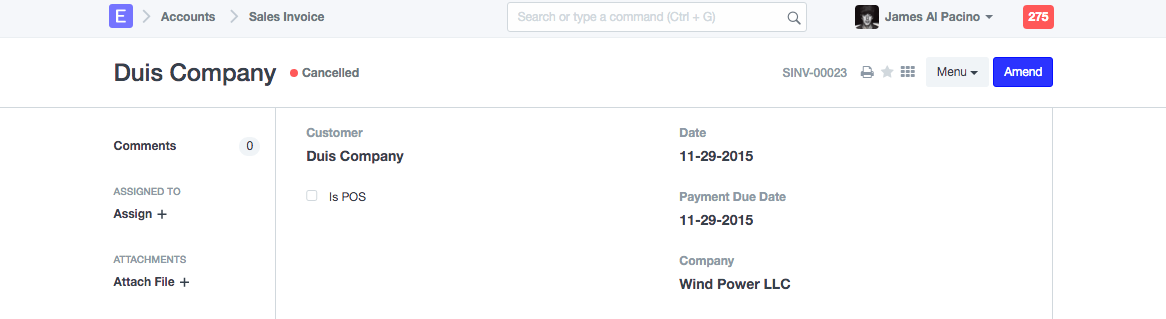
Step 2: Amend the document
The Amend button will become visible upon document cancellation.
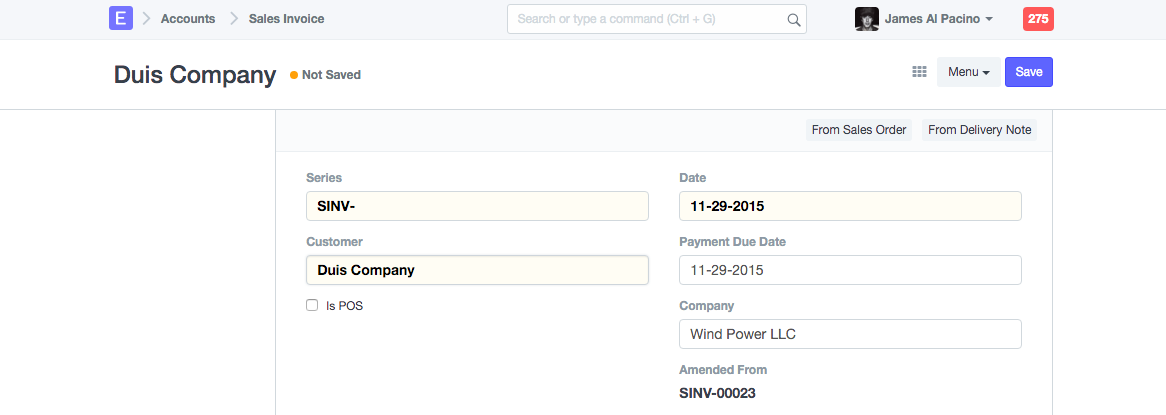
Step 3: Save and Submit the document
The identical document will once again become editable after pressing the Amend button. Save the document after making the necessary changes, then send it.
You must first cancel the dependent document if your document is related to other papers in order to cancel the parent document. Example: If you need to change a sales order for which a delivery note and sales invoice have already been created, you should first cancel those documents. After making changes, save and re-submit the Sales Order.