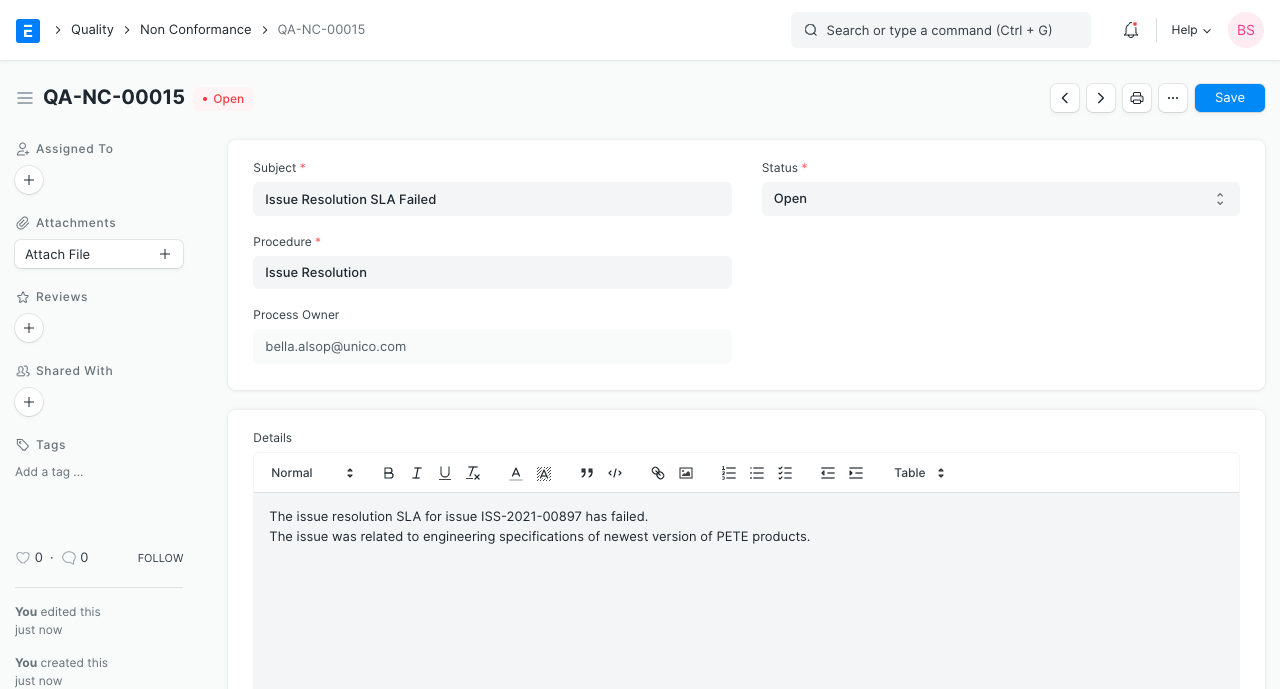
Non Conformance
Non Conformance
Introduced in Version 13
Any employee inside the business is permitted to submit a non-conformance observation to notice a failure to follow a particular procedure.
A quality-focused business wants to make sure that Quality Procedures are followed after they have been created. This guarantees constant quality and characteristics that meet the expectations of the client. If these steps are not followed, a non-conformance, or NC in quality systems, is documented as an observation.
By choosing the Quality Process against which it was seen, you can create a Not Conformance in ERPNext, preserve its status, and record remedial and preventive measures.
1. Prerequisites
- Quality Procedure
2. How to Create a Non Conformance
Go to Quality > Non Conformance or select the Quality Process from the dashboard and click on +.
Keep a record of your findings.
Keep track of any corrective or preventive activities.
current status