Instructor
Instructor
A teacher, tutor, or professor who will be in charge of educating the pupils on a specific subject or course is known as an instructor.
This document can be used to keep track of the Instructor Log, which is a list of the subjects and courses the Instructor has taught. The complete history of the courses the instructor taught will be contained in this record.
.png)
To access the instructor list, go to:
Home > Education > Masters > Instructor
1. Prerequisites
It is suggested to first create the following before creating an instructor:
Employee
Department
Academic Year
Academic Term
Program
Course
Student Group
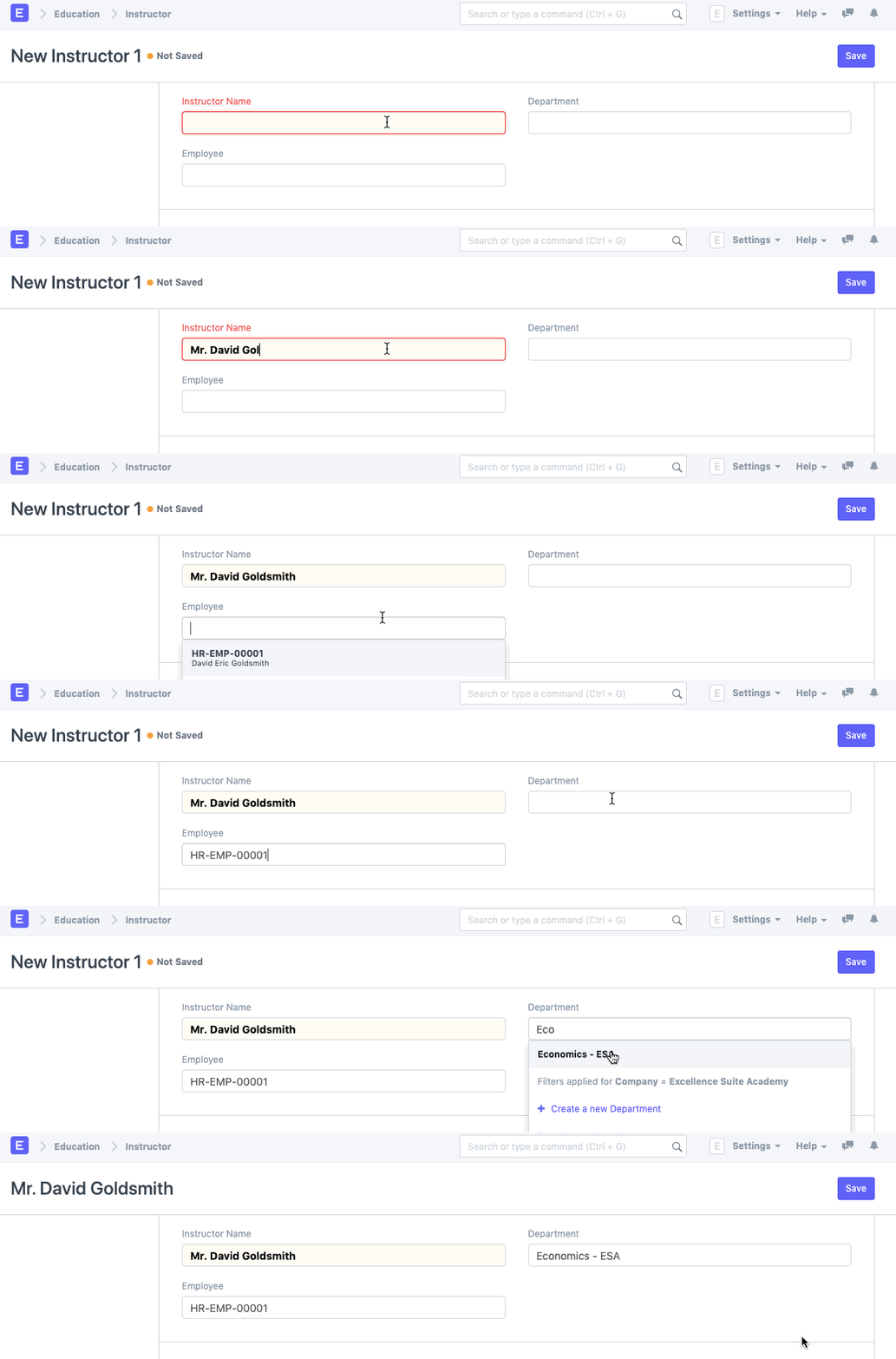
2. How to create an Instructor
Simply select New Teacher.
Choose the Instructor's Employee ID or Employee Name.
Choose the Department you want to create an Instructor for.
Save
3. Features
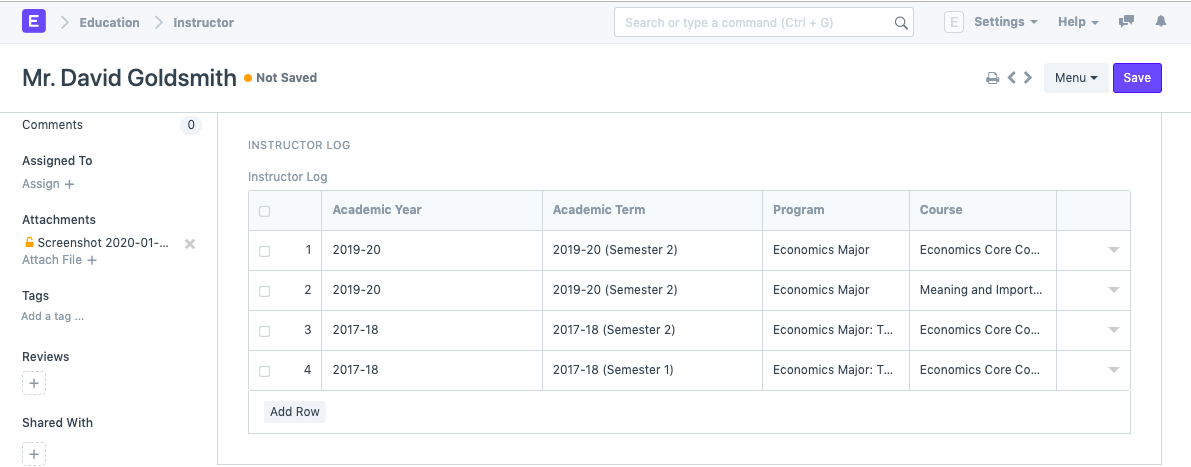
3.1. Instructor Log
- Academic Year: The academic year that the instructor is hired for.
- Academic Term: The academic year that the instructor was appointed to.
- Department: the division that the Instructor works in.
- Program: The course for which the teacher log is being created.
- Course: the program for which the teacher log is being created.
- Student Group: The group of students for which the user is creating an instructor log.
- Other Details: Here, you can record any additional information relating to the instructor log.
3.2. After Submitting
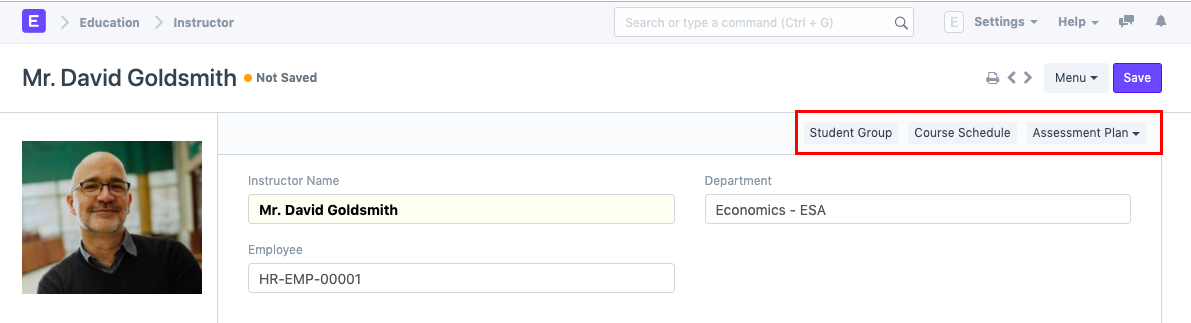
The following can be created from the Instructor and Instructor Log once it has been saved:
Student Group
Course Schedule
Assessment Plan
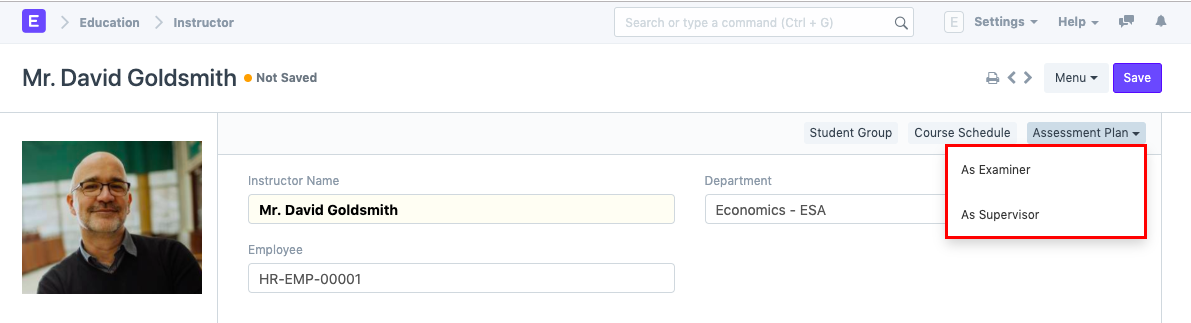
The user can choose whether the instructor must be retained as a Supervisor or as an Examiner for the Assessment plan when constructing an assessment plan from the instructor.