Create Supplier Quotation through Supplier Portal
Create Supplier Quotation through Supplier Portal
Supplier Quotes in ERPNext can be made manually or through the supplier portal. Once registered in, suppliers can create Quotes through the supplier portal. To be eligible for this, the Supplier must be a "Supplier"-roled registered user of the website.
A Request for Quotation (RFQ) must be active against a Supplier before they can submit a Quote. Follow these steps to complete the entire process:
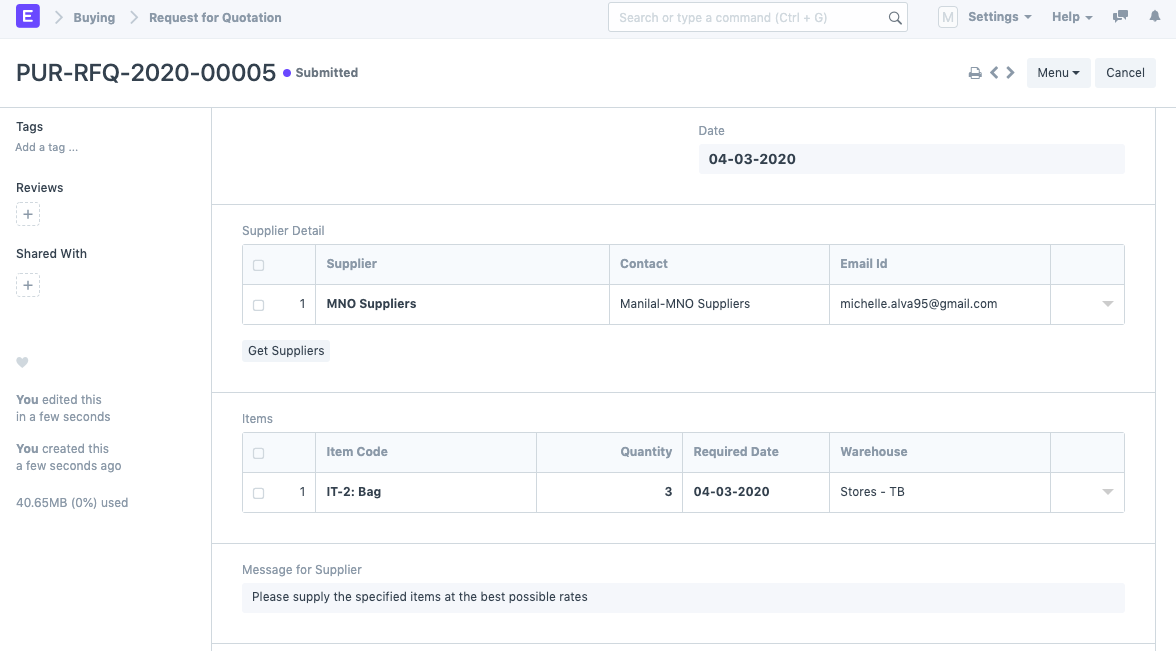
1) On the system, create a Request for Quote for the Supplier. As an illustration, we are developing an RFQ for "MNO Suppliers."
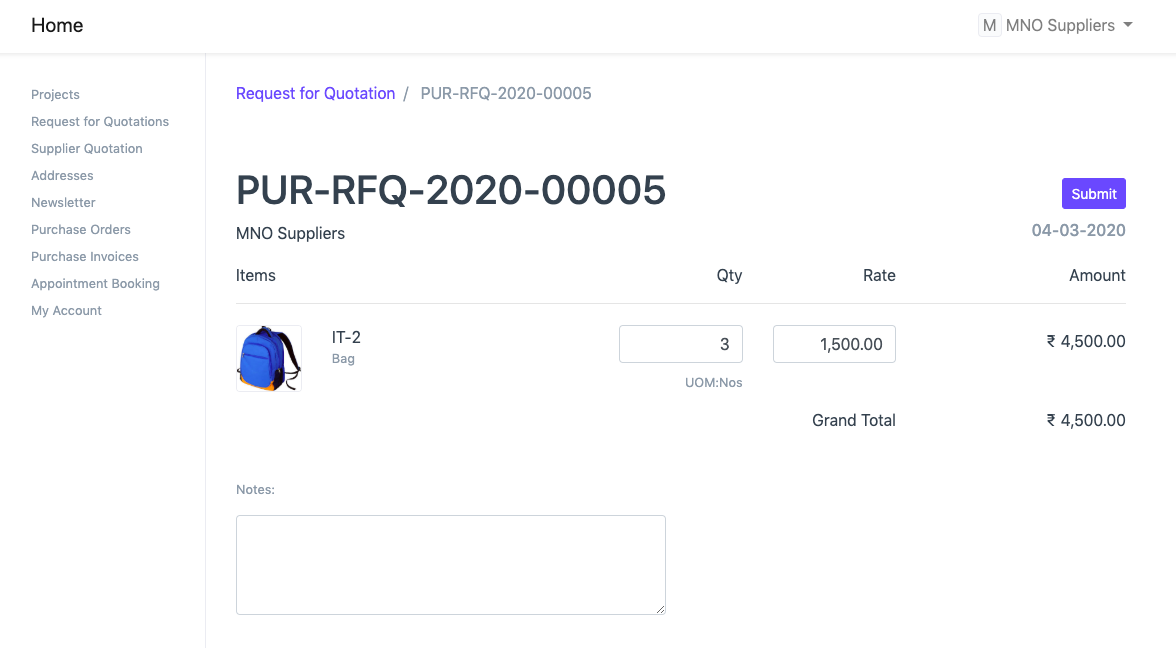
2) The Supplier (MNO Suppliers in our example) must now provide their login information to access the Supplier Portal. The Supplier will be able to see the RFQ there.
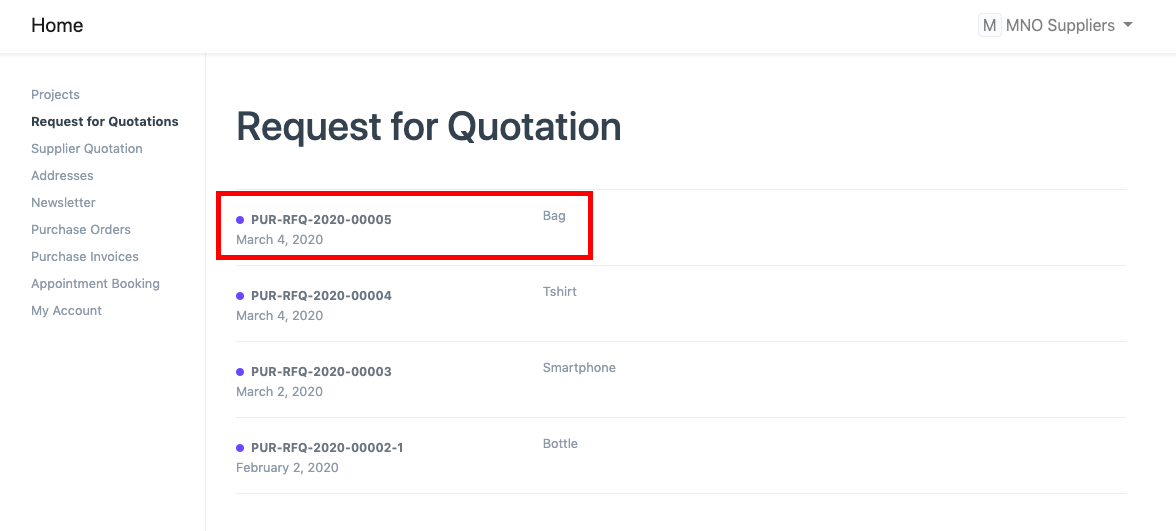
The RFQ must be submitted by the Supplier after the Item Rate is entered.
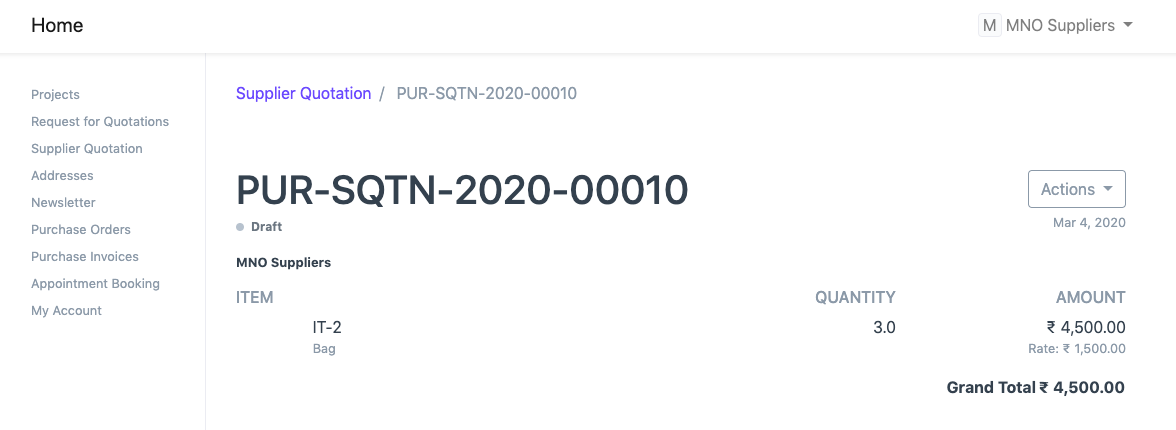
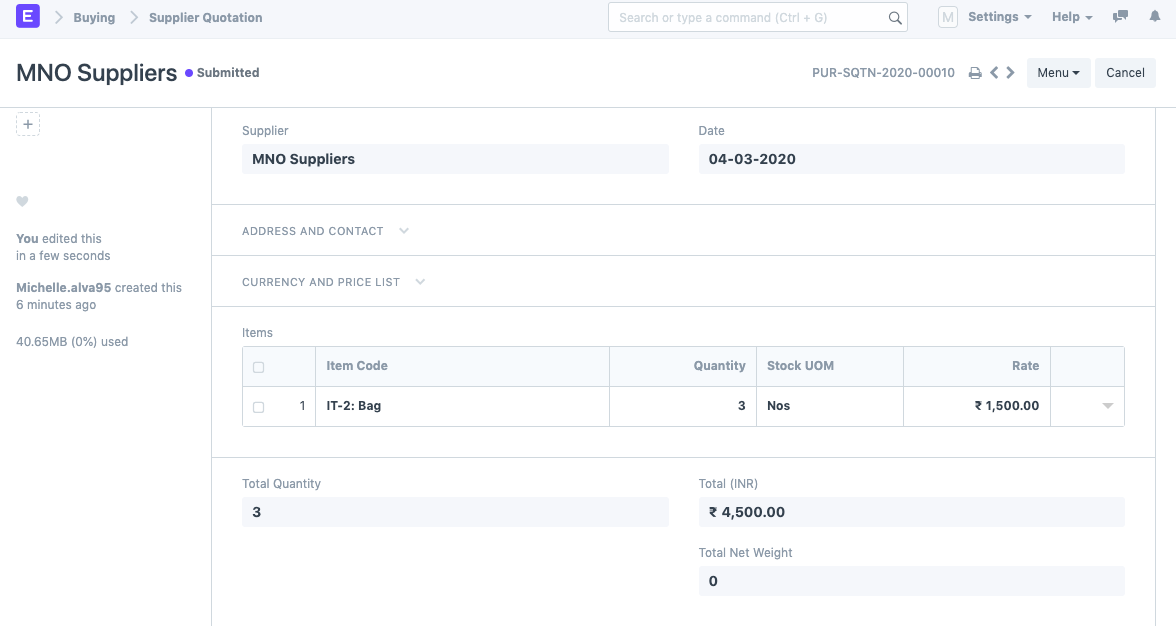
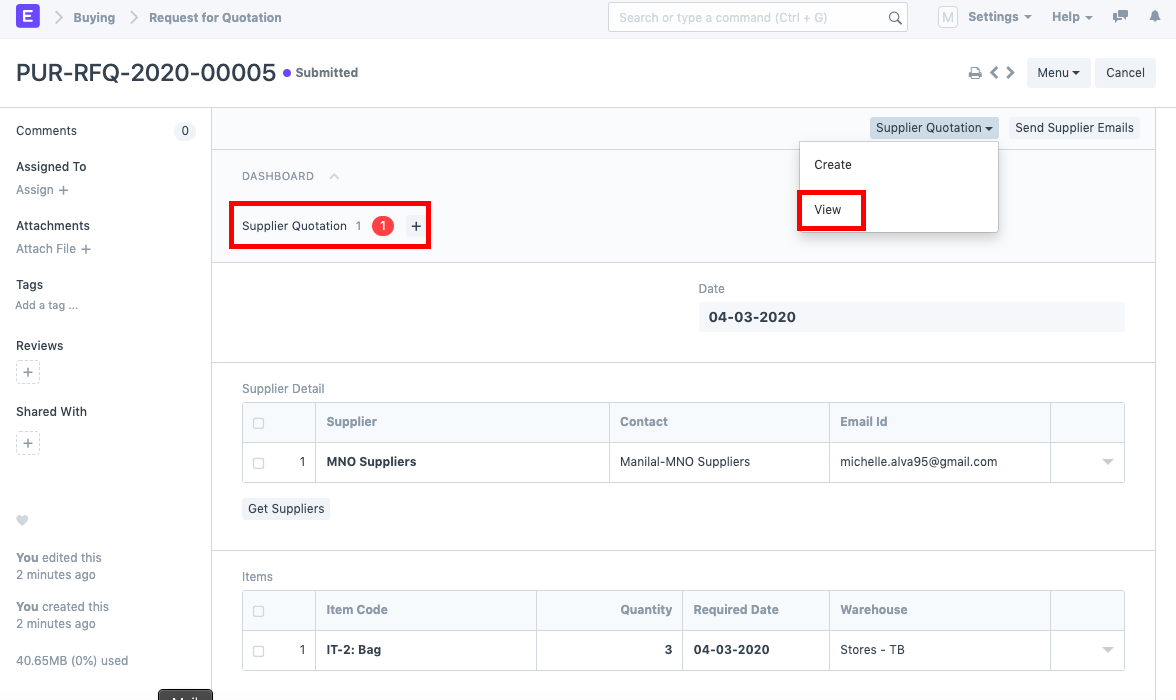
After the RFQ is filed, the system immediately generates a Supplier Quote in response to the RFQ. Choose "View" from the menu.
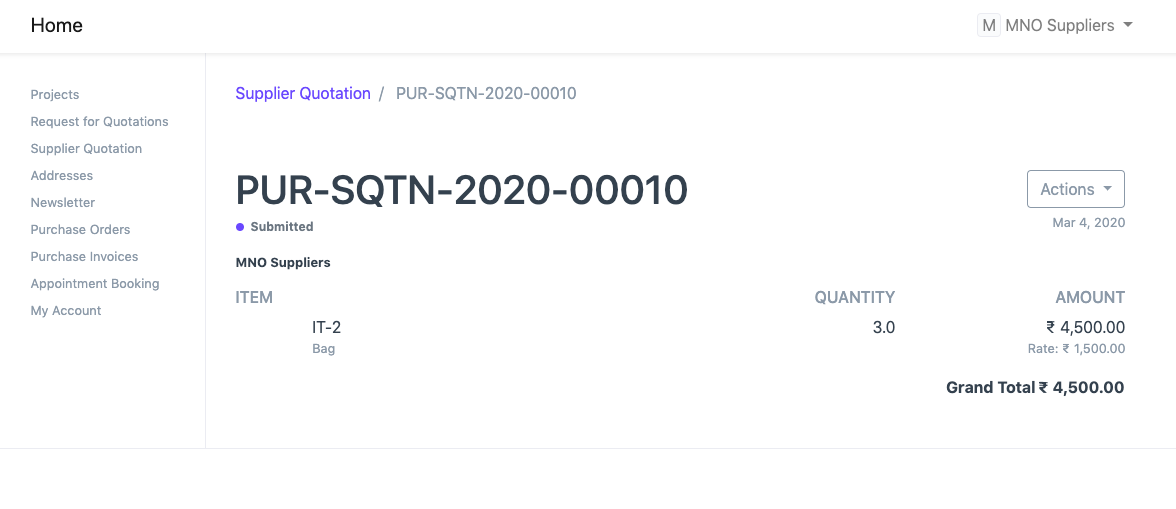
The Supplier Quote is in the Draft form, as you can see. The user may submit the Supplier Quote after evaluating it. This will appear in the Supplier Portal as well.