Custom Translations
With Custom Translations, user can print the customer's and supplier's document in their local language
For instance, utilizing Custom Translations, you can provide quotes in German and French to consumers from Germany and France.
1. Set the Language
Pick the default Language in the Customer master. Let's say Spanish is the Customer's preferred language.
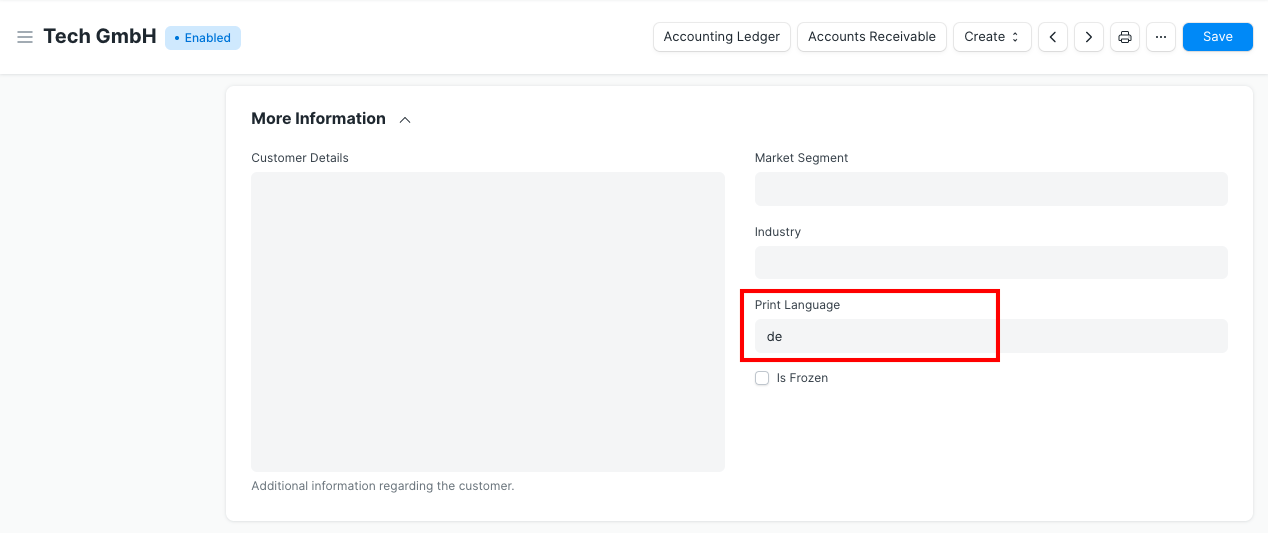
In the Supplier Master, you can do the same by setting the default language.
1.1 Print Preview in the Party's Language
Values for a transaction will be translated into the party's language in the Print Preview.
Print preview of a client quotation in the customer's default language.
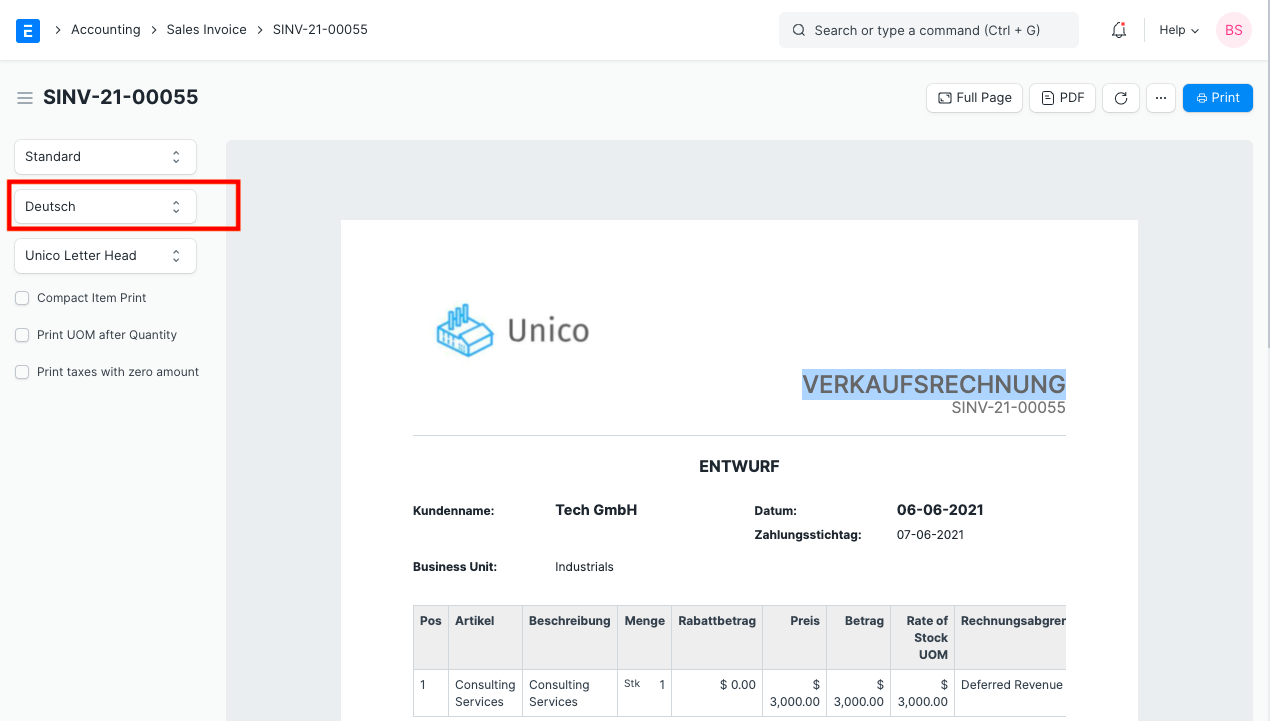
Print preview of the supplier quotation in the chosen language of the supplier.
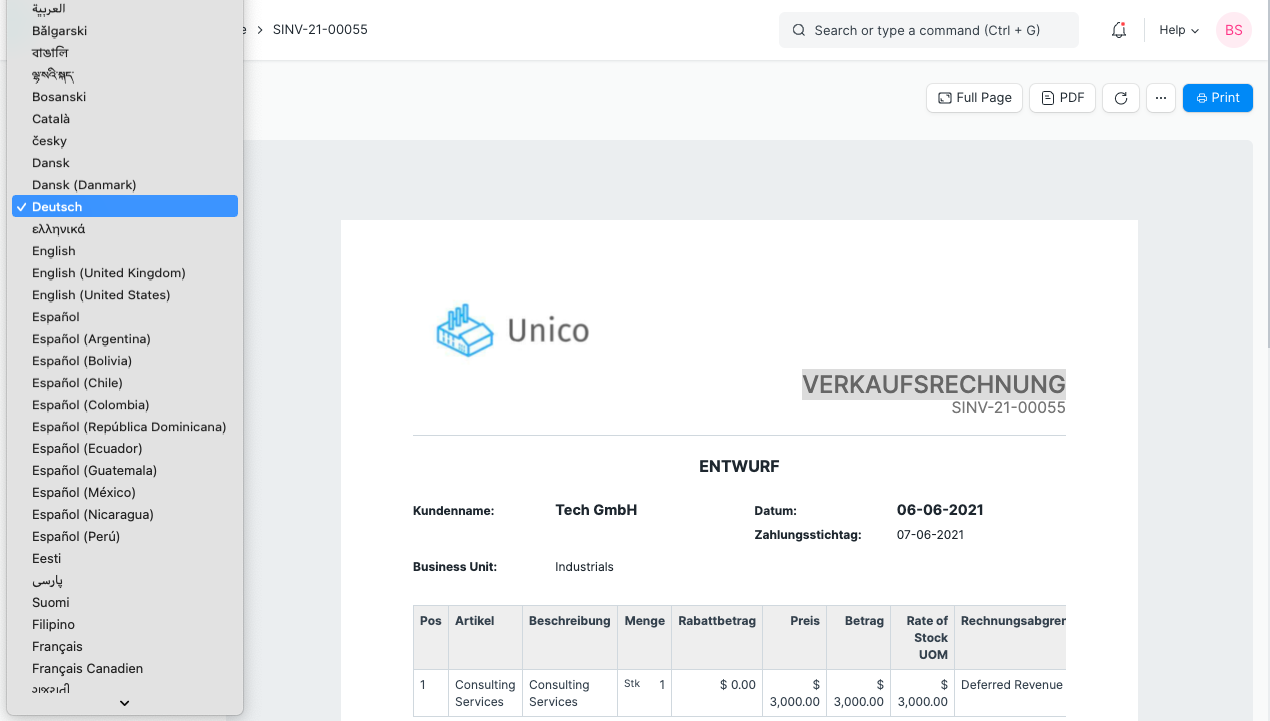
1.2 Changing the print language in the preview
On the print view, the user can choose a different language.
2. Custom Translation
The Custom Translations field allows users to set their own custom translations. For instance, if a user wants to set a product description in the language of the target audience (Spanish). Create a new translation using Spanish as the target language, then add the source data and the translated information.
Home > Customization > Other > Custom Translations > New
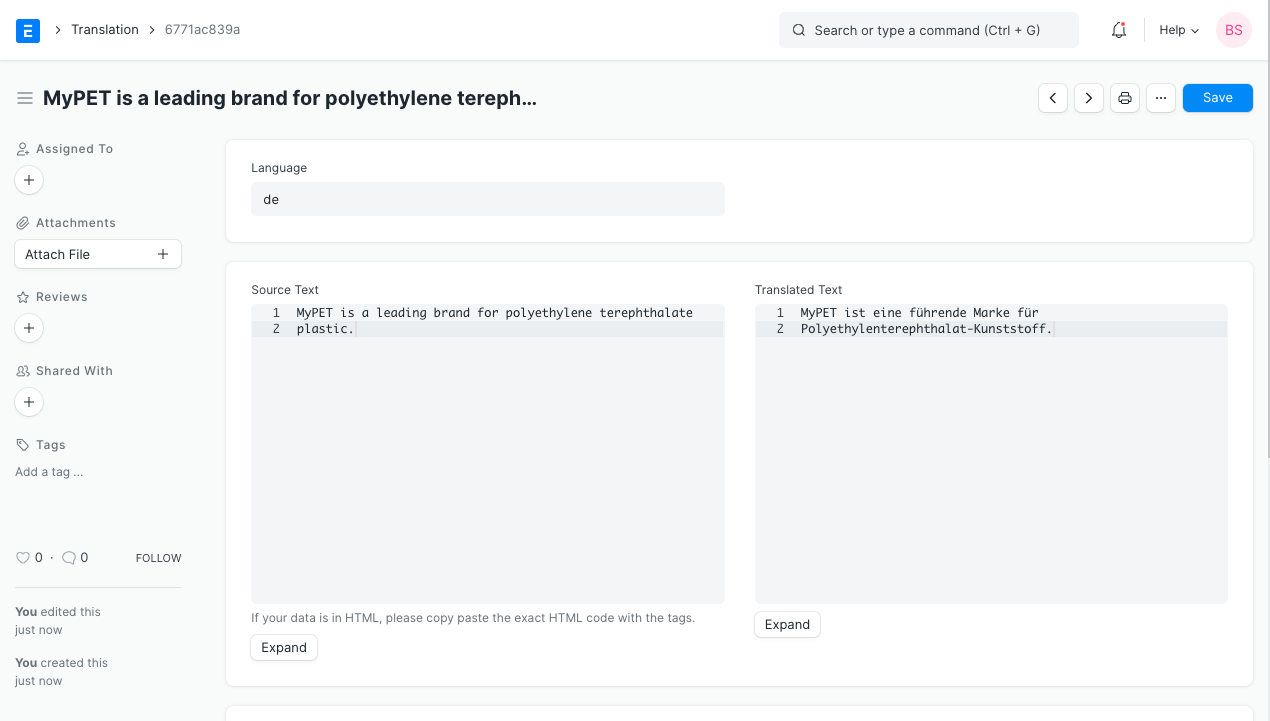
When the user chooses Spanish as the language for the supplier quotation's print preview, the translation is applied. Because the second item's description wasn't created in the Translation list, no translation was applied to it.
