Payment Order
Payment Order
An internal document called a Payment Order is used to track large payments made to Suppliers.
In large organizations, a person like the purchase manager makes the choice to pay Suppliers. An Accountant performs the payment-making action (Accounts User).
The Purchasing Manager and Account's communication instructing the Accountant to proceed with the Payment is known as the Payment Order.
You can retrieve numerous Payment Requests created against a Supplier in ERPNext by using the Payment Order.
1. Prerequisites
Prior to establishing and utilizing the Payment Order, it is suggested that the following be established:
- Purchase Order
Or
- Purchase Invoice
2. How to create a Payment Order
Go to the Payment Order list and click on New.
Select the Company bank account.
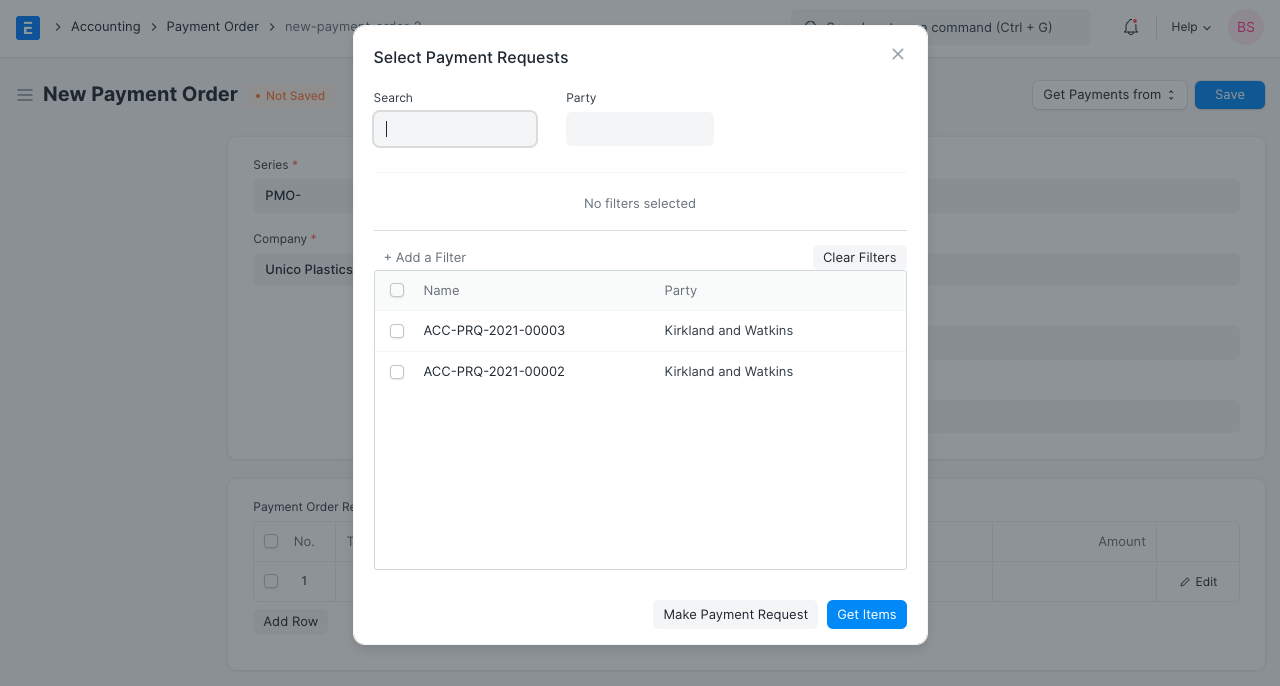
Click on the Get from button and select Payment Request. Apply filters if needed and select the Payment Requests.
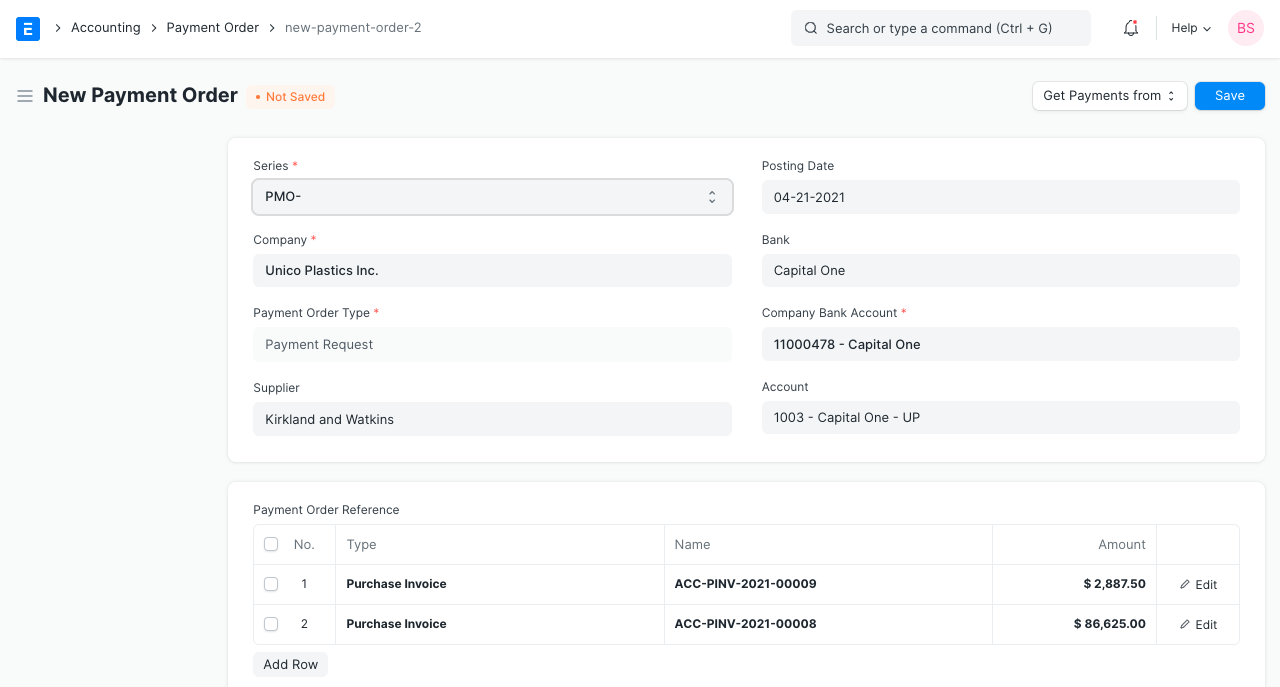
- The Payment Requests will be fetched into the Payment Order.
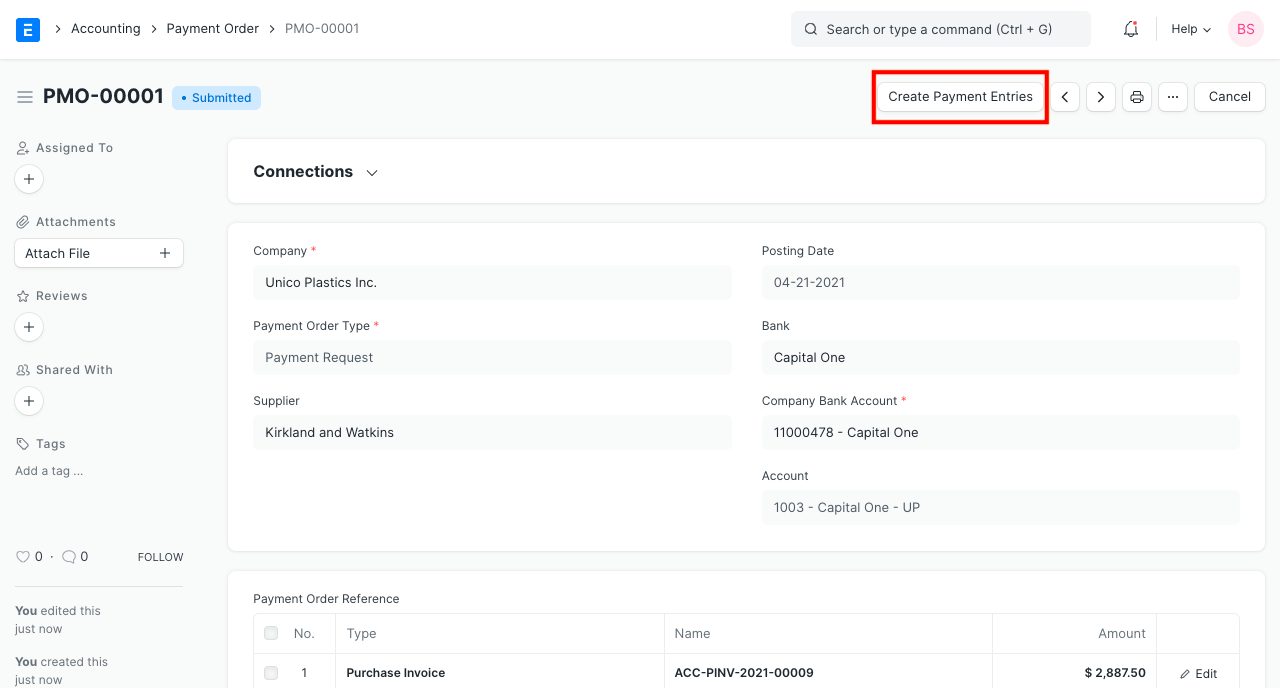
- Save and Submit the Payment Order. Now, you'll see a button to make the Payment Entries in bulk.