Purchase Return
Purchase Return
A buy return is the act of returning an item that has been purchased.
You are able to return items to the Supplier using the Buy Return option. This could be due to a variety of factors, including product flaws, inconsistent quality, the customer not needing the stock, etc.
1. Prerequisites
It is suggested that you first create the following before making and using a purchase return:
- Item
- Purchase Invoice
Or
Purchase Receipt
2. How to create a Purchase Return
- Open the original purchase receipt on which the items were provided by the supplier.
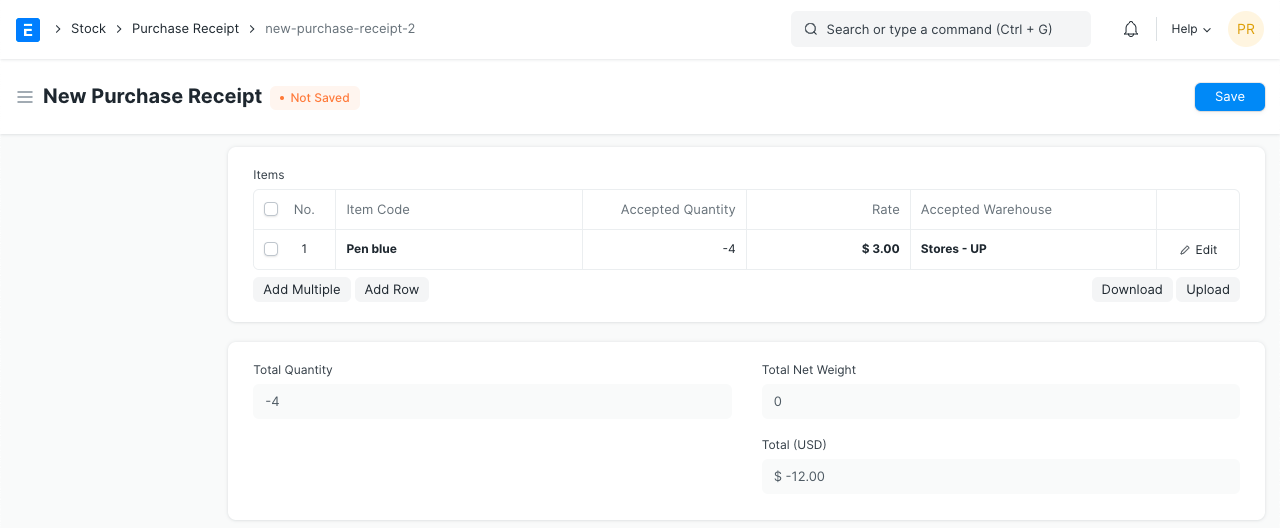
- When you click "Create > Return," a new Purchase Receipt will open with "Is Return" ticked. Taxes, rates, and items all have negative values.
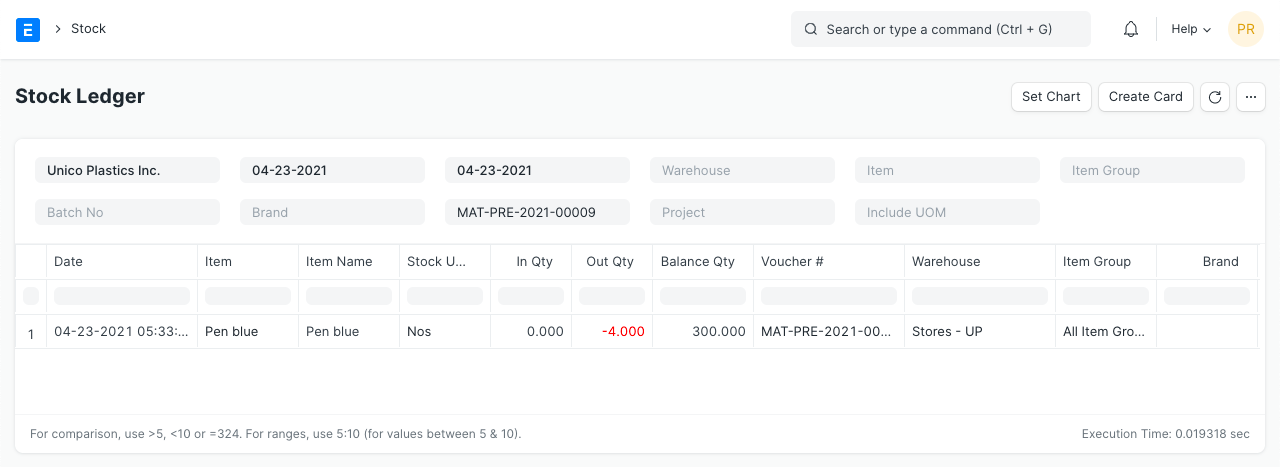
- The system will reduce the number of items from the specified Warehouse upon submission of a return purchase return. Stock balance will also increase in accordance with the original purchase rate of the returned goods in order to maintain accurate stock valuation.
- The Stock In Hand account will be credited in the Accounting Ledger, and the Stock Received but Not Billed account will be debited.
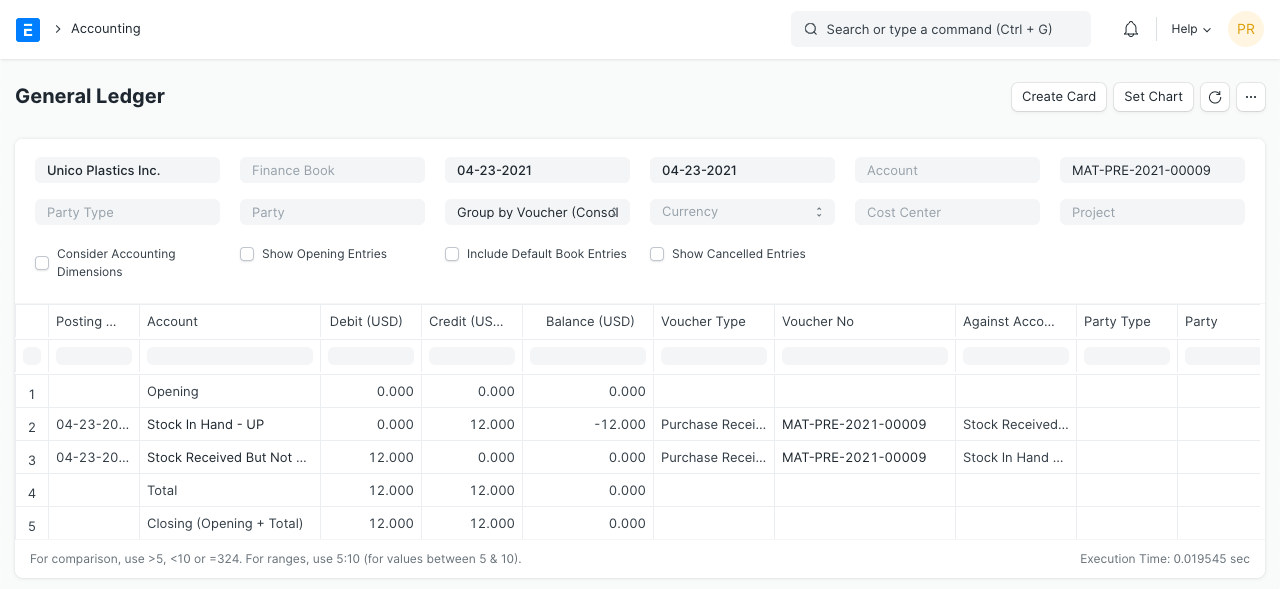
The system will submit an accounting record against the warehouse account if perpetual inventory is enabled in order to sync the stock balance on the stock ledger with the balance on the warehouse account.
3. Impact on Stock Return via Purchase Receipt
In relation to Producing a Purchase Return Against a Purchase Receipt:
The original Purchase Receipt and any Purchase Order connected to it, as well as the Returned Quantity, are modified.
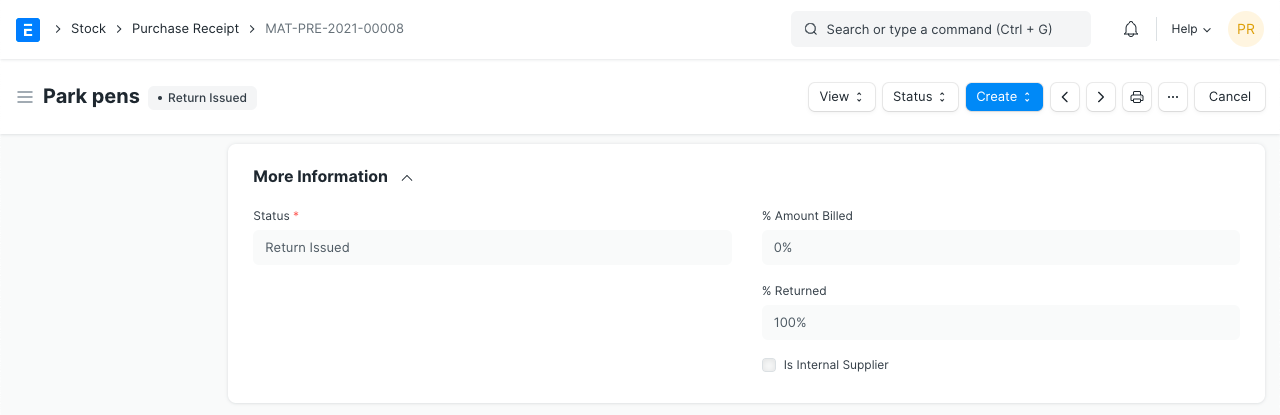
If 100% of the original Purchase Receipt is returned, the status is changed to Return Issued: