Leave Block List
Leave Block List
Leave Block List is a list of dates in a year, on which employees cannot apply for leave.
Go to: to access the Leave Block List.
Home > Human Resources > Leaves > Leave Block List
You can define a list of leave approvers in ERPNext who, in an emergency, can approve leave applications on blocked days. Also, you may specify whether the list will apply to the entire business or just certain sections.
1. Prerequisites
It is suggested that you have the following papers before you build a leave block list:
- Company
- Department
- Leave Period
- Holiday List
2. How to create a Leave Block List
- Click on New under Leave Block List.
the name of the leave block list.
In the field labeled "Leave Block List Dates," enter Block Date and Reason.
In the table labeled "Leave BLock List Permitted," enter the users who can approve leave requests for blocked days.
Save.
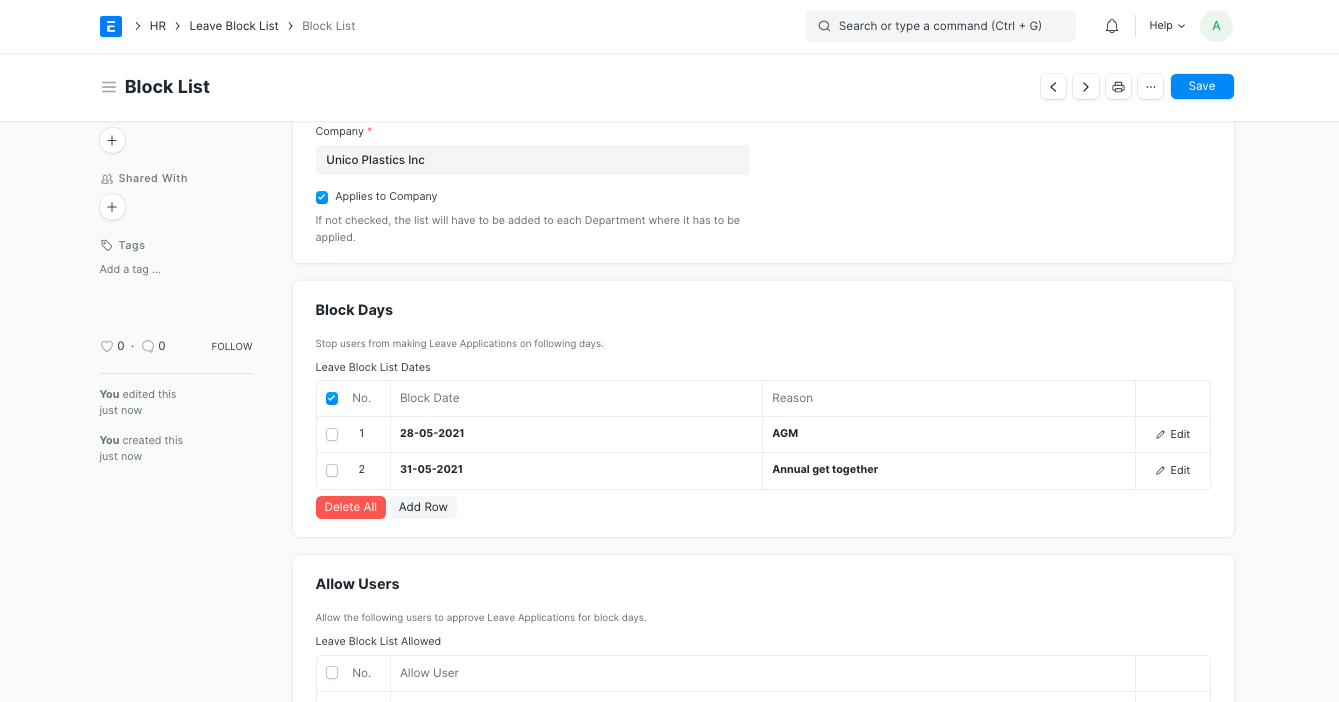
Note: If you want the Leave Block List to apply to the entire Business, enable the "Applies to Company" option. The list must be added to each Department where it must be applied if it is not ticked.