Salary Structure Assignment
Salary Structure Assignment
You can assign a certain Salary Structure to the employee using the Salary Structure Assignment form.
For the same Employee, you can establish numerous Pay Structure Assignments in ERPNext for various time periods.
Use this link to access Pay Structure Assignment:
Home > Human Resources > Payroll > Salary Structure Assignment
1. Prerequisites
It is recommended that you have the following files before you construct a salary structure assignment:
- Employee
- Salary Component
- Salary Structure
2. How to create a Salary Structure Assignment:
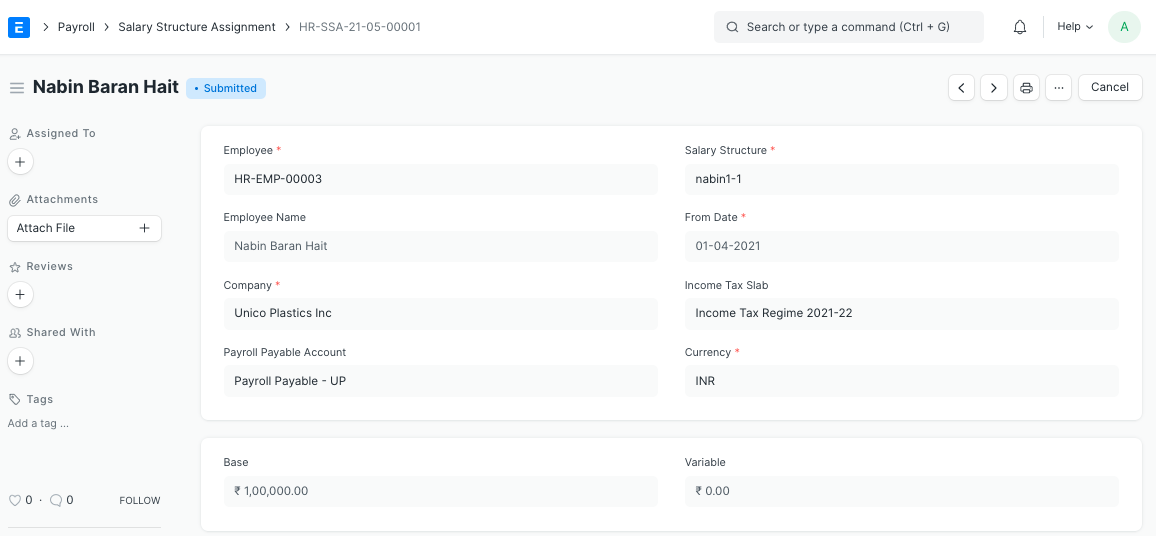
Click on New under the Pay Structure Assignment list.
The Employee and Salary Structure should be selected.
Choose the From Date that this specific Salary Structure will be effective.
Choose the employee's chosen Income Tax Slab.
As needed, enter the Basic and Variable amounts. The term "base amount" refers to the employee's fixed base salary, which is paid out whether or not the employee achieves their objectives. Variable pay, on the other hand, is the portion of sales remuneration influenced by employee performance. Variable pay is given as a form of bonus, incentive pay, or commission when employees meet their objectives (also known as quota).
2.1 Alternate ways to create Salary Structure Assignment
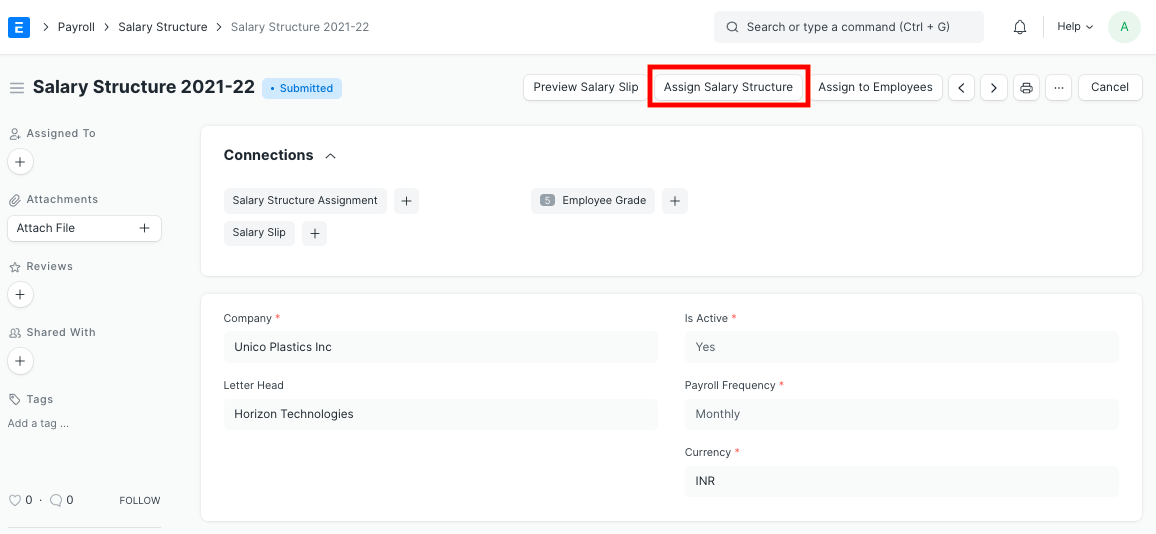
With the Salary Structure document, you may also directly assign a Salary Structure to an Employee(s). Click the "Assign Salary Structure" button in the Salary Structure document to provide the Salary Structure to a single employee.
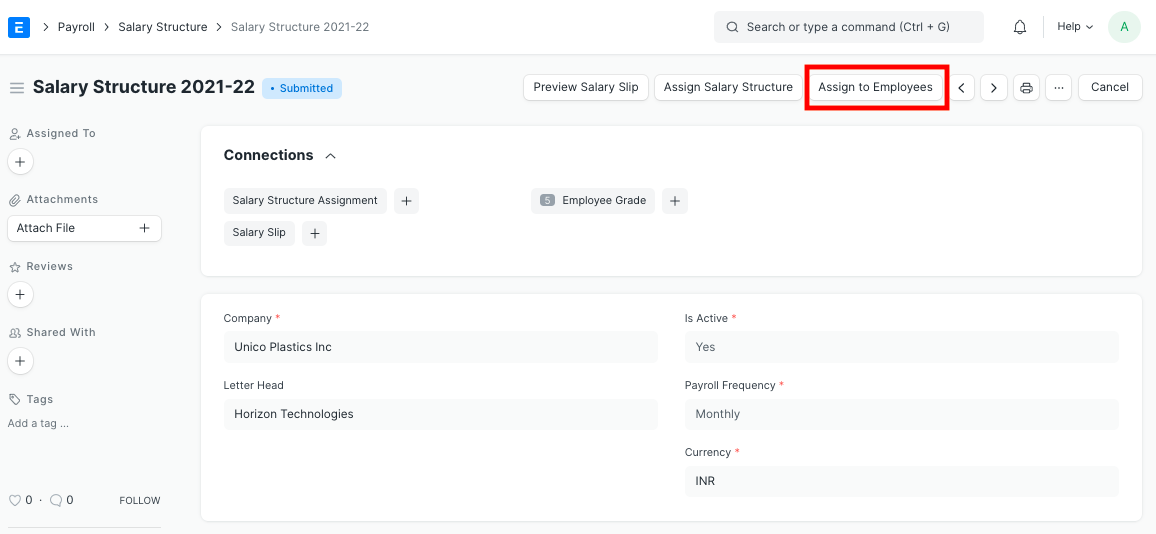
The 'Assign to Employees' button allows you to bulk assign the Pay Structure to numerous employees.
Employees may be excluded based on their Employee Grade, Department, Designation, and Individual Employee.
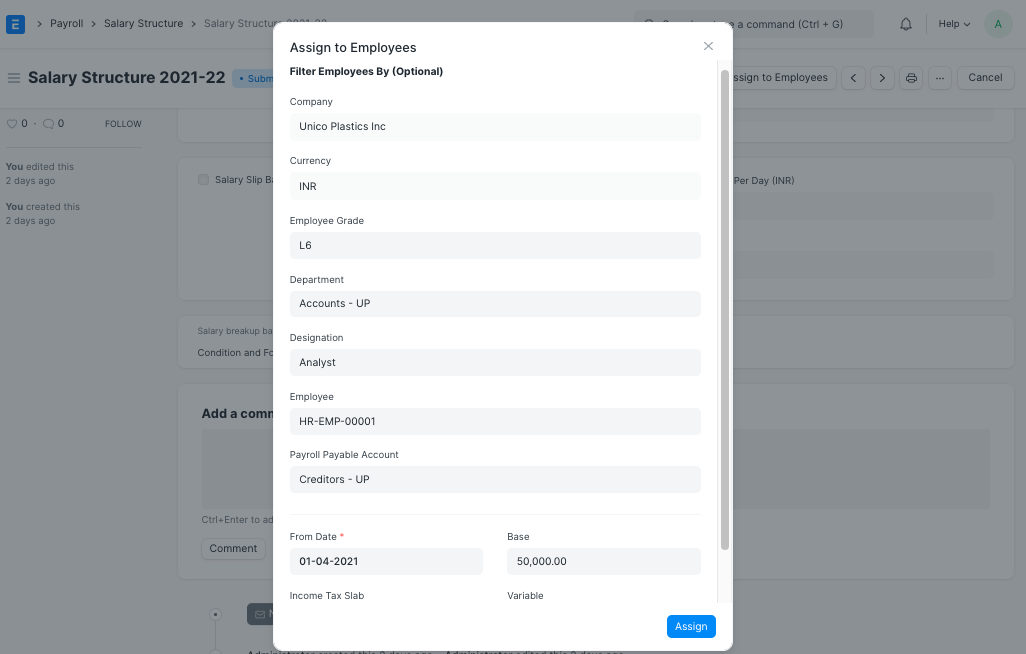
When you're finished, click the "Assign" button to properly assign the Salary Structure.