Print Style
In Print Style you can define custom CSS styles applied to Print Formats
Geer ERP includes pre-defined document printing styles. All of your print formats can use new styles that you design using CSS.
Geer ERP's default print styles are Monochrome, Modern, and Classic. Go to: to create a new Print Style.
Home > Settings > Print Style
1. How to create a new Print Style
- Go to the Print Style list, click on New.
- Enter a name for the Print Style.
- Enter the CSS that'll define how the style will look like.
- Save.
The styles you produce here work with both common and unique print formats. You can create a normal print format, open in a new page, and view the source to learn more about the many CSS classes that are accessible.
Print Settings allows you to select a default print style.
The Bootstrap (Version 3) CSS Framework is the foundation for all Print Format styles.
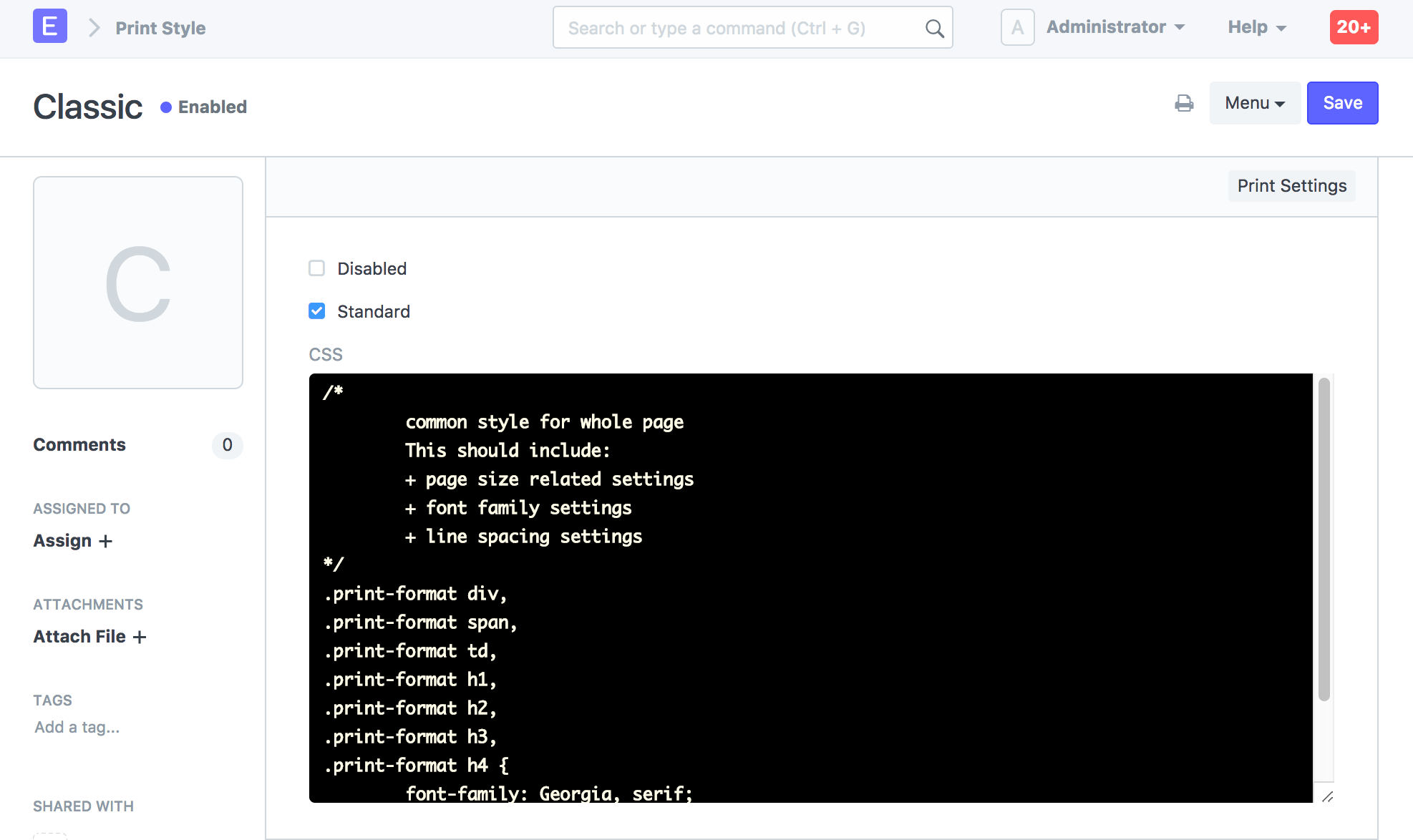
The system will generate the JSON file for the Print Style if developer mode is enabled and Standard is checked. With this, you may add a default print style.