Change User Password
For their Geer ERP accounts, each user can create a unique password. Additionally, a user with the System Manager job will have the ability to reset both his own and other users' passwords. The steps to changing your password are as follows.
1) Access the User List
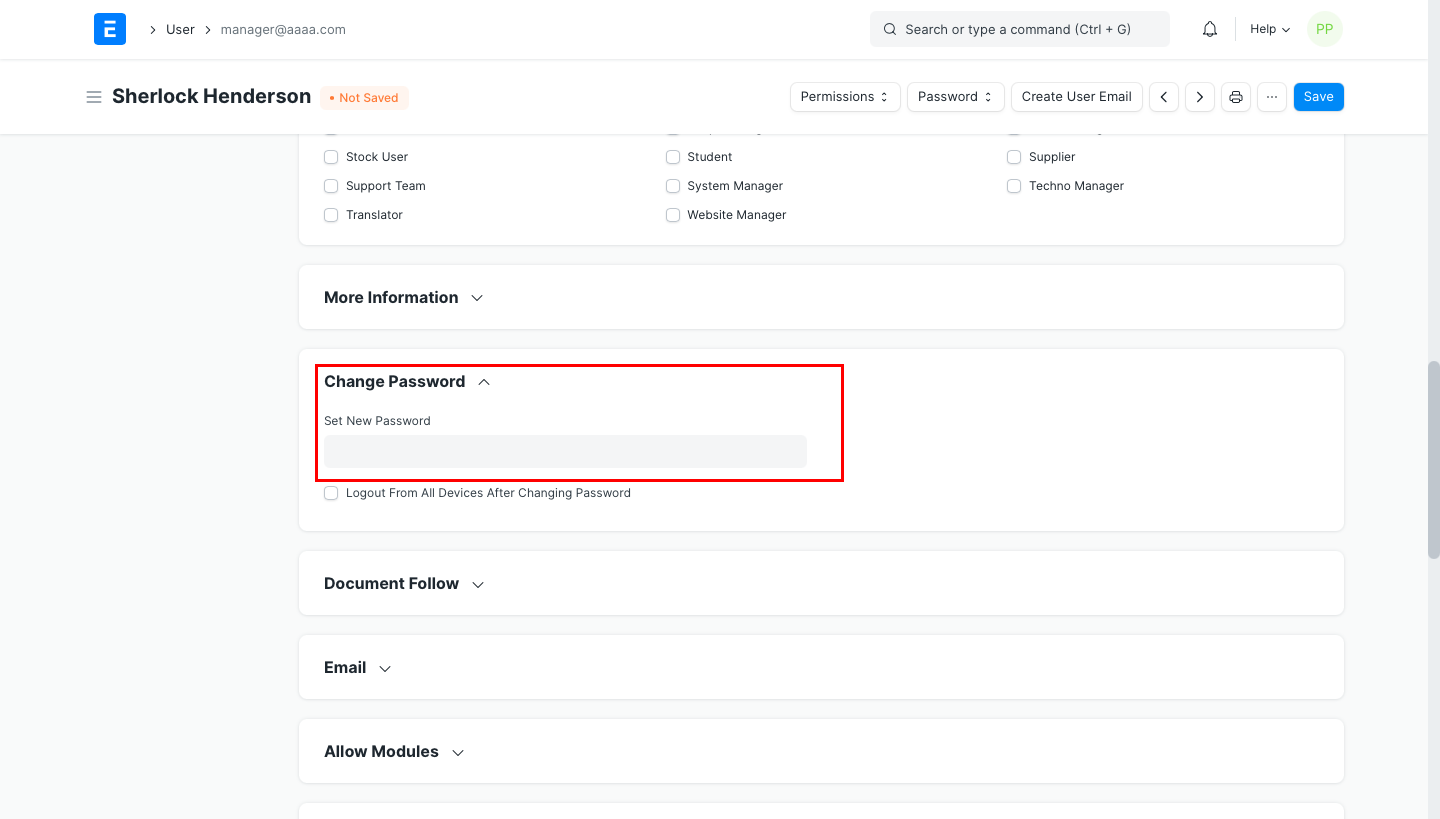
2) Log in as the user you want to change the password for.
3) To save the changes, navigate to the "Change Password" area, input the new password, and then save the form.