Gratuity
Gratuity
Version 13 adds this feature, which will be included in a separate Payroll Module.
The employer rewards the employee with a gratuity for the services they provided during the job relationship. It is typically paid at retirement, but under some circumstances, it may be paid earlier.
You may handle employee gratuity payments in ERPNext depending on various gratuity rules that vary by area.
Go to: to access the gratuity.
Home > Payroll > Gratuity
1. Prerequisites
It is suggested to create the following before making a gratuity:
Employee
Gratuity Rule
Salary Component
2. How to create Gratuity
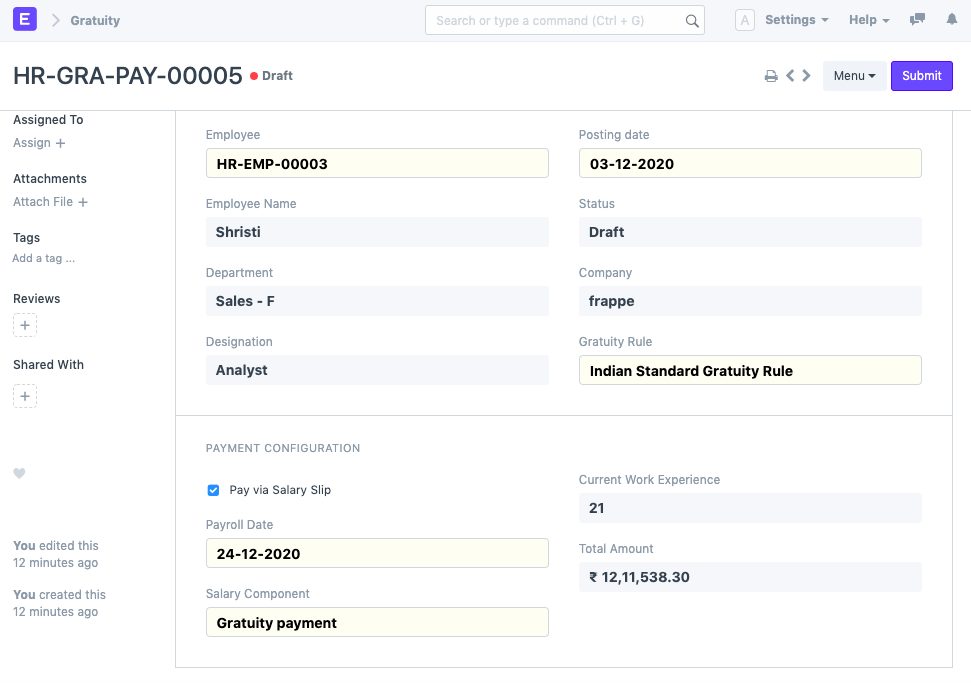
Next I went to the New Choose Employee and Gratuity Regulation page. Upon selection, it will determine Current Work
Experience and Total Gratuity Amount based on the rule for gratuities and the date of relieving.
3 . Verify the box. Pay using your pay stub. if you would like your gratuity paid via Salary Slip.
- Save and Send
3. Gratuity Payments Methods
You may pay the balance using a salary slip or a payment entry in ERPNext.
3.1 Payment via Salary Slip
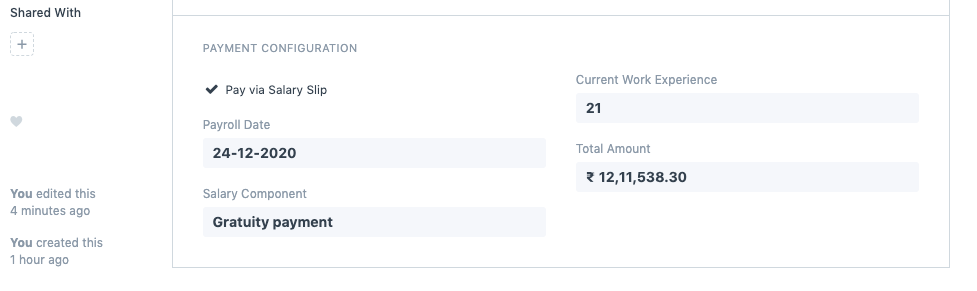
You must choose the Pay by Salary Slip checkbox in order to pay the gratuity amount via salary slip. On the check, choose the Payment Date and Salary Component.
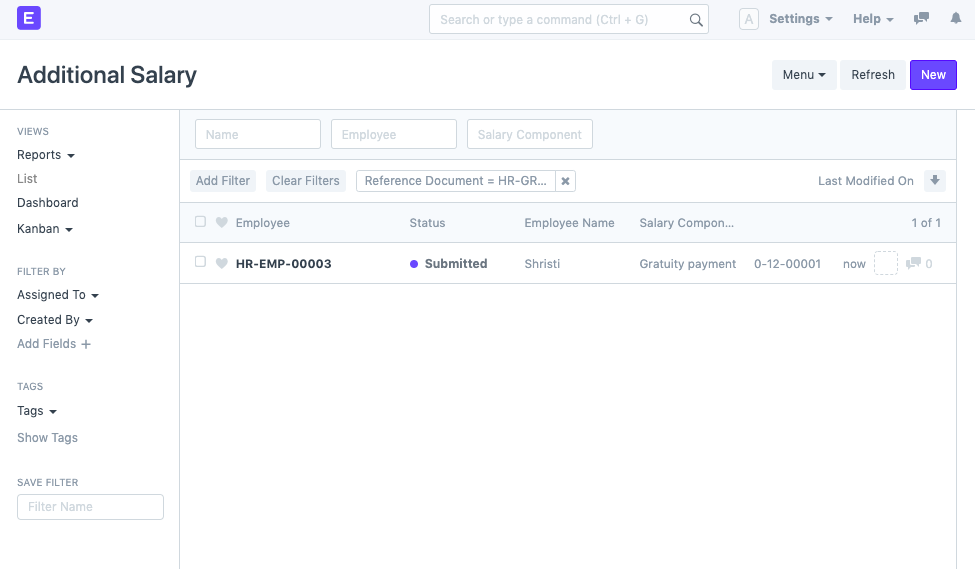
It will automatically generate Extra Salary after submission with the appropriate Payroll Date and Salary Component.
Payment via Payment Entry
You must make sure that the checkbox labeled Pay through Salary Slip is unchecked in order to pay the gratuity amount through payment entry. Then you can choose a Payable Account, Expense Account, and a Method of Payment.
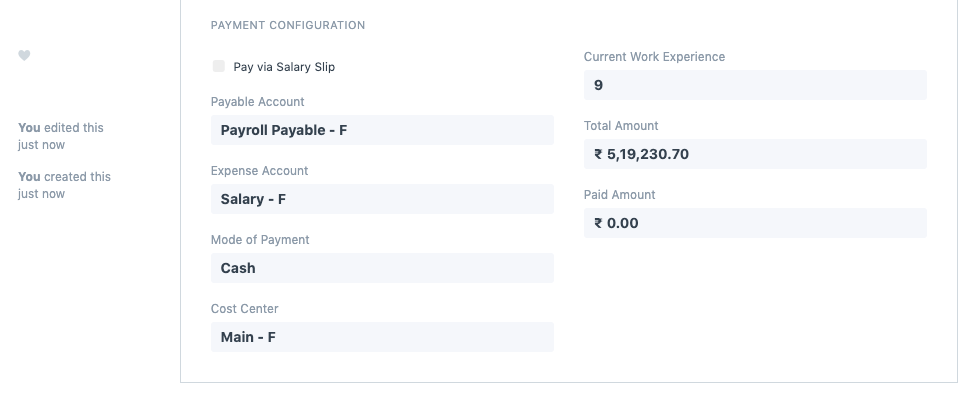
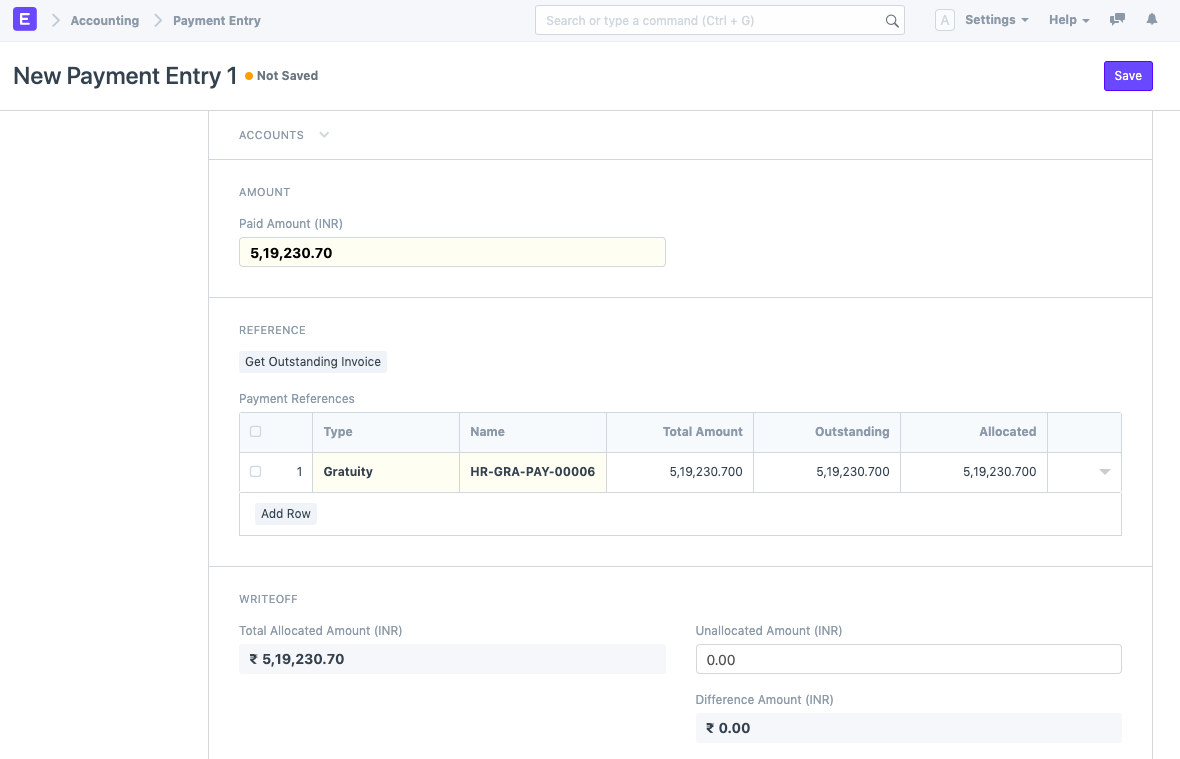
After submitting the record, click the "Create Payment Entry" button to be taken to the Payment Entry Form where you may fill out the necessary information, save it, and submit it.