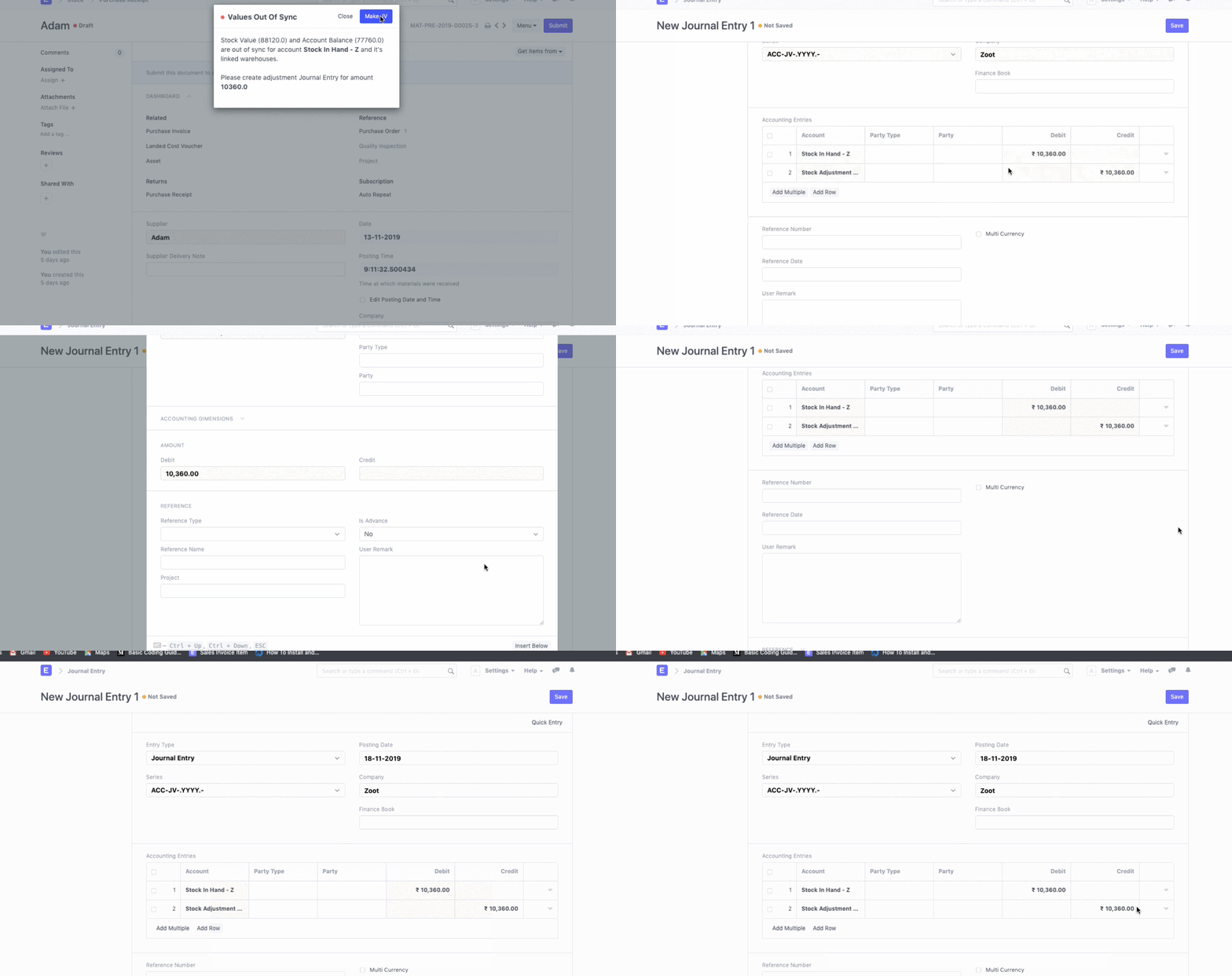
Stock Balance and Stock Account Balance Syncing
Stock Balance and Stock Account Balance Syncing
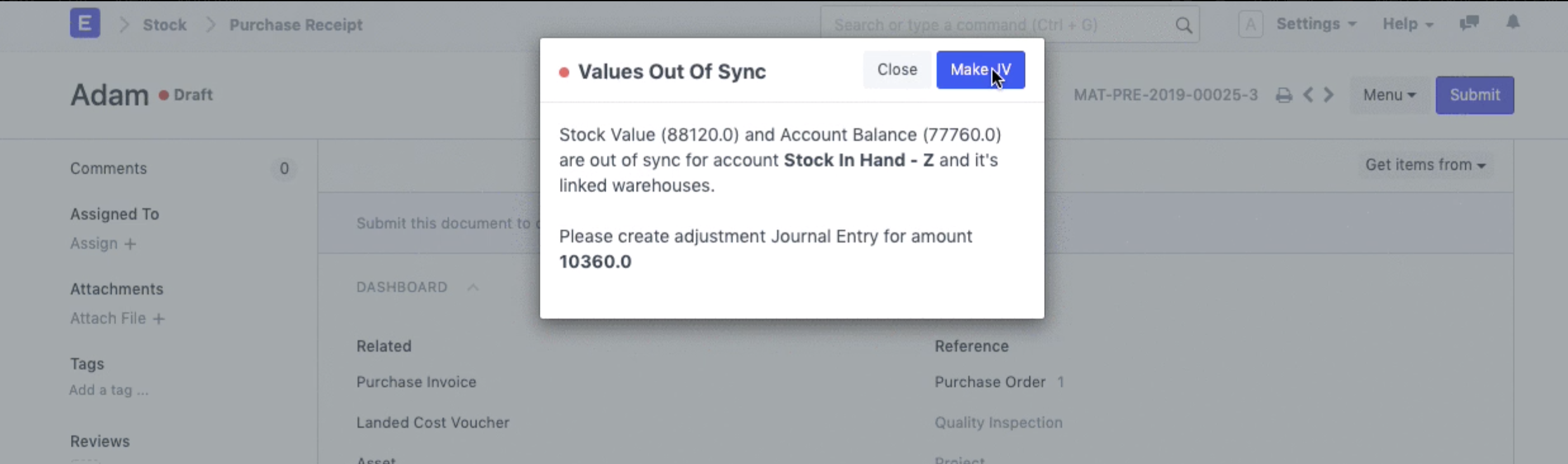
Question: When creating a transaction, getting validation message as follows. What is the cause of this error and how to resolve it.
Answer:
As perpetual inventory is enabled in your company's master database, it necessitates a balance synchronization between the stock ledger and the stock accounts (ledger). The error notice says that because of earlier entries, the stock and accounts balance don't match.
By making a journal entry, you may quickly sync the stock balance and stock accounts balance in order to move on. The validation message's "Make a Journal Entry Button" should be clicked. Afterwards, update the necessary accounts and submit the journal entry.