Employee Group
Employee Group
Workers are grouped into groups called Employee Groups based on characteristics like Designation, Grade, Branch, etc.
Go to: to access Employee Group.
Home > Human Resources > Employee > Employee Group
1. Prerequisites
The following documents should be made before you form an employee group:
- Employee
2. How to create an Employee Group
1.Click New under Employee Group List.
2.Type in the Name.
3.Choose Employee ID and include it in the group. The employee name will be retrieved automatically.
4.Save.
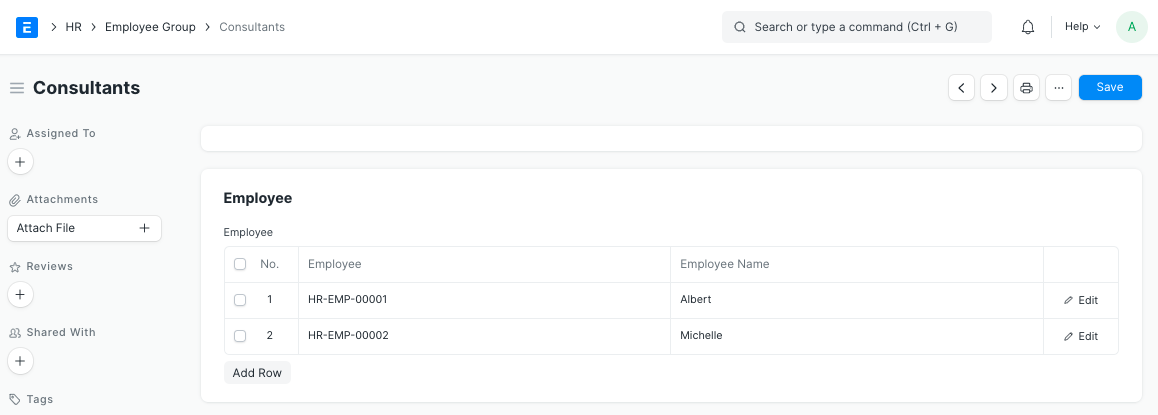
3. Features
3.1 Service Level Agreement
The Service Level can be established for a specific Employee Group by adding an Employee Group to the Service Level Agreement doctype.