User Restriction
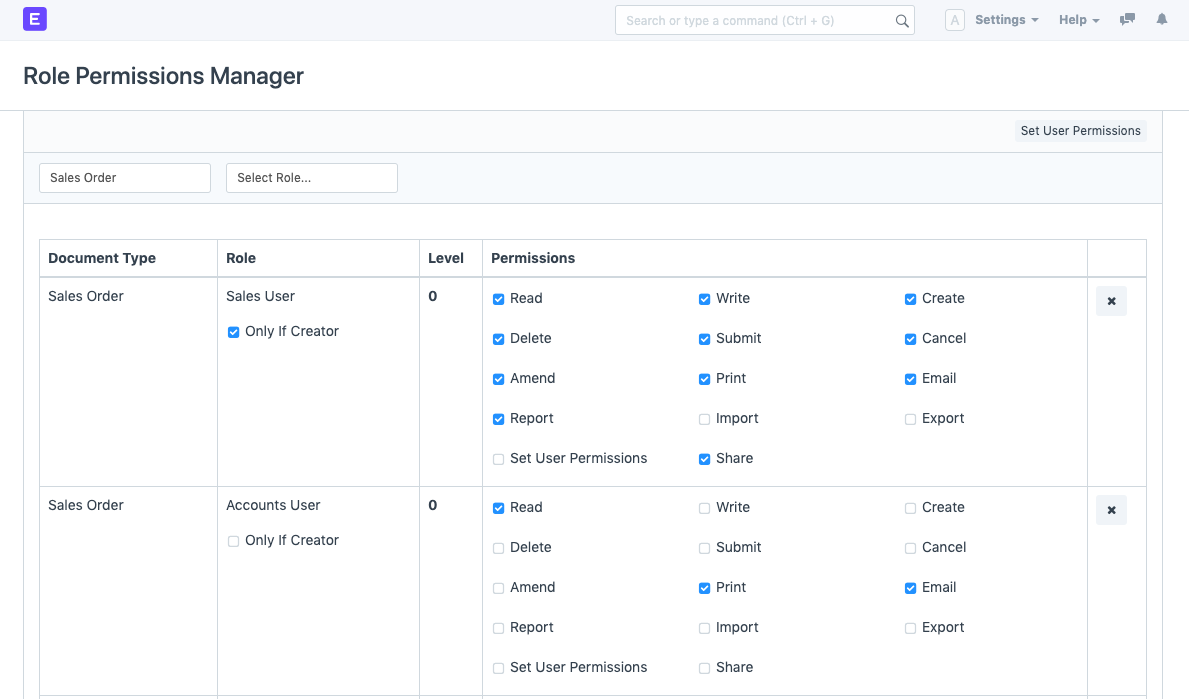
The steps to restrict Users to a Document Based on Owner/Creator are as follows.
Step 1: Role Permission Manager
Home > Users and Permissions > Permissions > Role Permissions Manager
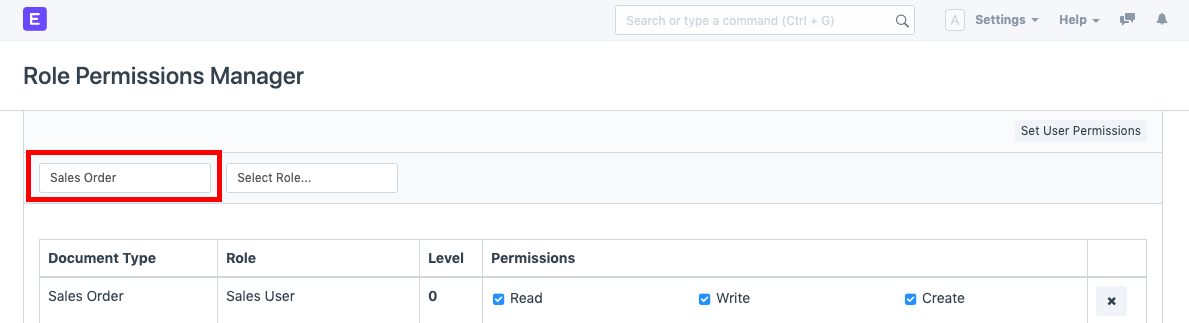
Step 2: Select Document Type Choose the Document Type for which you want to configure user access. When the permissions for the chosen document have loaded, scroll to the role you want to impose restrictions on.
Step 3: Apply User Permission Check "Only If Creator" to restrict the role (in this case, Sales User).