Invoice Discounting
Invoice Discounting
Using an organization's unpaid sales invoices as security for a short-term loan provided by a bank or finance business is known as invoice discounting.
Use this link to obtain the Invoice Discounting List:
Home > Accounting > Banking and Payments > Invoice Discounting
1. Prerequisites
To submit invoice discounting transactions, you must construct the following ledgers. Short Term Loana ledger for loans that is part of the "Current Liabilities" > "Loans (Liabilities)" group.
Bank Account Charges: a ledger for expenses related to bank fees.
Accounts Receivable Credit Account: a receivables control account.
Accounts Receivable Discounted Account: An account for unpaid invoices that has been designated as a receivable.
Accounts Receivable Unpaid Account: a receivable account for bills that have been discounted but are still owed money long after the loan has ended.
2. How to Post an Invoice Discounting Transaction
1.Go to the Invoice Discounting list, click on New.
2.Enter Posting Date and Loan Start Date. Enter the Loan Period in days.
3.Select invoices either manually in the table or by clicking on the 'Get Invoices' button on the top right.
4.Select Short Term Loan Account, Bank Account, and Bank Charges Account.
5.Select Accounts Receivable Credit Account, Accounts Receivable Discounted Account and Accounts Receivable Unpaid Account.
6.Click on Save then Submit.
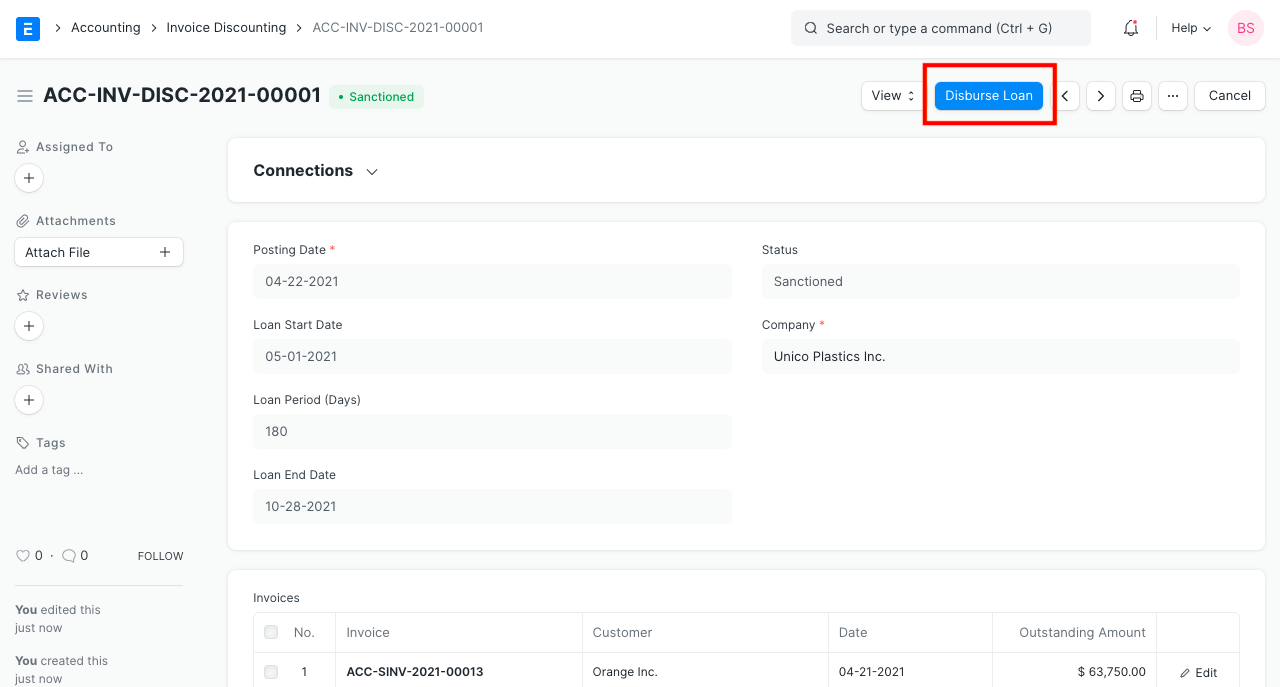
7.After submitting the Invoice Discounting form, click on the Disburse Loan.
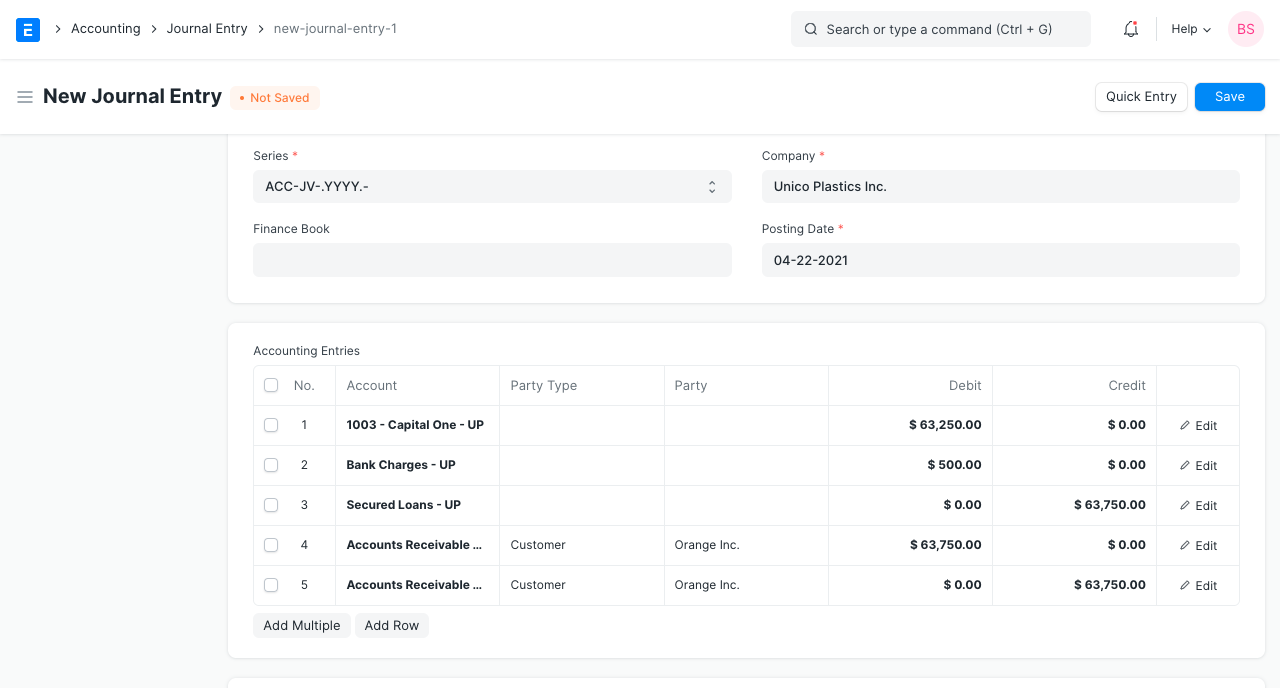
8.You'll be taken to a Journal Entry screen. Save and Submit the Journal Entry.
2. Features
2.1 Import Invoices
To import invoices, use the "Get Invoices" option. By applying certain filters, you can import invoices.
1.invoices issued in relation to a particular customer.
2.The bills were raised between a certain date range.
3.there is a minimum and maximum.
Many of the aforementioned filters may be specified.
2.2 Closing the Loan
You can amend the loan by clicking the "Close Loan" button after you pay back the loan at the end of the loan period or earlier.
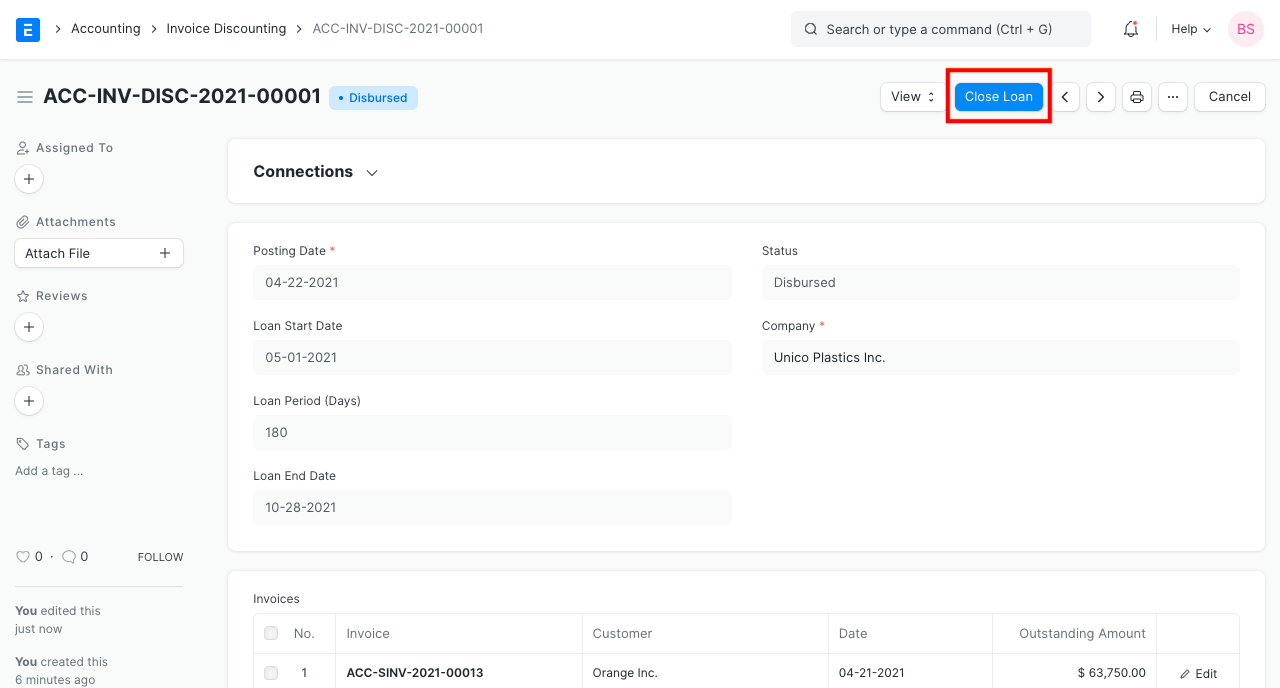
A journal entry will be created by the system. review it before submitting it.
2.3 Auto Update of Ledgers at the end of Loan Period
The system will generate a journal entry via a scheduled operation to shift value from the "Accounts Receivable Discounted Account" to the "Accounts Receivable Unpaid Account" if the loan is not returned at the conclusion of the loan period. As a result, it will be simple to find the bills that were discounted but weren't paid at the conclusion of the loan period.