2 Step 301 Redirect in your ERPNext Website
2 Step 301 Redirect in your ERPNext Website
What is 301 Redirect?
To ensure that users and search engines are directed to the appropriate page, a 301 Redirect is employed. When a page is permanently transferred to another location, a 301 status code is used. The previous page has been changed, so users will now see the new URL.
2 Step 301 Redirects with ERPNext:
Step 1: Expand "Redirects" under "Website Settings" in the amazing bar (Global Search Bar).

Step 2: Save the document after entering the old URL in Source and the new URL in Target.

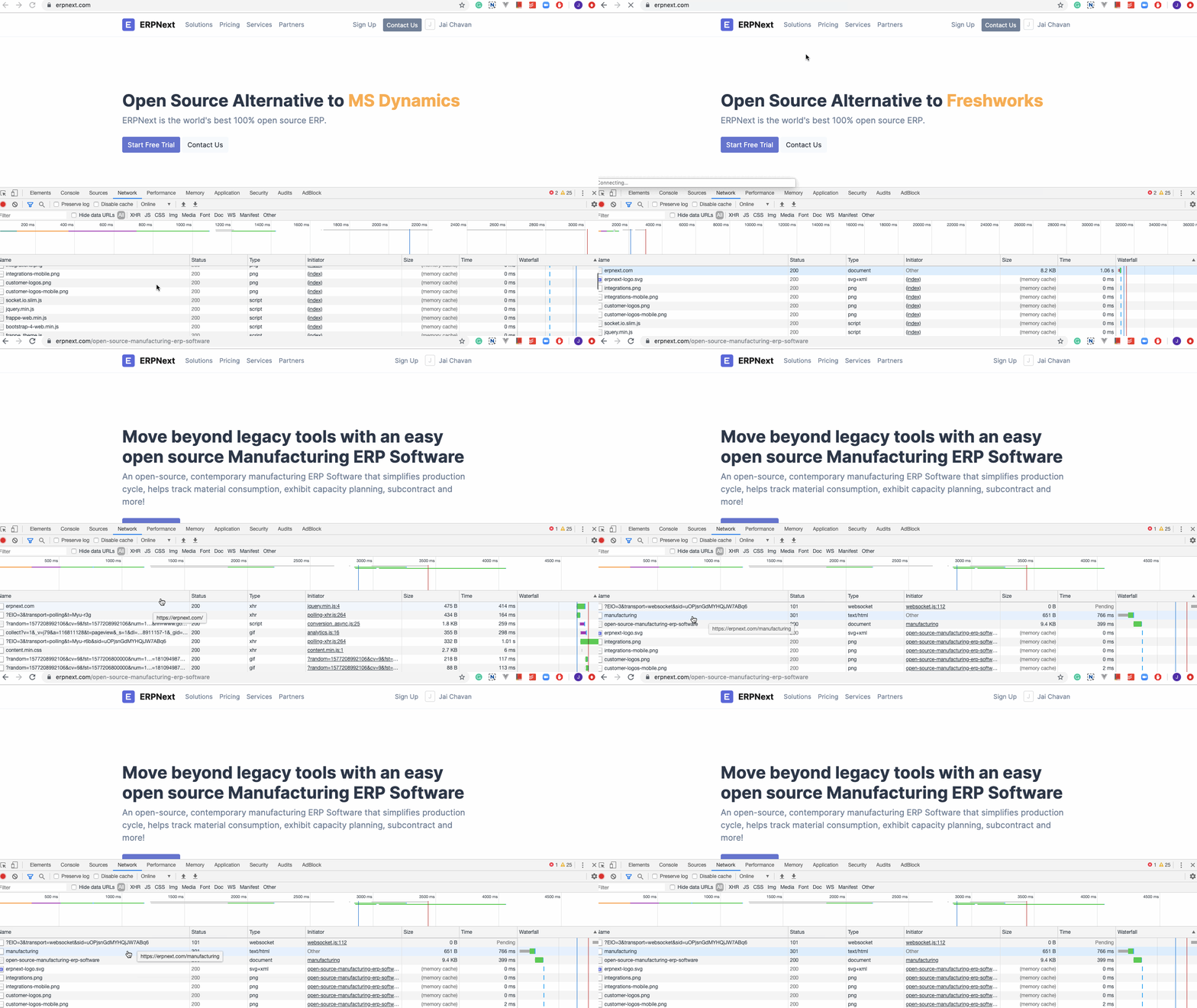
Watch the Redirect in action: