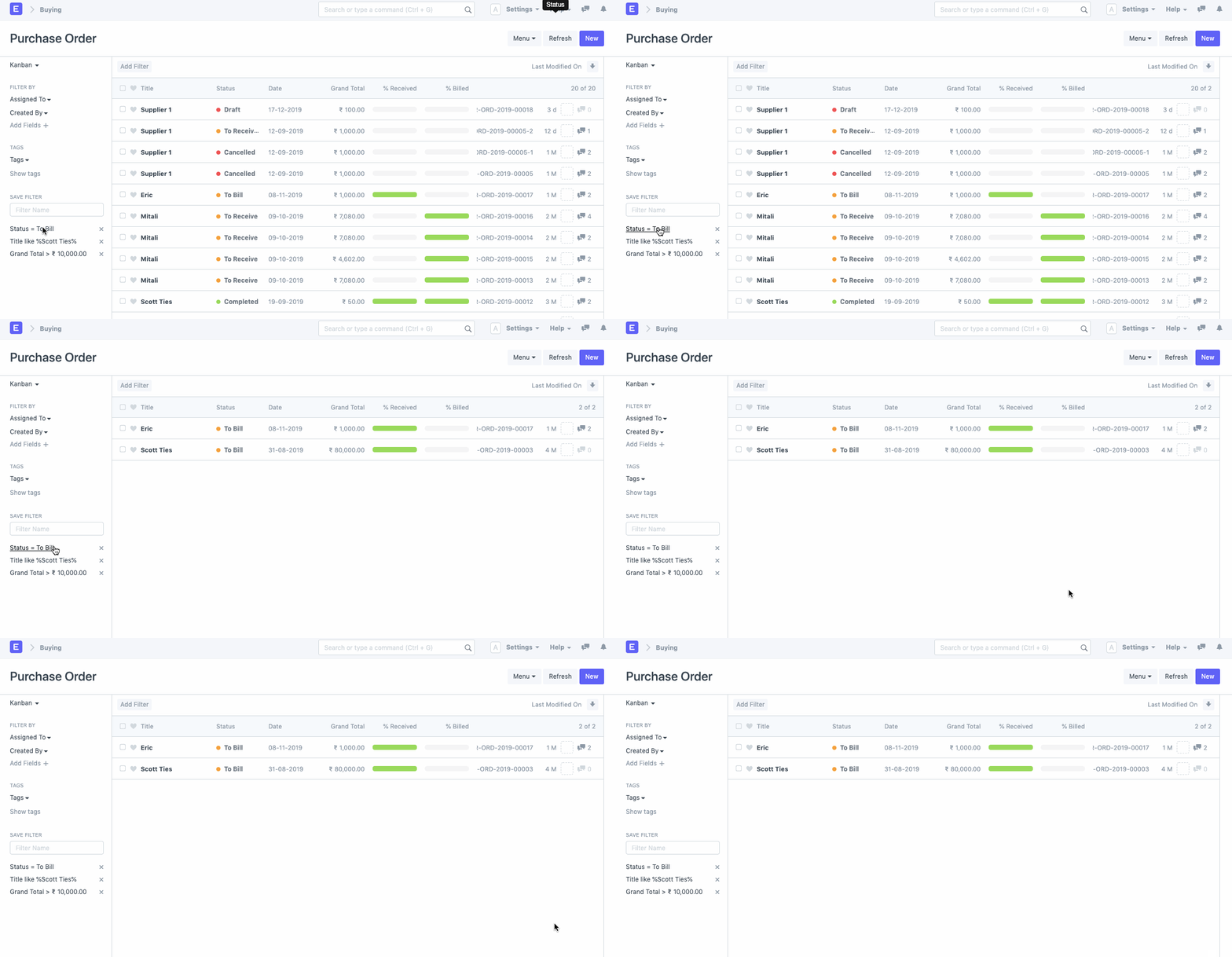
Save Filter
Save Filter is a tool that will allow you to save a certain set of filters which are applied often in a document list or a report so that you can reuse them.
Check out Search Filter for additional information on filters.
Let's imagine you want to find all buy orders with a grand total of more than $10,000 in the purchase orders database. However, as far as we are aware, it doesn't come equipped with a filter.
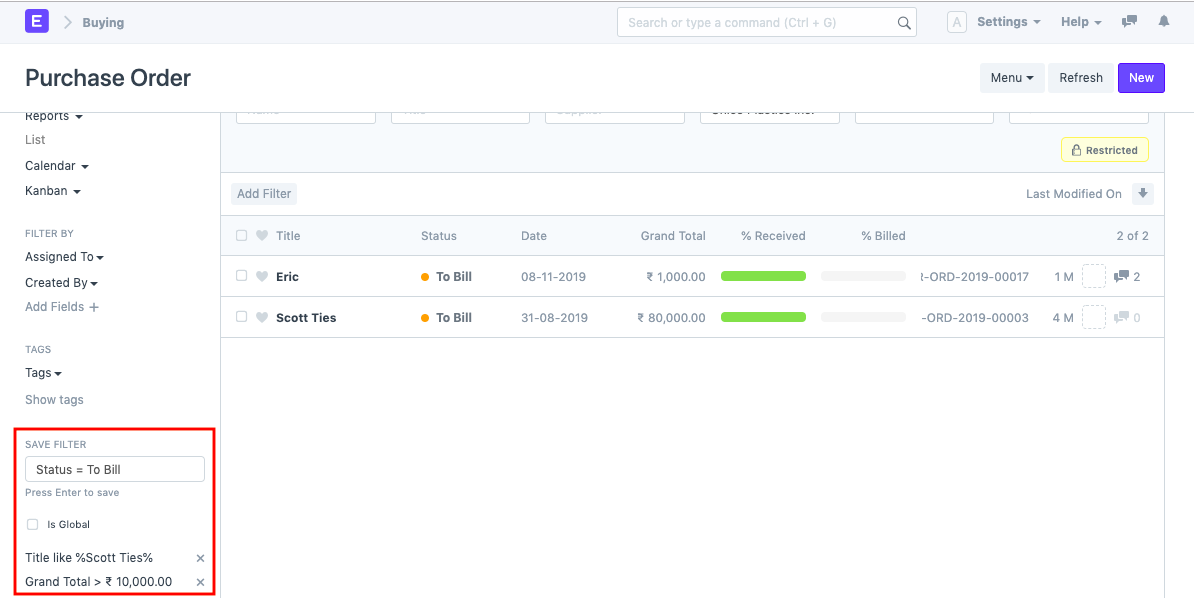
In this situation, you can make a special filter for it and save the exact specification in the "Save Filter" option so that you can quickly access this filter each time you view the Purchase Order list.
You can select the "Store Filter" option in the list or report's left sidebar to save a custom filter.