Sales Return Management
Sales Return Management
There are various ways to handle the stock and accounting adjustment that results from a sales return. Examine the stock and accounting postings that would result from the Sales Return adjustment.
Return Without Payment
If a customer requests refunds even before you've processed their payment, you can just:
Get rid of the sales invoice.
Establish a Sales Return in response to a Delivery Notice.
You can also write a Credit Note against a Sales Invoice if your local regulations forbid you from canceling the invoice.
Paid Sales Invoice - Adjustment via Credit Note
In this case, the customer bought something from you for which a sales invoice was generated and paid.
With relation to a sales invoice, create a credit note.
Verify the "Is Paid" field on the sales invoice. Make sure the appropriate table's Payment Account / Method of Payment selection is made.
Check the "Update Stock" box if you want to return items via the sales invoice itself.
Credit Note: Save and Submit.
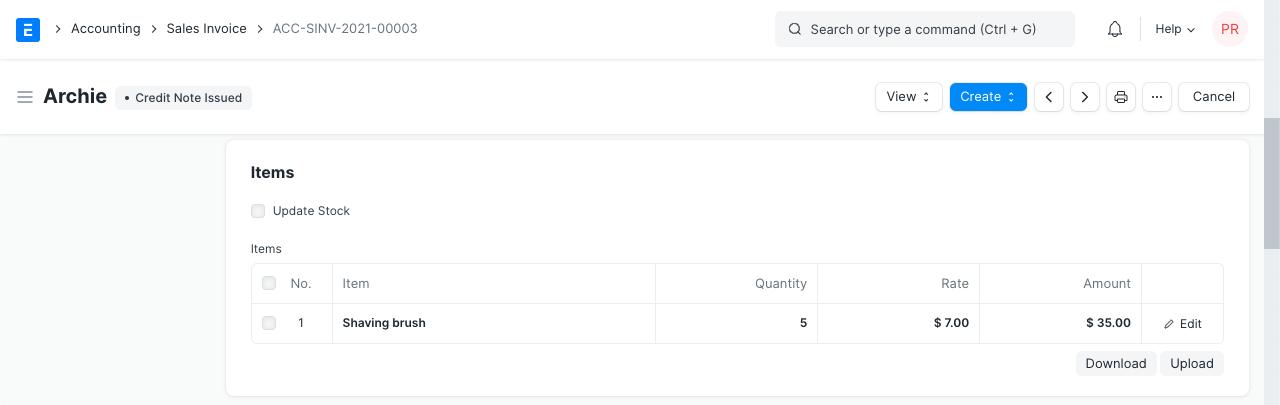
The sold items will be accepted back in your Warehouse in accordance with this input. Moreover, the Customer's payment will be reversed.
The Outstanding Balance of the Sales Invoice will become negative following the formation of the Credit Note. This will offer you the flexibility to amend this sales invoice (which has a negative amount) in order to offset against the remaining future sales invoices.
Unpaid Sales Invoice - Credit Note
You may easily write a Credit Note in the instance of a Sales Return where the customer didn't complete any payment. The Outstanding of the Sales Invoice will turn negative upon generation of the Credit Note.
You can either create a Sales Return against a Delivery Note or tick the "Update Stock" box in the Credit Note itself to make a stock adjustment.