Configuring A Reply-To Email Address
The 'Default Incoming' checkbox in the necessary Email Account determines the 'Reply-To' Email Address.
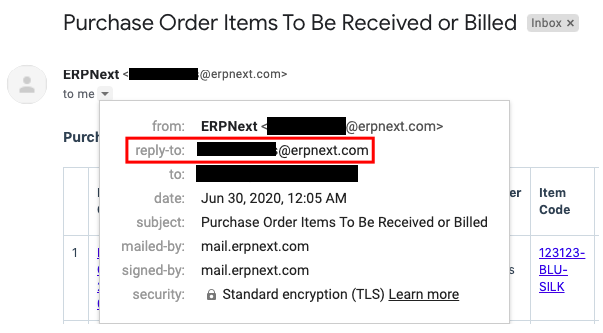
Prerequisites:
The desired email address, such as "abc@test.com," must have a record created for it in the "Email Account" DocType.
Steps:
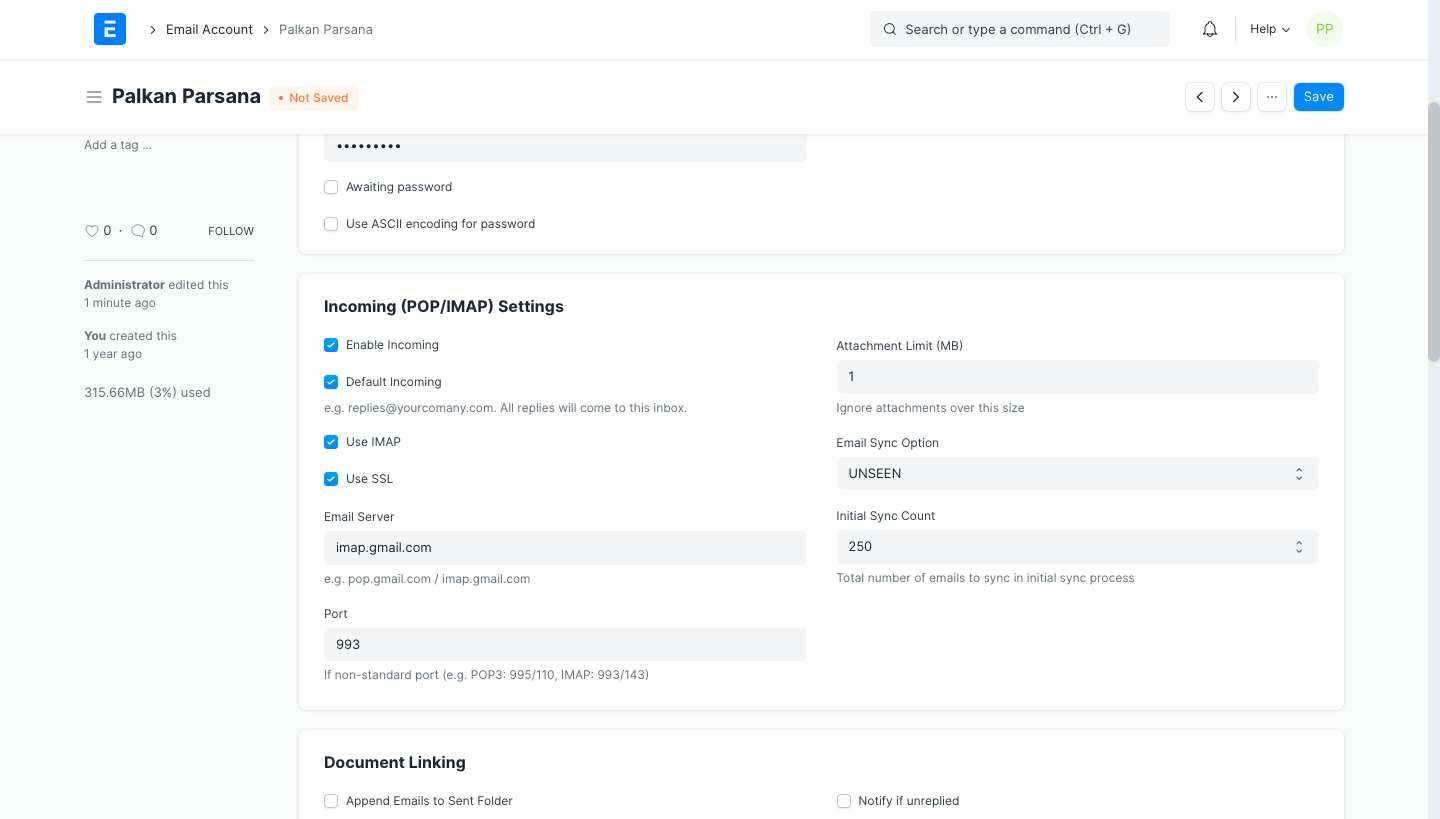
Enable the "Enable Incoming" and "Default Incoming" checkboxes in the entry for the email address "abc@test.com" that was created in the "Email Account" DocType. When the "Default Incoming" checkbox is selected, this email will be used as the "Reply-To" address (sample screenshot below).
Please click here for additional information on email accounts.