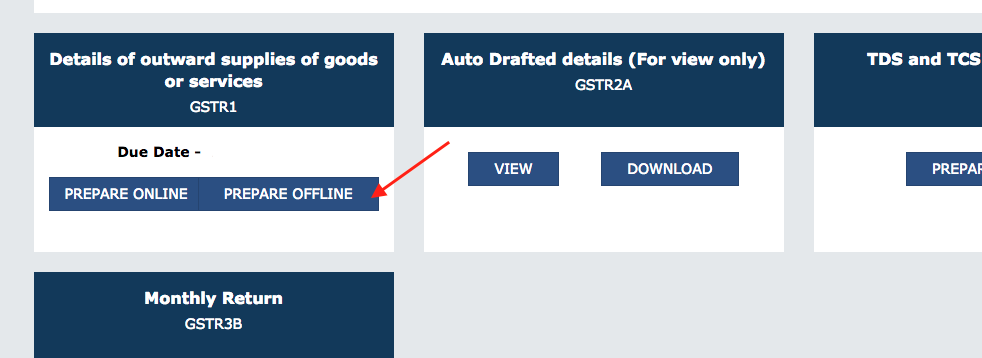
Generate GSTR-1 JSON File
Generate GSTR-1 JSON File
Follow the instructions below to generate a JSON file using ERPNext.
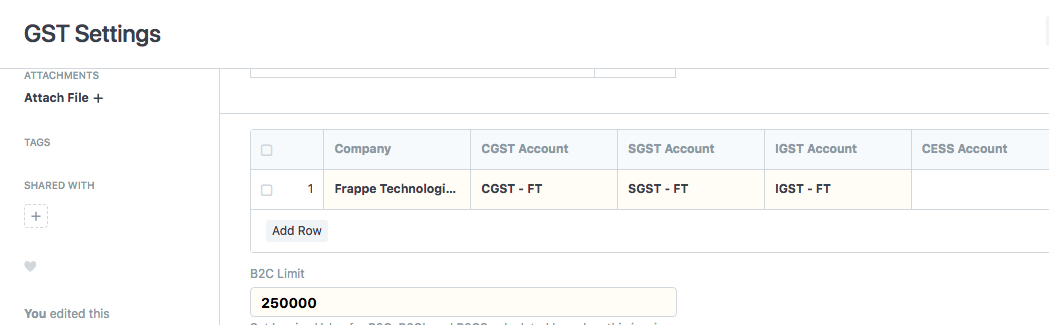
Setup GST Parameters:Update GST parameters by navigating to Accounts > Goods and Services Tax (GST India) > GST Settings.
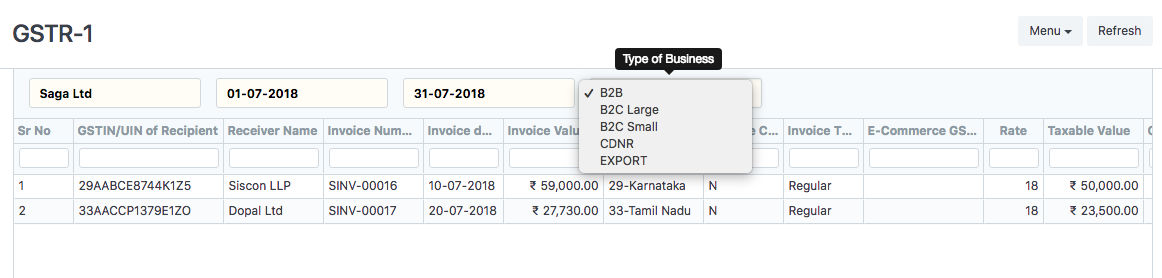
Report GSTR-1: Access GSTR-1 by navigating to Accounts > Goods and Services Tax (GST India) > GSTR-1. Additionally, you can search in the bar.

Select Return period and Type of Business: Access GSTR-1 by navigating to Accounts > Goods and Services Tax (GST India) > GSTR-1. Additionally, you can search in the bar.
Download GSTR-1 Data: Export and download GSTR-1 Data via the Menu.
GST Return Offline Tool: Start the GST Offline Tool. (Download Offline Instrument from the GST Portal)
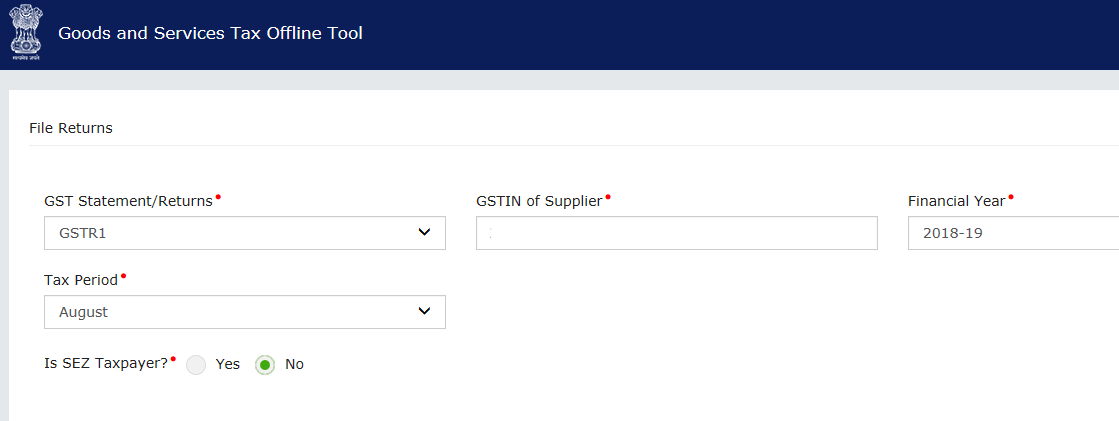
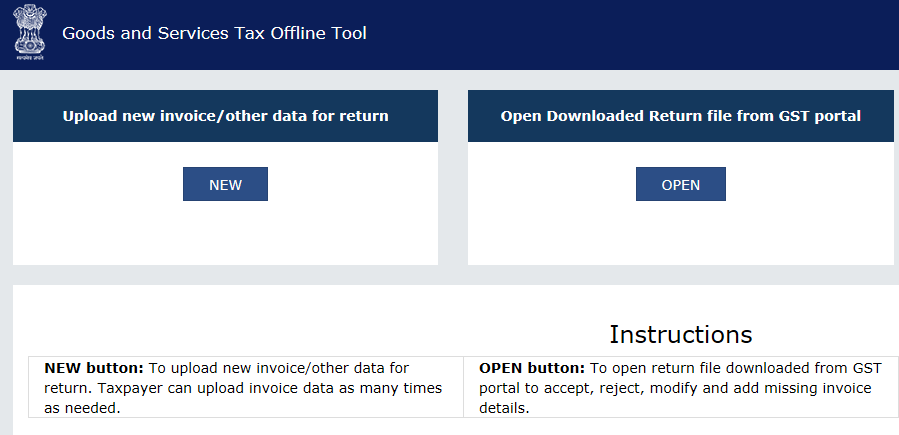 In the Offline Tool, press the New button and update the GST return type, GSTIN fiscal year, and tax period.
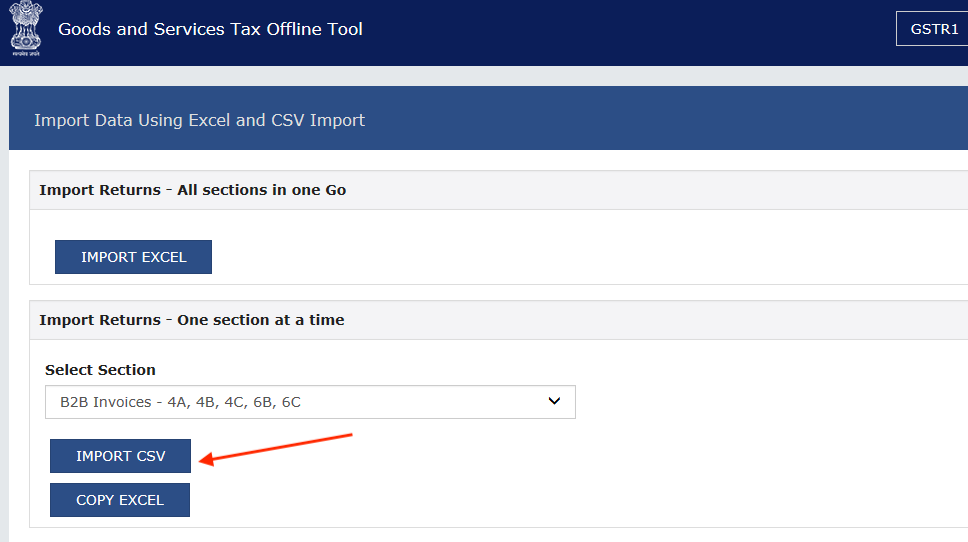
Select Section and Import GSTR-1 CSV in Offline Tool.
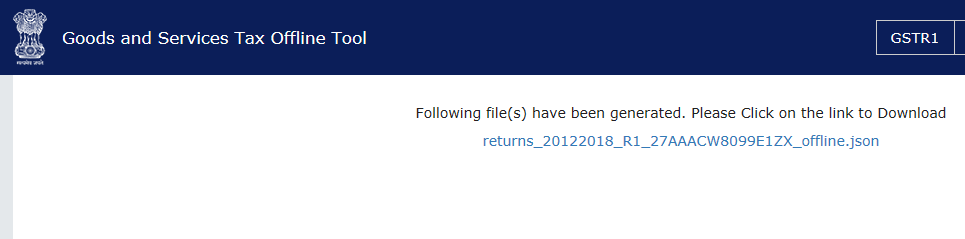
Generate and Download JSON file.
Upload JSON file on GST Portal.