Downloading Backups
You can manually download database backup in Geer ERP. Go to: to see the most recent database backup.
Home > Settings > Download Backups
Every eight hours, a backup is updated and made accessible for download. To download the backup at a specific time, click the link.

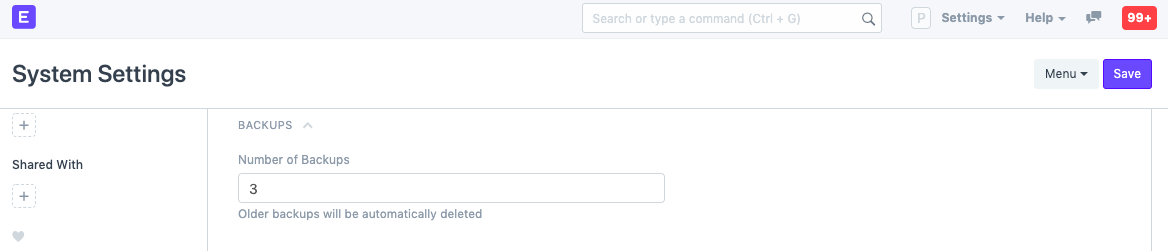
Three of the most recent backups will by default be made accessible for download. Click "Set Number of Backups" to modify this. By doing this, you can change the number of backups that are accessible for download at once under the System Settings.
Downloading Files Backup
When you select Download Files Backup, a link to the private and public file backups will be sent to you through email. To make this function, email configuration is required.

Automating Backups to Cloud Storage
Additionally, you can program your backups to automatically upload to cloud storage services. Geer ERP currently supports:
- Amazon S3
- Dropbox
- Google Drive