Subscription Settings
Subscription Settings
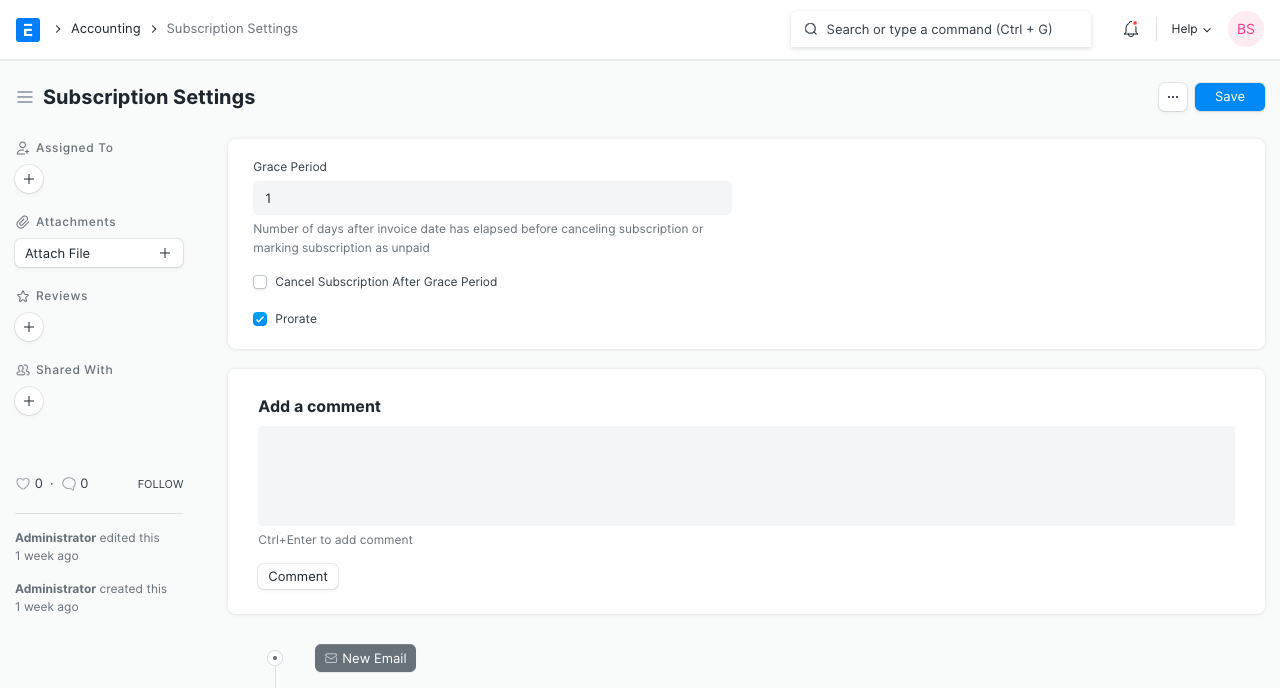
You may set up settings for your ERPNext subscriptions on the Subscription Settings page.
Go to: to access the Subscription list.
Home > Subscription Management > Accounting > Settings for Subscription
1.Grace Period: The number of days following the invoice date before the subscription is cancelled or marked as unpaid.
2.Cancel Invoice After Grace Period: If the Customer does not make a payment, the Subscription will be canceled in ERPNext rather than showing as "Unpaid."