Course Schedule
Course Schedule
An instructor can schedule a specific course using the course schedule.
A timetable or itinerary can be made in the Institute using this tool, and each slot will be scheduled using the course schedule.
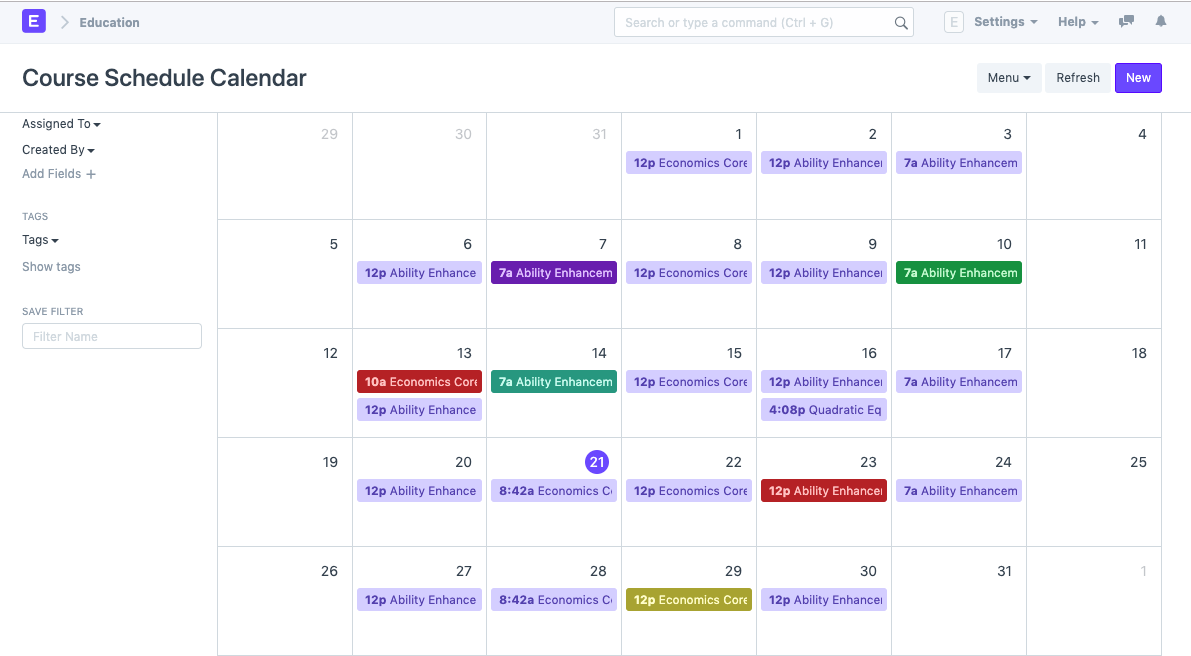
To access Course schedule, go to:
Home > Education > Schedule > Course Schedule
1. Prerequisites
It is suggested that you first create the following things before generating a course schedule:
- Student Group
- Instructor
- Course
- Program
- Room
2. How to create a Course Schedule
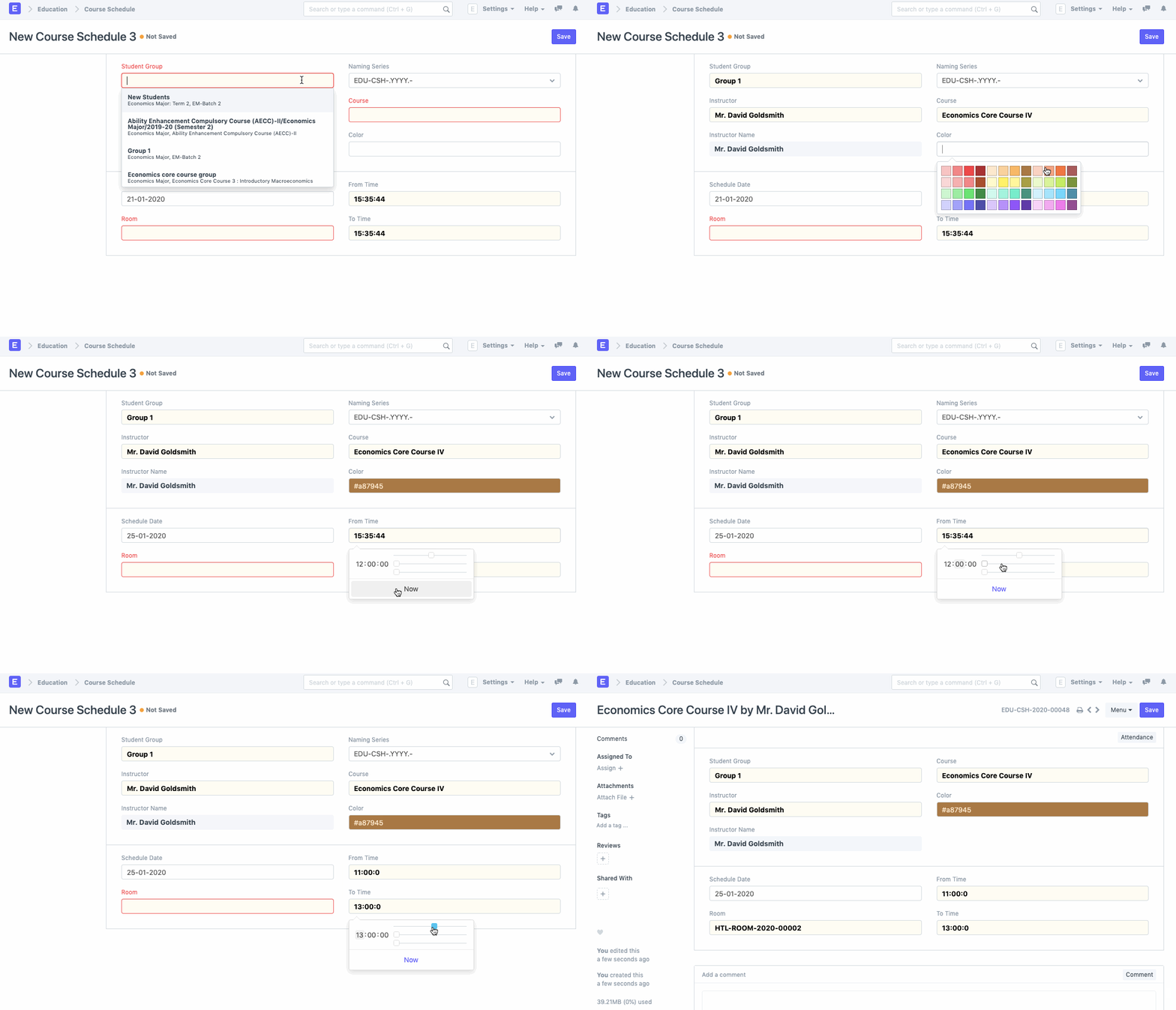
- From the Scheduling Calendar, create a new Course Schedule.
- Choose the student group for which the course schedule is to be created.
- Choose the instructor who will serve as the students' course tutor.
- The course for which the schedule is being created should be chosen.
- For the course schedule, include the From Time and To Time.
- Choose and include the room where the lecture will be held.
3. Marking Attendance
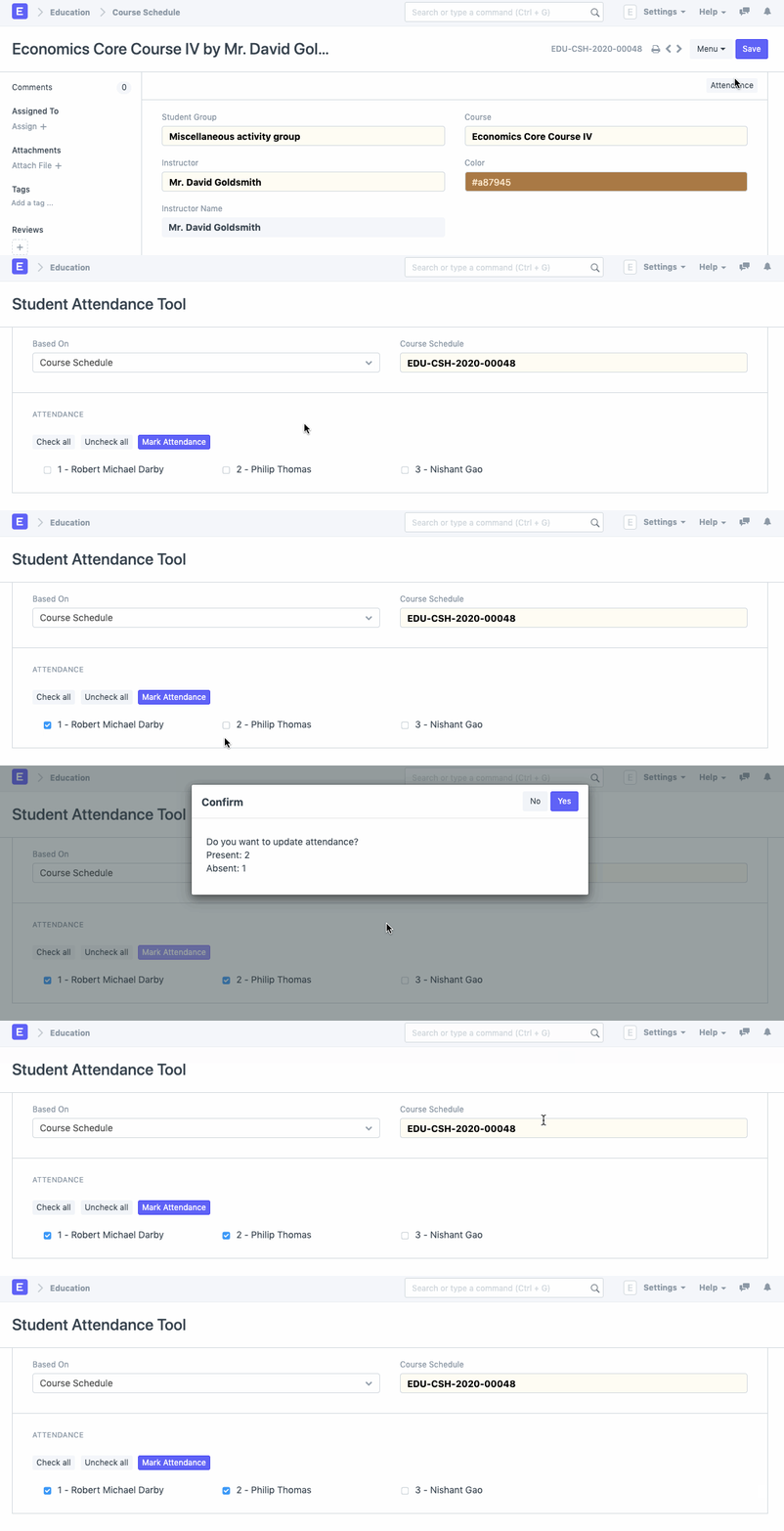
A student group's attendance can be recorded in relation to a course schedule.

Click on Attendance in the course schedule to record your attendance for the course. You will be taken to a page with a list of all the students' names and checkboxes for recording attendance. You can look up the current class list and record attendance. You can also mark attendance by checking or unchecking every box.