Activity Type
Activity Type
A Timesheet can be created against a list of various activity types called Activity Type.
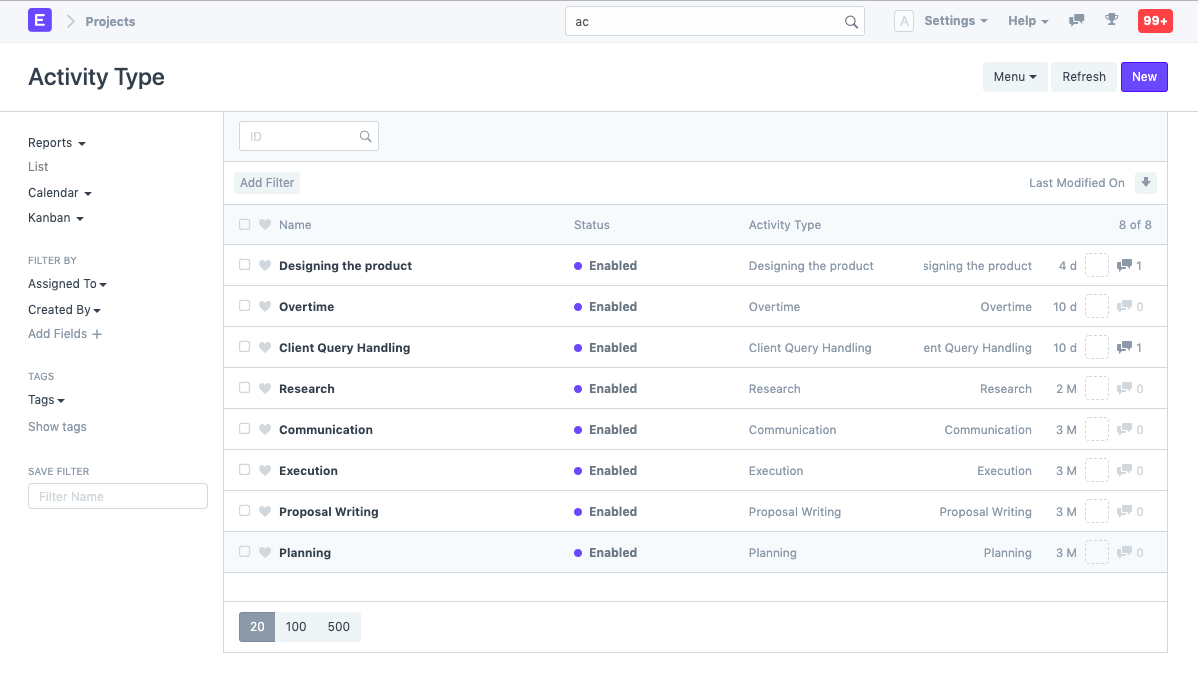
To access Activity Type, go to,
ome > Projects > Time Tracking > Activity Type
1. How to create Activity Type
Click New from the Activity Type List.
Include the Activity Type's subject.
Save.
The Default Costing Rate and Default Billing Rate for each Activity are additional options.
Moreover, it is possible to specify the Default Costing Rate and the Default Billing Rate for Individual Workers. Activity Cost can also be used to configure this.
The following Activity Types are produced by default in ERPNext.
- Planning
- Research
- Proposal Writing
- Execution
- Communication