Serialised Item Valuation Rate calculation
Serialised Item Valuation Rate calculation
When the following transaction is created in ERPNext, the stock value rate for the item is updated:
Purchase Receipt
Stock Entry of type Material Receipt
Stock Reconciliation made for updating stock opening balance
ERPNext supports the FIFO and Moving Average valuation types.
Based on how an item's value will be determined, you can choose the valuation technique. From Stock Settings, it can be customized for each individual item as well as globally for all items.
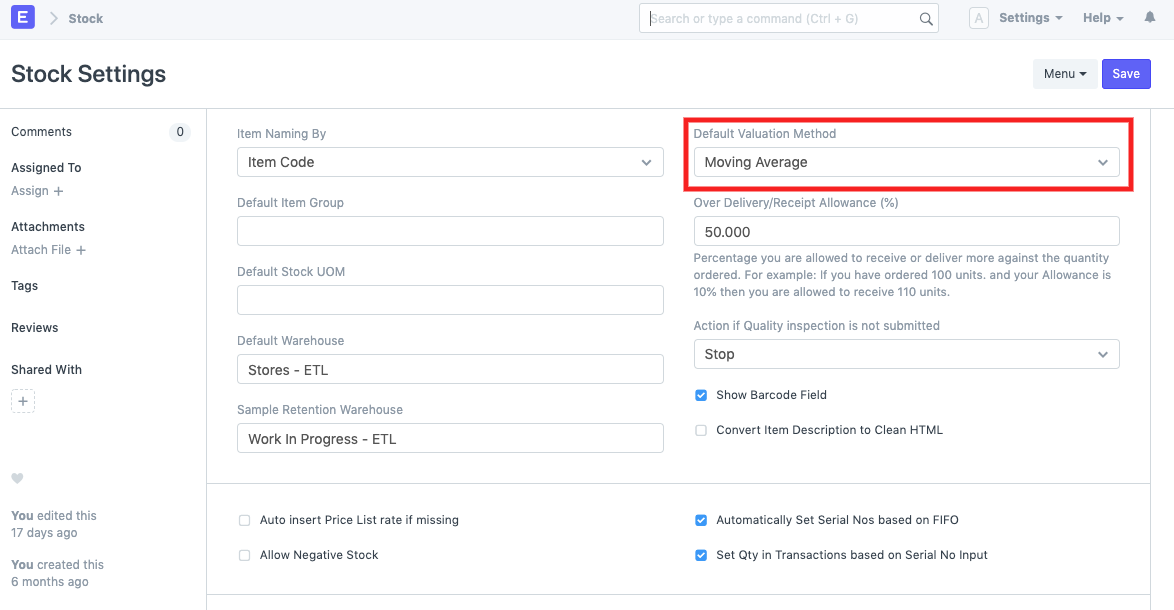
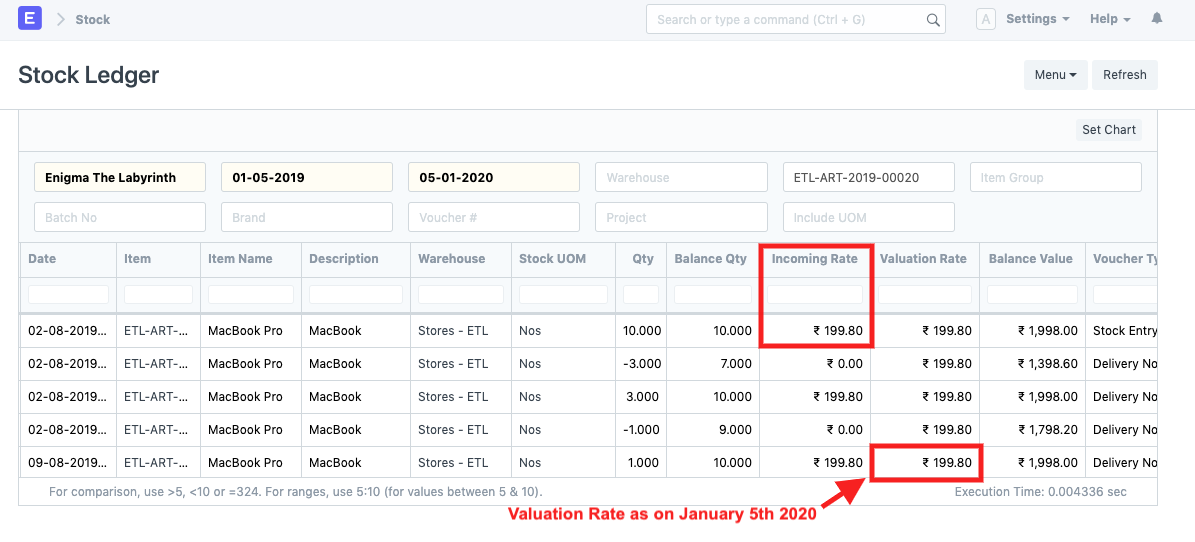
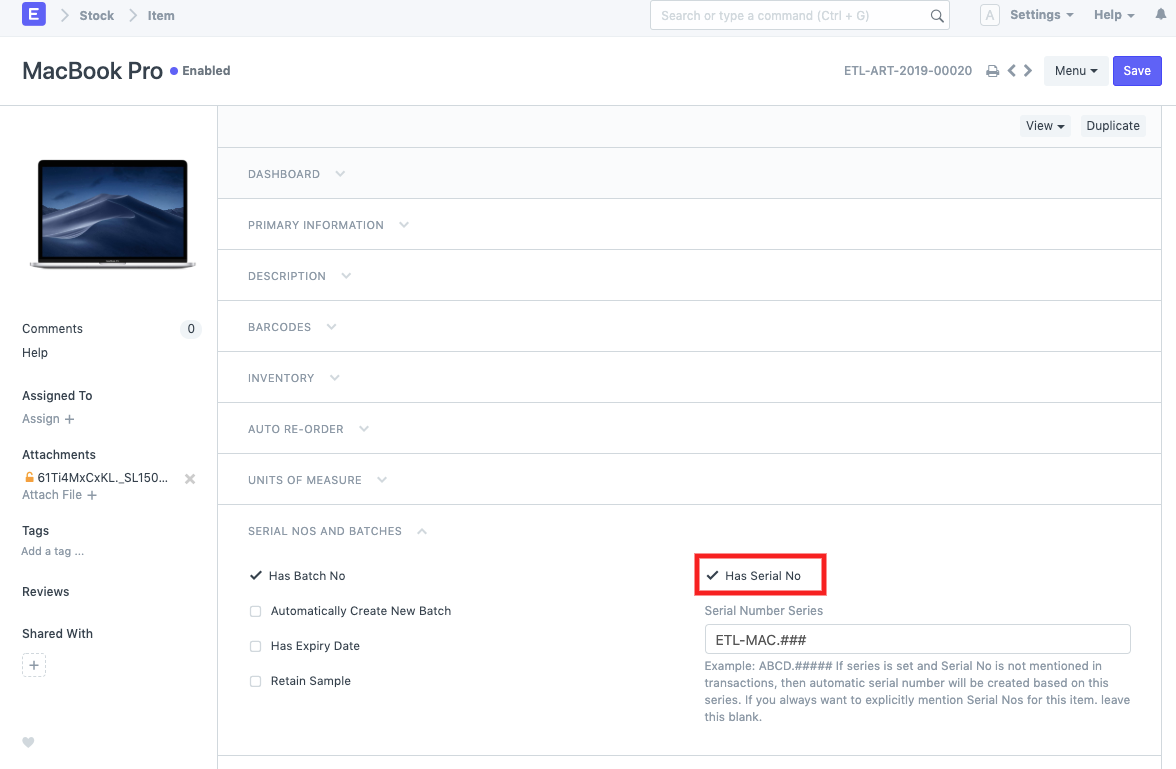
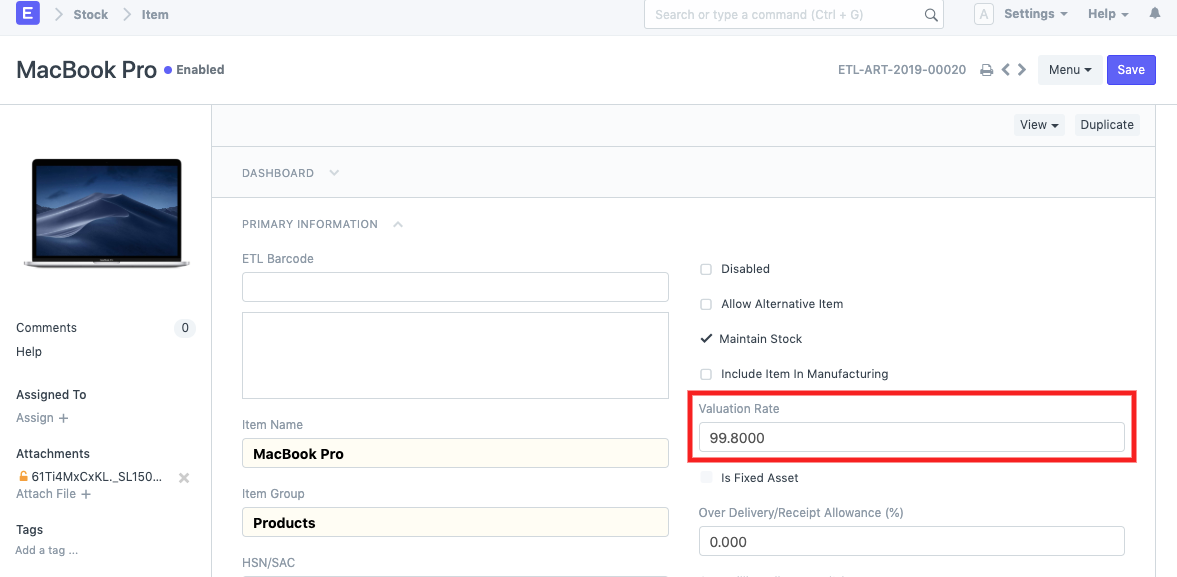
According to the valuation methodology used for each item, item valuation rates are computed. These parameters are disregarded while dealing with serialized items, though. The valuation rate for the serialized item "Macbook Pro" below is not retrieved from the item master. Instead, the first incoming stock entry rate, RS 199.80, is used to update the valuation rate. As a result, it is updated in accordance with the other transactions made with this item.
Master Item:
Stock Ledger: