Sign Up
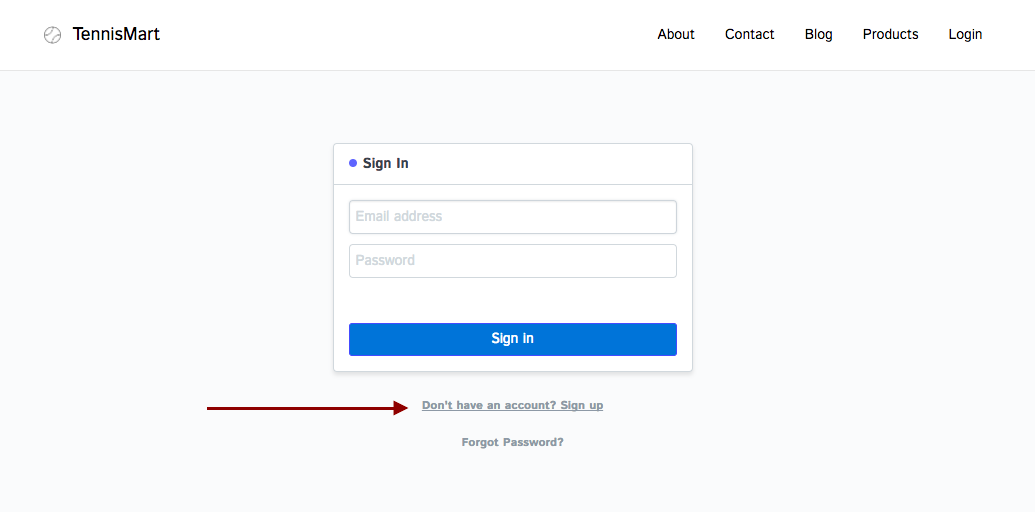
Customers and suppliers can create an account with ERPNext by selecting the Signup option on the Login Page.
Step 1: Signup You can choose to sign up on the Login Page.
Step 2: Enter Customer Name and ID
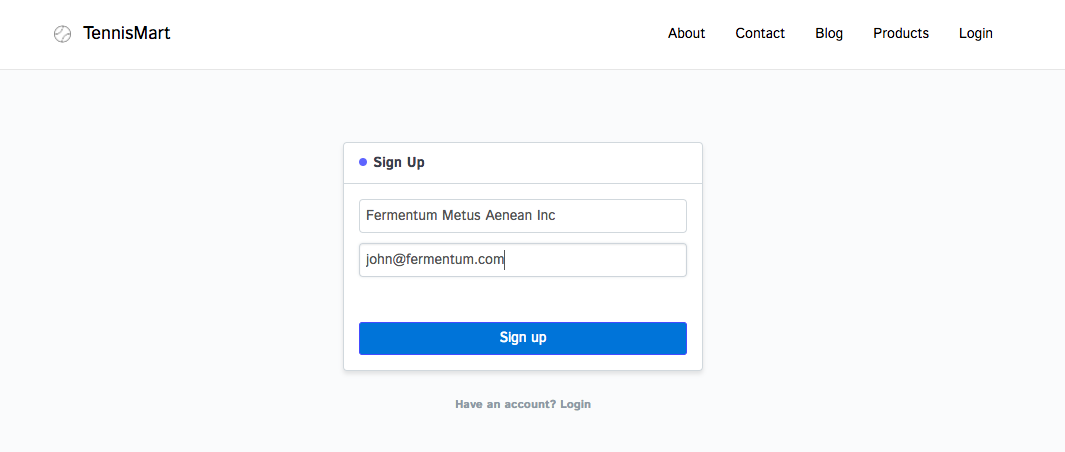
An email containing the password information will be sent to the customer's email address following the sign-up procedure.
Sign Up
gues edited 2 years agoSign Up