Purchasing an Asset
For purchasing a new asset:
- Create a category for assets
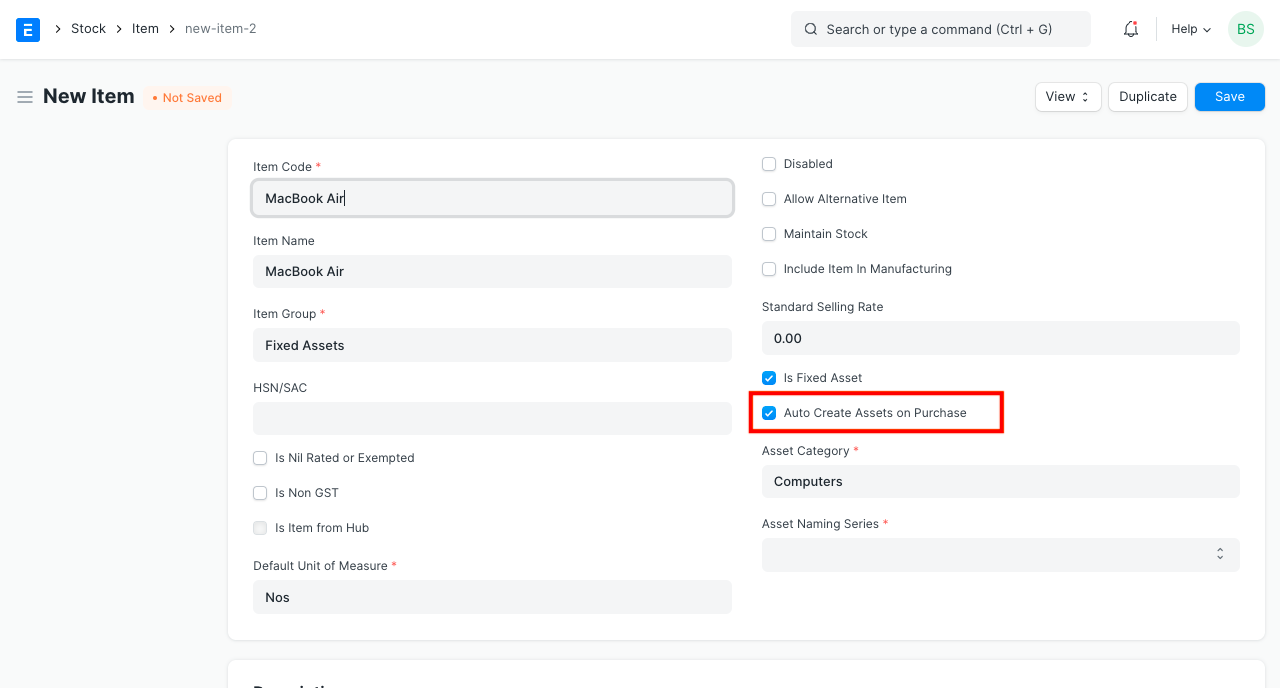
- Create a related item with the option "Is Fixed Asset" activated.
- For automatic asset creation, you can also enable "Auto Create Assets on Purchase." (Optional)
- The asset procurement cycle should then be followed after that.
- In the Items table of the Purchase Receipt or Purchase Invoice through which you are receiving the item, enter the Asset Location.
- Asset records will be automatically created upon submission of a purchase receipt if the auto creation checkbox is selected. The Asset form will then allow you to manually enter the remaining information.
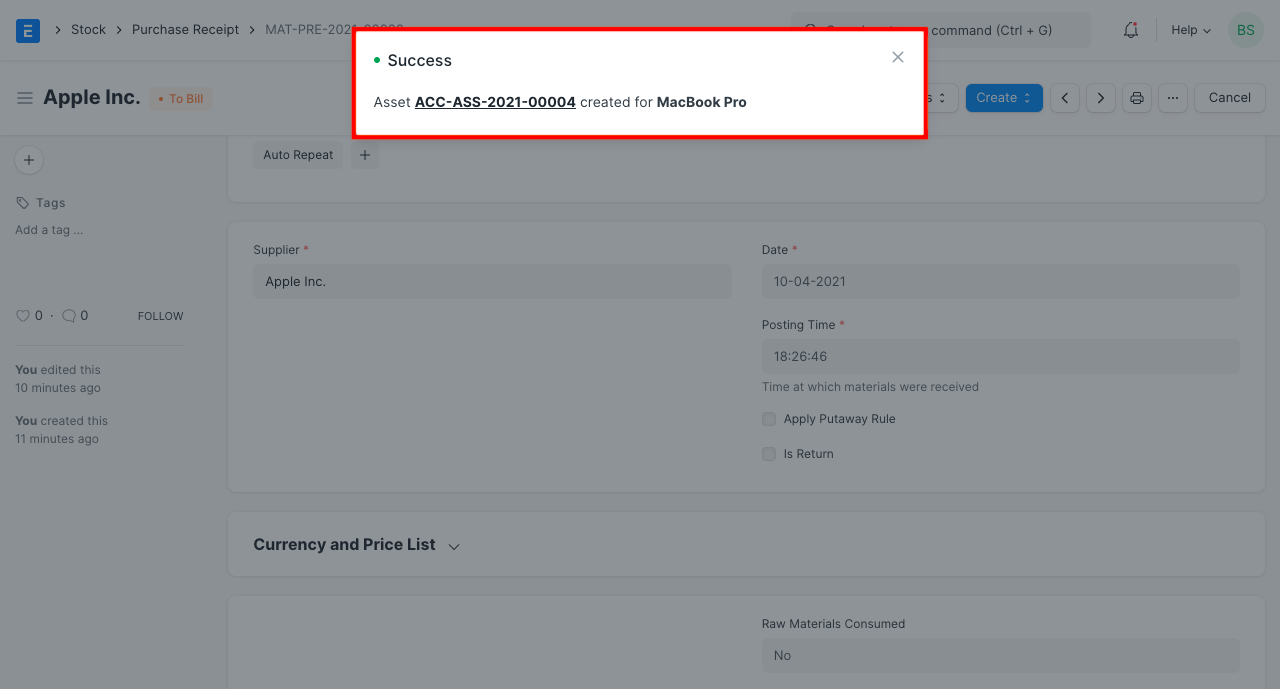
If Capital Work In Progress Accounting is enabled in the Asset Category of the acquired asset, further accounting entries will be posted upon submission of the receipt entry.
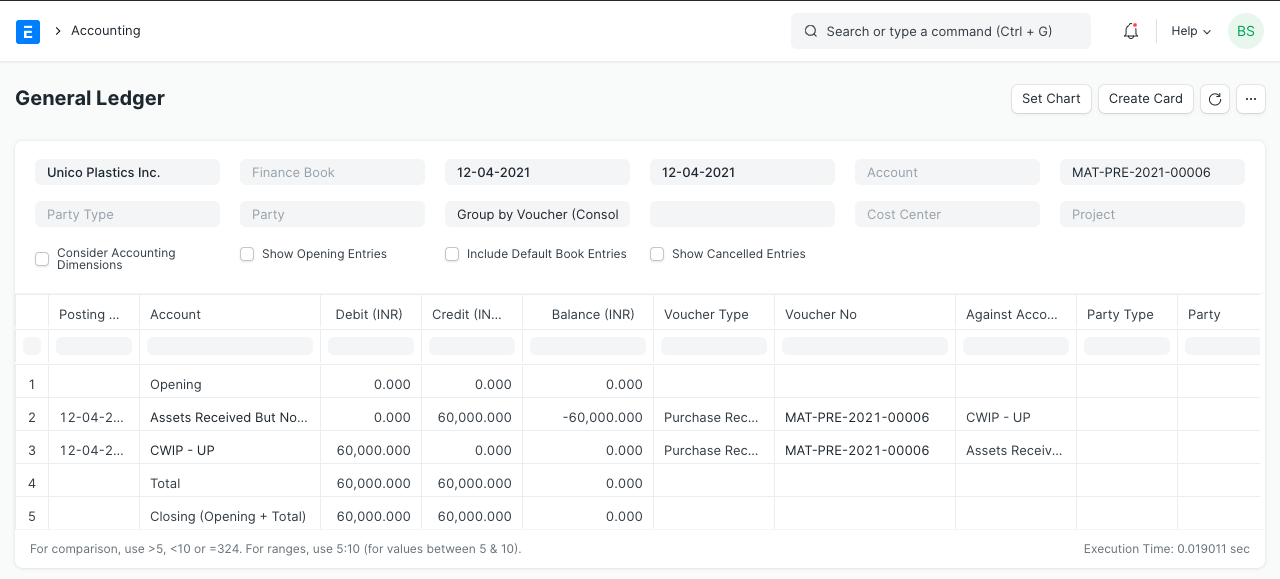
It is clear that Capital Work in Progress (CWIP) has been debited in this instance rather than the appropriate asset account. This is because the asset has only recently been purchased and is not yet usable. The asset value is kept against this account up until the asset is put to use. The CWIP account is credited and the matching asset account is debited on the day it becomes usable.
The receipt entry will be made against relevant asset accounts set in the Asset Category if "Capital Work In Progress Accounting" is disabled in the Asset Category.
Additionally, Geer ERP employs the "Asset Received But Not Billed" temporary account, which is a liability account that is credited upon submission of the Purchase Receipt entry. Later, this account is debited or reversed upon submission of the purchase invoice.