Create Payroll Entry with Timesheets
Create Payroll Entry with Timesheets
Use Case: Using timesheets, an employee's overtime is tracked, and in addition to his regular pay, the employee must be paid for it at payroll.
Steps:
1) Construct a worker.
2) Construct an Earned Salary Component with the name "Overtime."
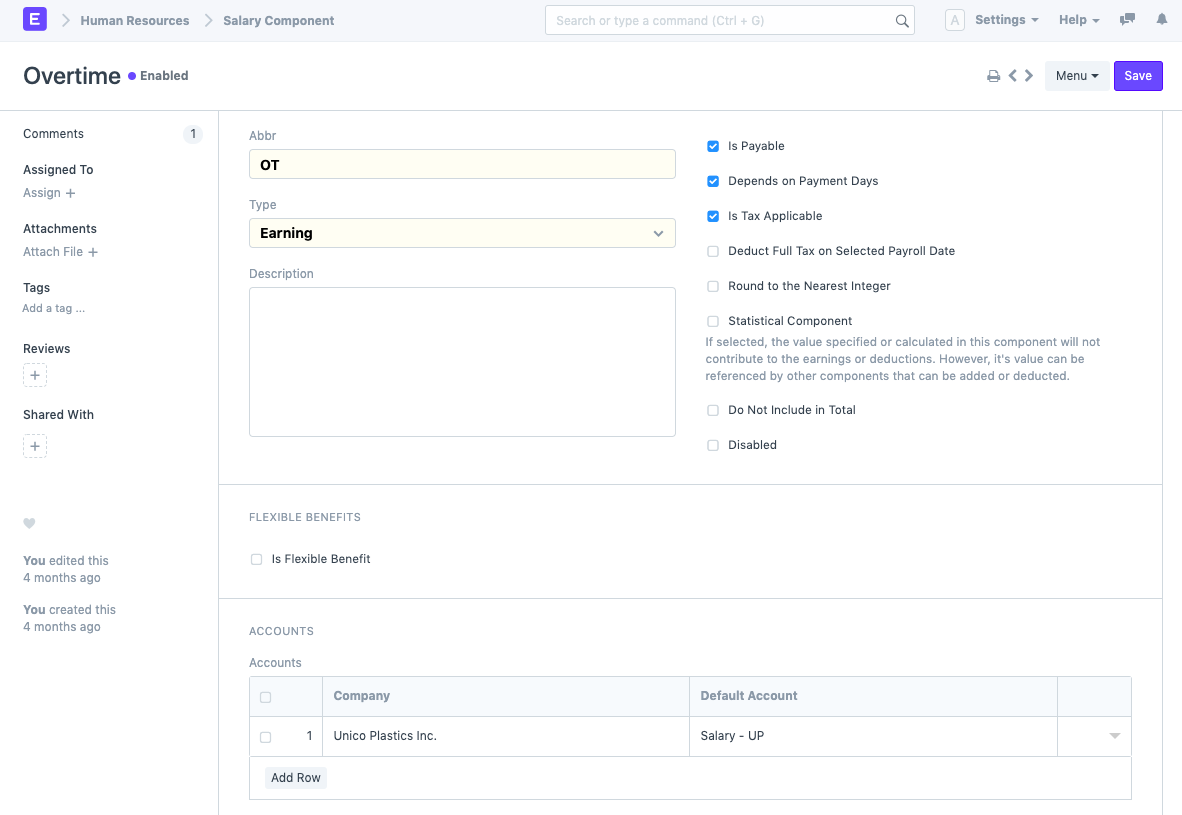
3) Include "Overtime" in your salary structure, but set the value to 0.
4) In the actual salary structure, check the "Salary Slip Based on Timesheet" box, choose the "Overtime" salary component, and enter the hourly rate.
.png)
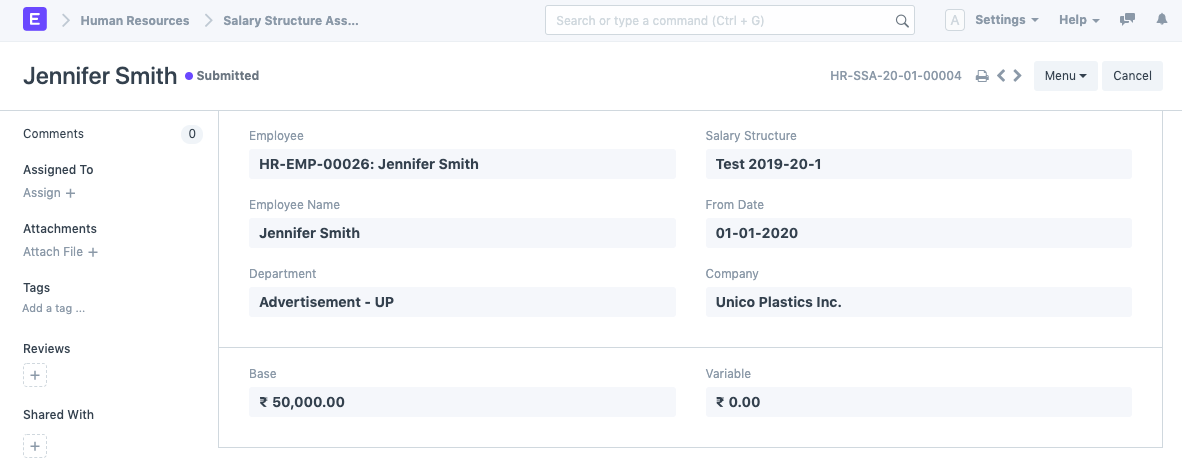
5) Submit the salary structure and use the salary structure assignment tool to allocate this salary structure to an employee.
6) Use the Timesheet DocType to create timesheets for this employee.
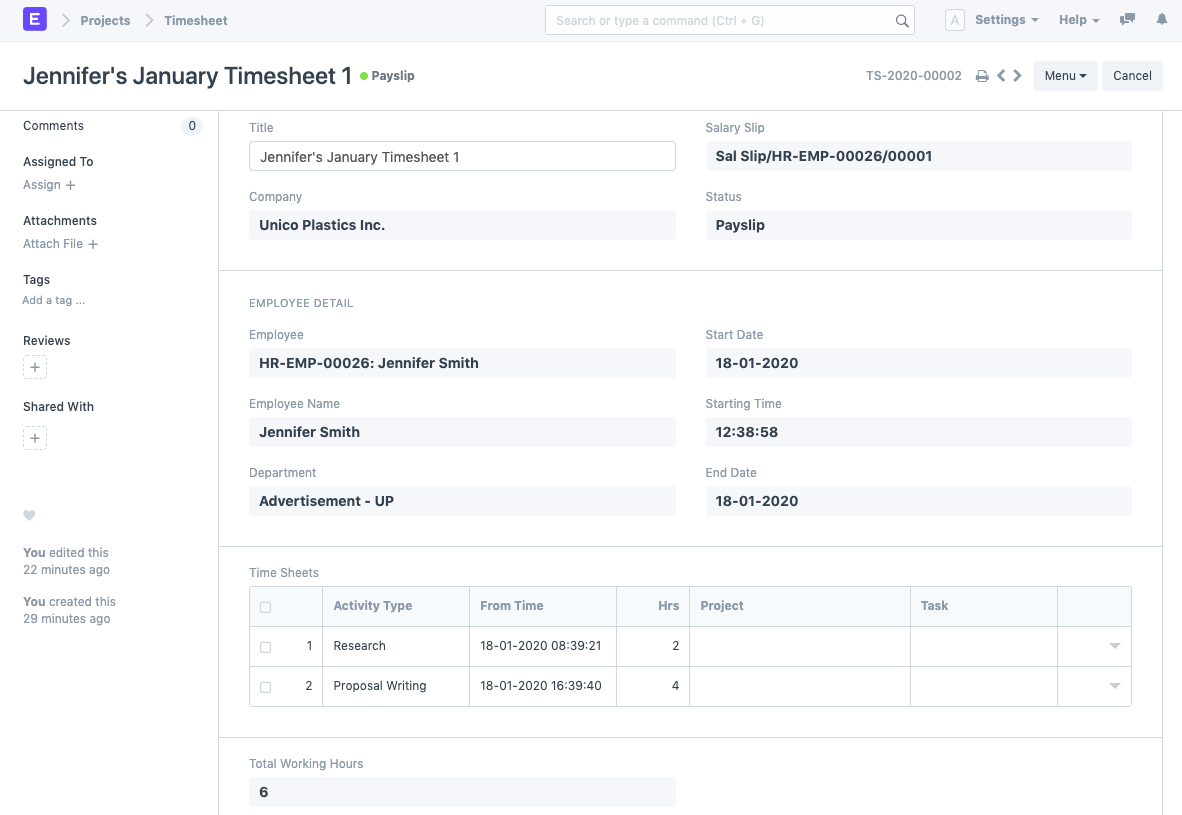
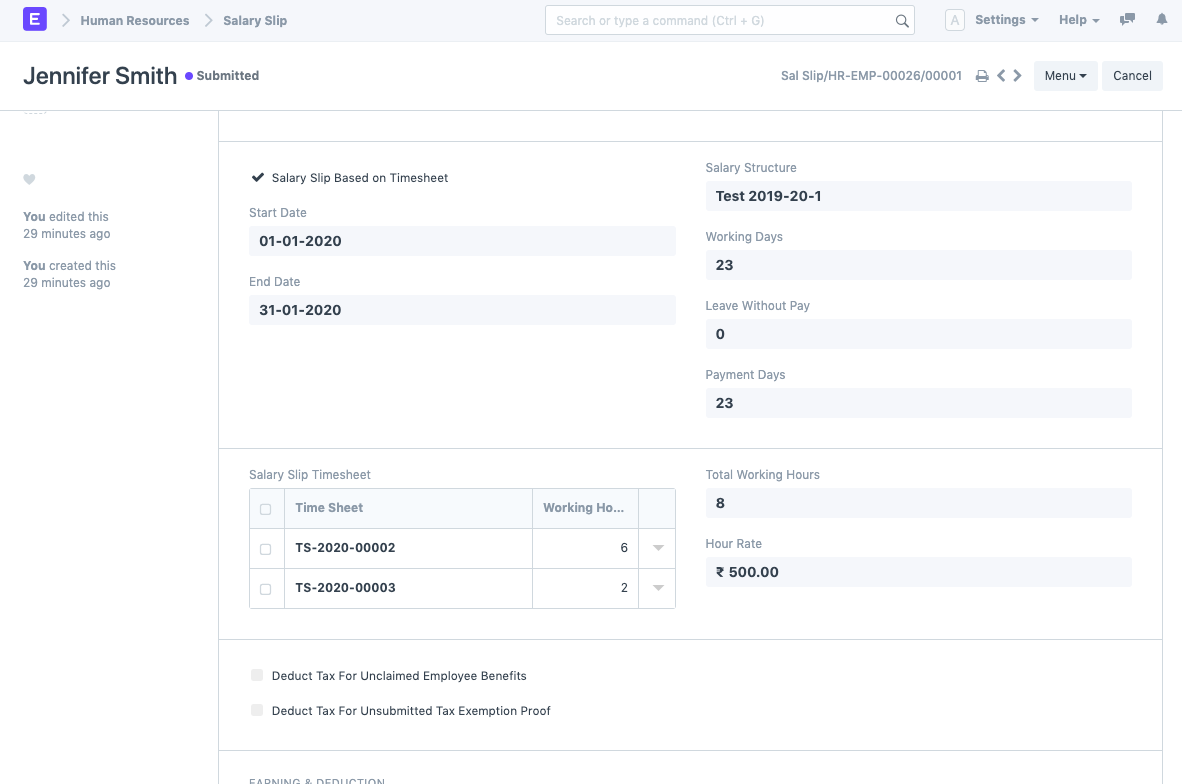
In the aforementioned illustration, the employee has a total of 8 hours of overtime in the month of January.
7) Add a new payroll entry for the month of January, and check the option for "Salary Slip Based on Timesheet." Save. Choose "Get Workers" from the menu. Next select "Generate Salary Slips."
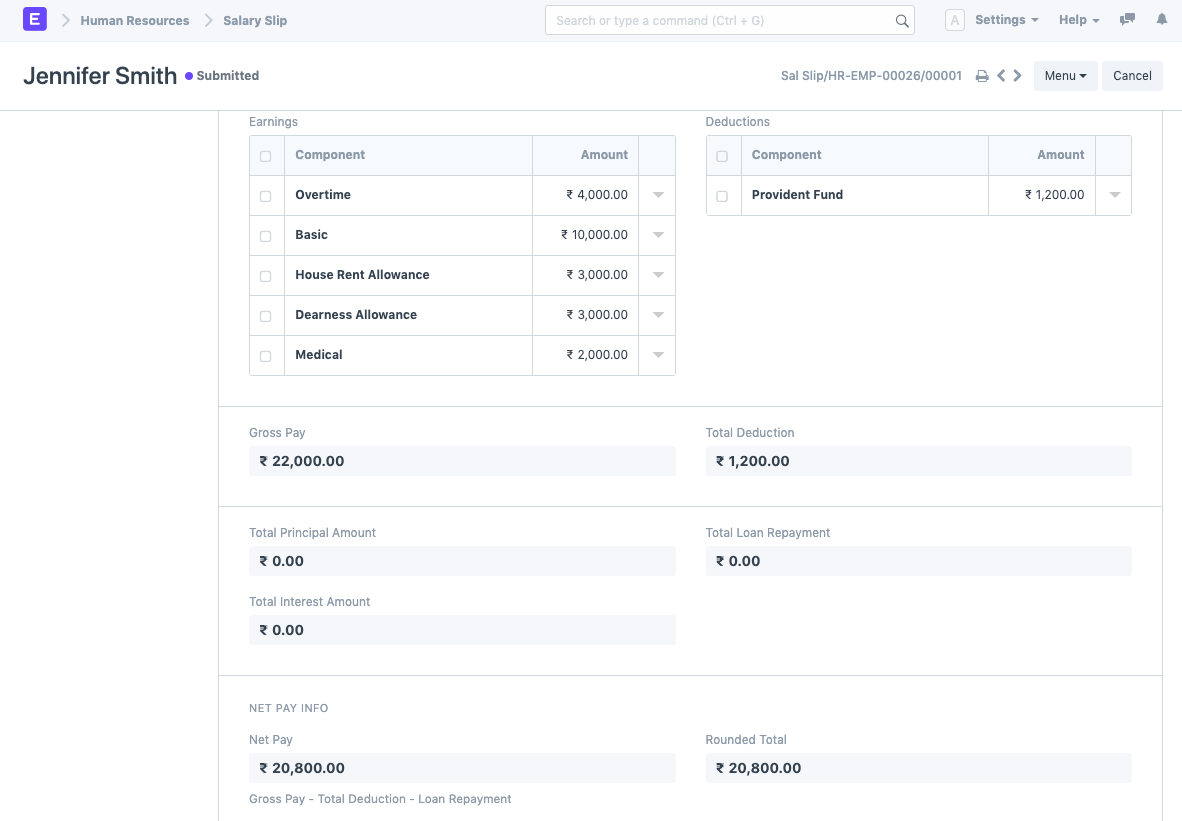
If any timesheets were made for that particular month, the employee's salary slip will retrieve them all and use the information to compute the overtime component.