Website Security
Website Security
ERPNext makes it simple to create a website. On the website, we may make blogs and list our products. Products are directly retrieved from your ERPNext account's Item Master records. Some people want to restrict who has access to the website created by ERPNext. This is due to the possibility that some of the things are not generally accessible.
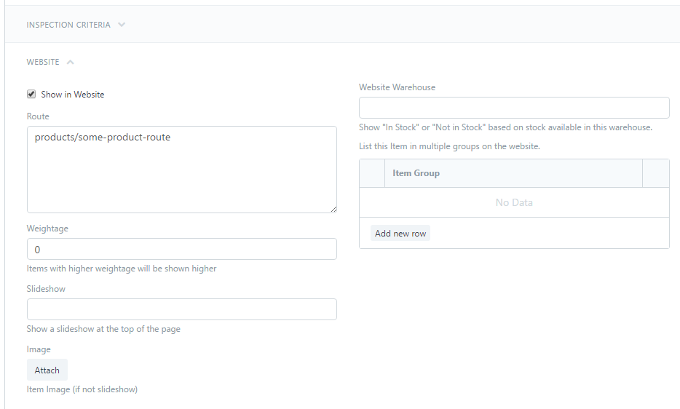
Well, this feature isn't accessible right now. You cannot restrict who can visit the website created by ERPNext. The website will be accessible to the public if you publish it. You can always decide which products to display on the website, even though you cannot control who can access the website. Go to Selling > Items and Prices > Item and select the Show in Website checkbox in the Item form to display or hide an item on your website.
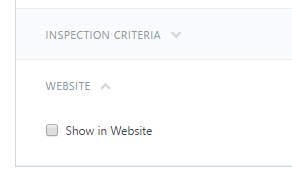
When the checkbox is selected, additional fields that you can fill out to provide information about the product that will be displayed on the website will appear.