Course Scheduling Tool
Course Scheduling Tool
You can build course schedules in bulk for a certain Student Group and an Instructor using a course scheduling tool.
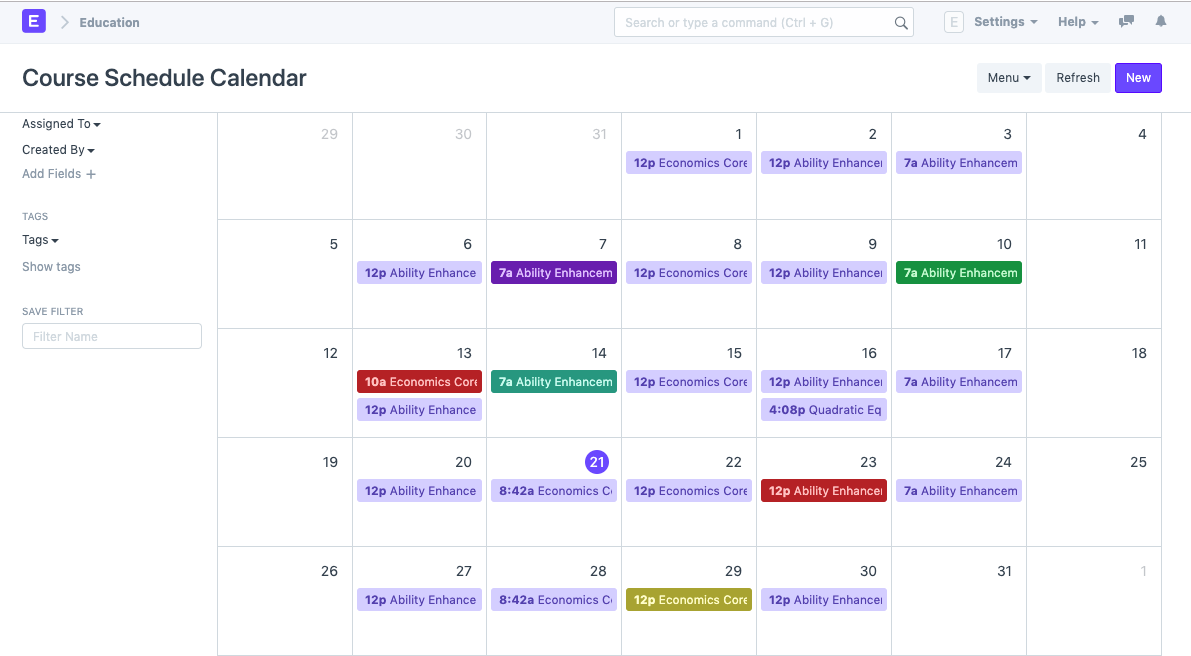
To access the Course Scheduling Tool, go to:
Home > Education > Schedule > Course Scheduling Tool
1. Prerequisites
It is suggested that you first create the following things before generating a course schedule:
- Student Group
- Instructor
- Course
- Room
2. How to create a Course Schedule using the Course Scheduling Tool
Choose the Student Group, then add it. The Academic Year, Academic Term, and Program will automatically populate after you've done this.
Choose and include the course.
The instructor whose lectures are being booked using the tool must be chosen and added.
Choose and include the room where the lectures will be held.
A schedule that works for you should be the From Time and To Time.
For the course schedule, choose the start and end dates for each course.
Decide which day of the week the required course lecture should be scheduled for.
When you click the Schedule Course button, the Tool will plan the necessary course lectures depending on the dates and days you've chosen.
