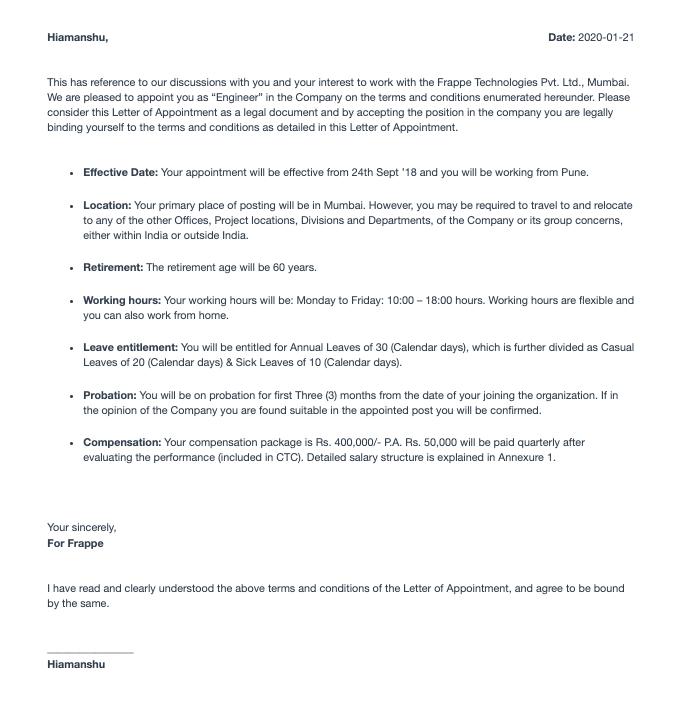
Appointment Letter
Appointment Letter
Introduced in Version 13
The letter from the company asking the chosen candidates to work for them in a certain role.
An appointment letter can be made in ERPNext and given to applicants. Go to: to access the appointment letter.
Home > Human Resource > Recruitment > Appointment Letter
1. Prerequisites
The following should be written before an appointment letter:
- Job Applicant
2. How to Create an Appointment Letter
1.Click New on the Appointment Letter list page.
2.Choose the appointment date and the job applicant.
3.The Introduction, Terms, and Closing Statement can be filled out by hand, or you can choose an appointment letter template to have the material automatically filled in. To choose them quickly, you can design fresh appointment letter templates.
4.Choose Save.
5.After saving, view and save the PDF of the appointment letter in Print View.
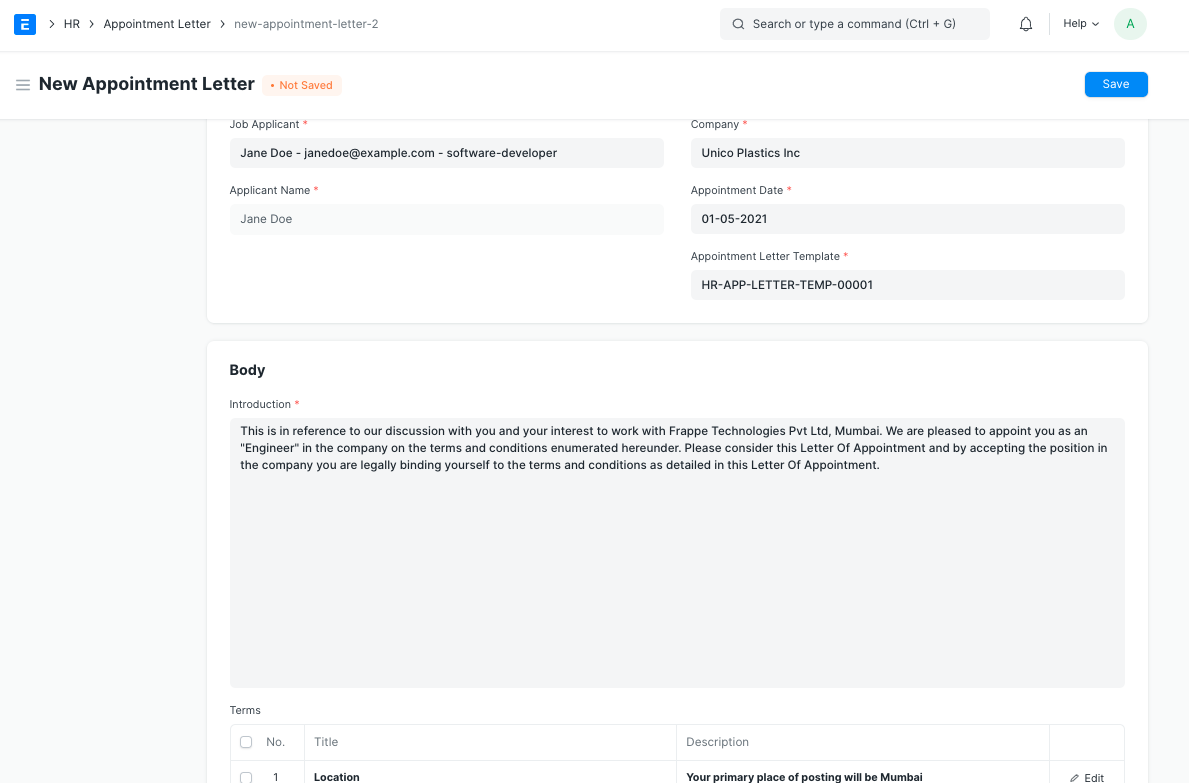
Note: Only a job applicant may be the subject of an appointment letter.
3. Features
3.1 Appointment Letter Template
1.Navigate to the list of appointment letter templates and select New.
2.Include an introduction, a list of terms, and a conclusion.
3.Choose Save
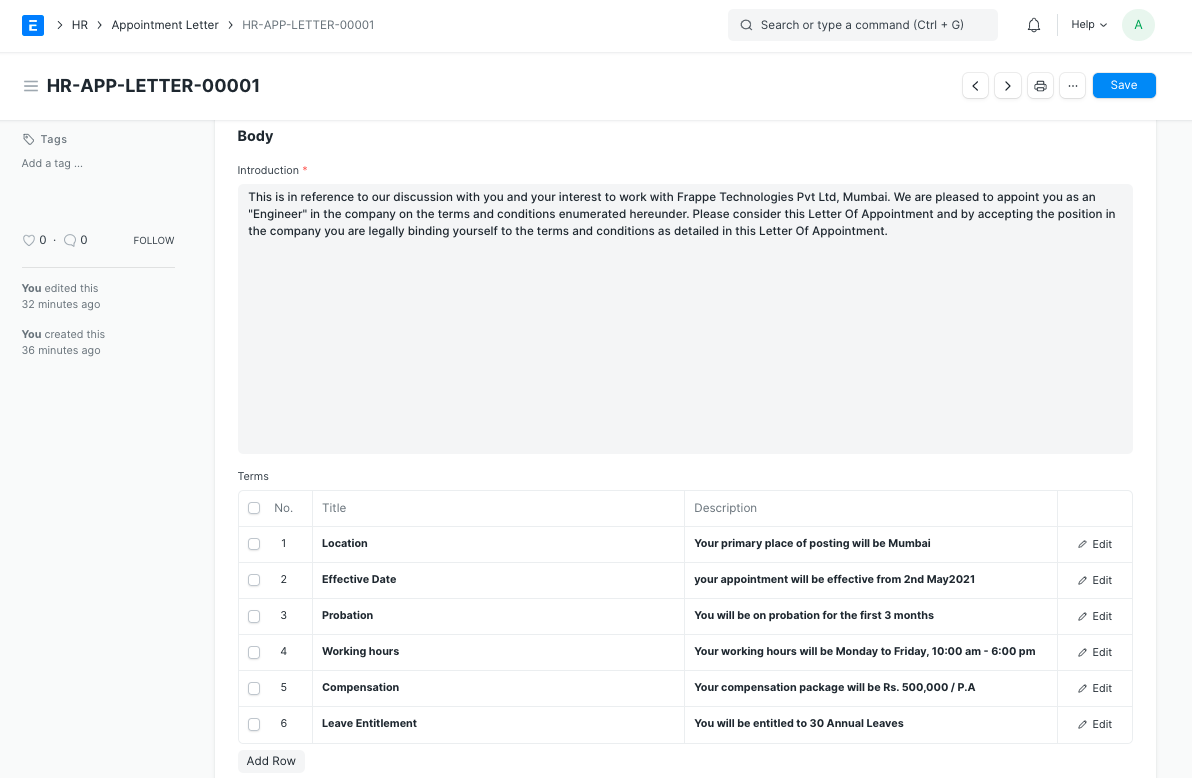
Note The content is automatically filled in when the appointment letter template is selected.
3.2 Print Format
You can develop brand-new print formats or make use of preexisting ones.