Change the Rate of Items in the Sales Cycle
Change the Rate of Items in the Sales Cycle
The prices of the items on the sales invoice may occasionally be different from the ones stated in the sales order. To allow this configuration within ERPNext, you can take the following actions:
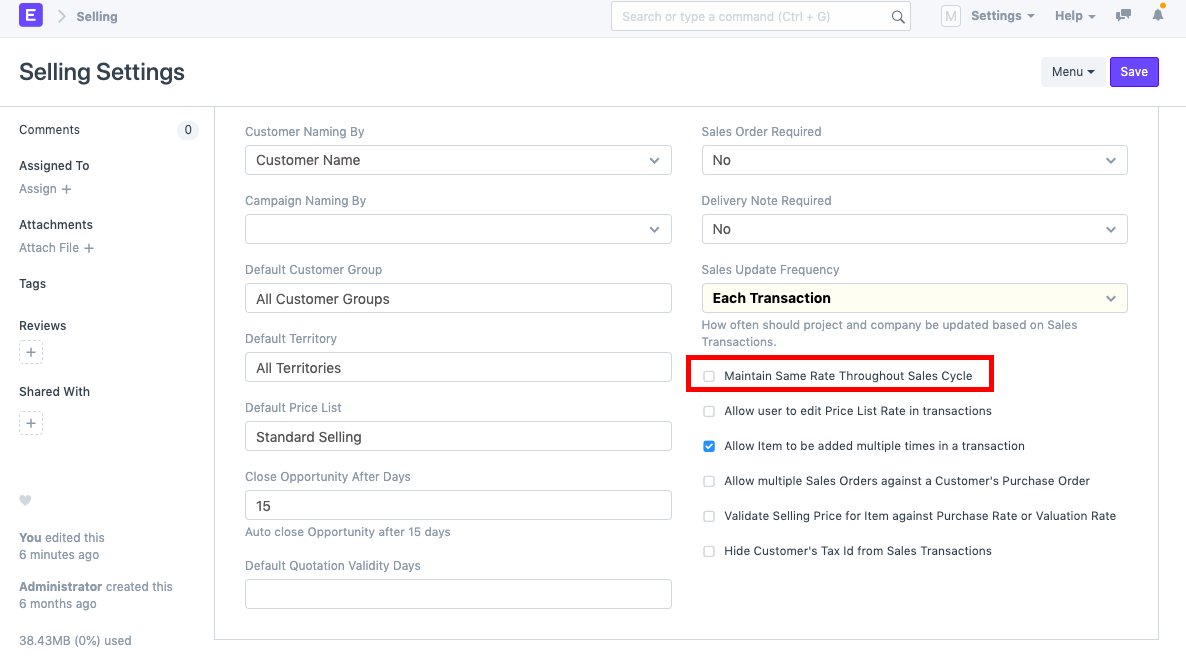
1) Under Selling Options, make sure the box labeled "Maintain Same Rate During Sales Cycle" is unchecked. With this feature, you can specify various prices for the same goods in various sales transactions (Sales Order, Delivery Note, Sales Invoice, etc.).
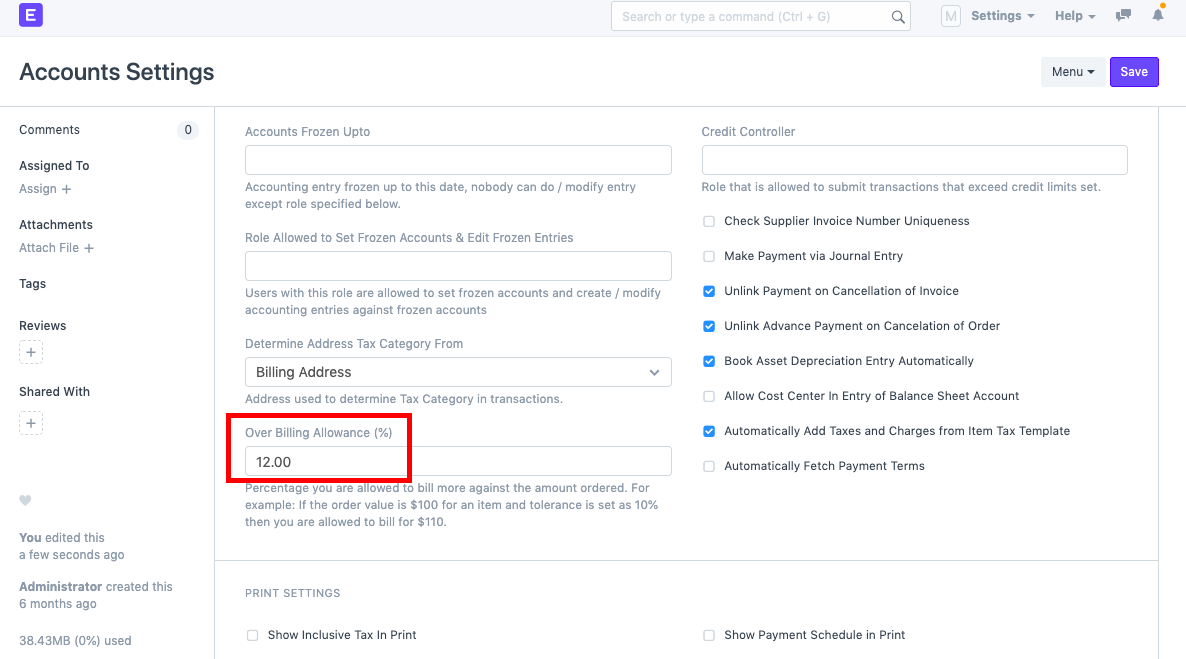
2) Configure the Over Billing Allowance (%) in Accounts Settings.
You can alter the prices of an item in a Sales Transaction using the two parameters mentioned above.