Amending Purchase Order after Submit
Amending Purchase Order after Submit
Purchase order rates and quantities can now be changed using the Update Items button after submission.
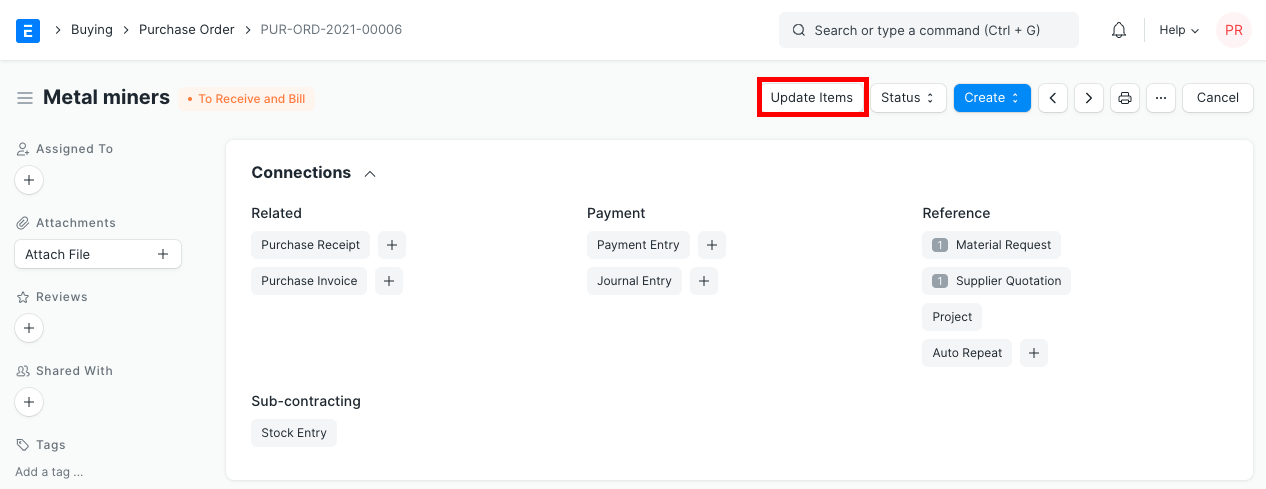
Click the Update Items button to update the rate and quantity in a submitted purchase order. To allow you to make the modification, a dialog box will appear.
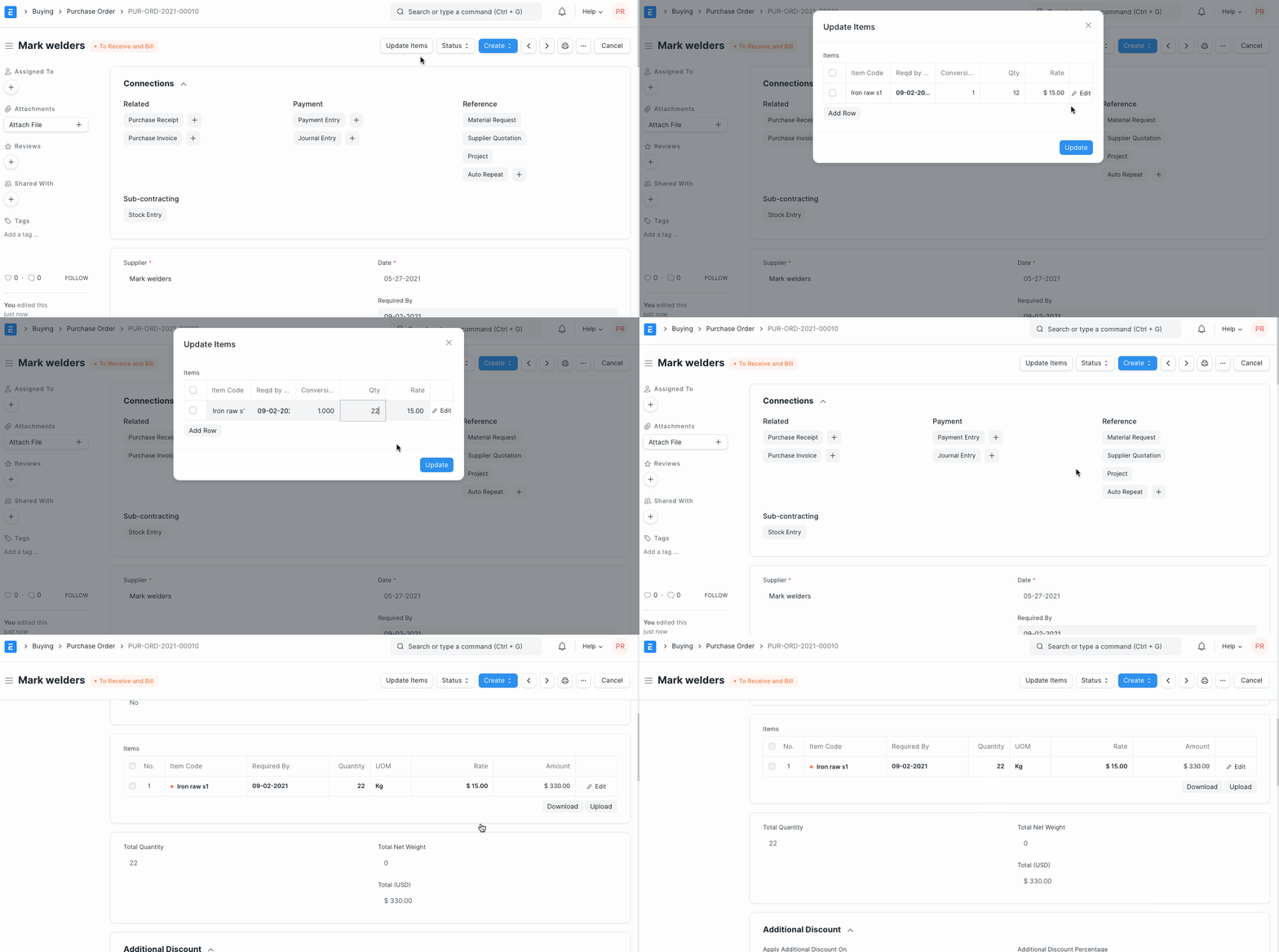
Please take note of the following use cases and validations:
1.If a purchase order has a purchase invoice and receipt, Update Features verifies this.
2.For both partially and fully received Purchase Orders, the quantity can be modified. It is not possible to change a purchase order that contains a completed purchase receipt.
3.For uninvoiced and partially invoiced Purchase Orders, the rate can be modified. It is not possible to update a purchase order that contains a submitted purchase invoice.